How to photograph logs for counting
- 1
Face the cut ends
Stand behind the truck or in front of the pile and hold the camera level with the ends. From the side, logs can't be told apart.
- 2
Fit the whole load, split long piles
Include the top and outer logs with a small margin. Photograph a long roadside pile in sections that don't overlap and add up the totals.
- 3
Check thin and shaded ends
Zoom into small logs wedged between big ones, ends in shadow under the top layer and ends covered in mud or loose bark.
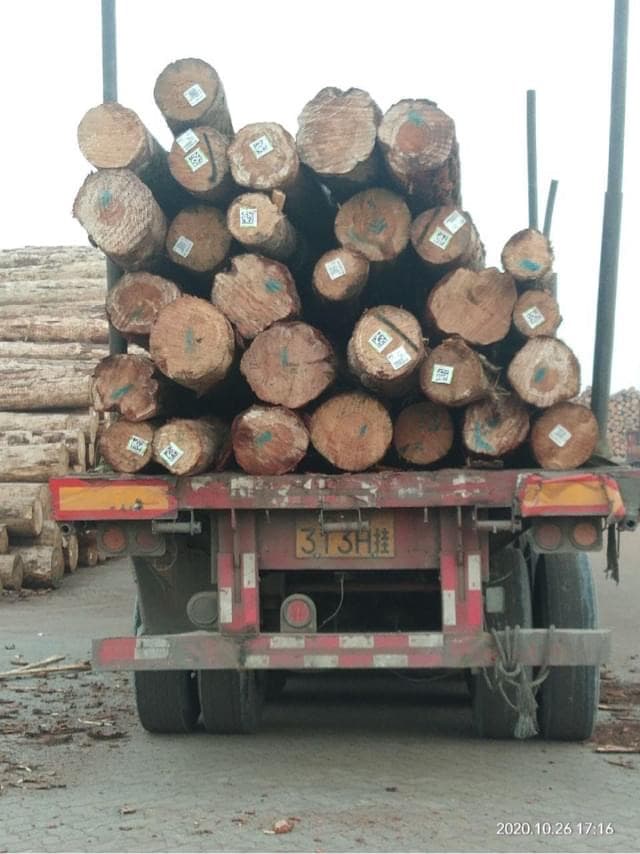
Photo example
Cut ends at the back of a loaded timber truck, each a separate disc.
The tool's sample opens saved example markers; uploading your own photo runs a new count.
29 logs are marked in the tool's sample photo.
When to count logs from a photo
Timber yards, sawmills and log buyers count the logs on every truck that arrives or leaves, and forestry crews count roadside stacks before they're hauled away. Counting the ends of a tall load by eye is slow and hard to agree on. Photograph the back of the truck, check the markers and save the image, so the driver and the yard check the same picture with the total and the date.
Questions about counting logs
Is there an app to count logs on a truck?
You don't need to install one. Tallypic works in your phone's browser: open this page, tap Take a photo and aim at the cut ends at the back of the truck. Check the markers, then save the marked image to your phone. There are free counts every day and no signup.
Can it measure log diameter or volume?
No. It counts the logs and marks each one, but doesn't measure them. Work out diameters and volume with your usual scaling method; the marked image helps make sure no log is left out.
Can I count square timber or sawn lumber?
Choose Square timber in the object picker before uploading. This page starts with the round log model.
More counting guides
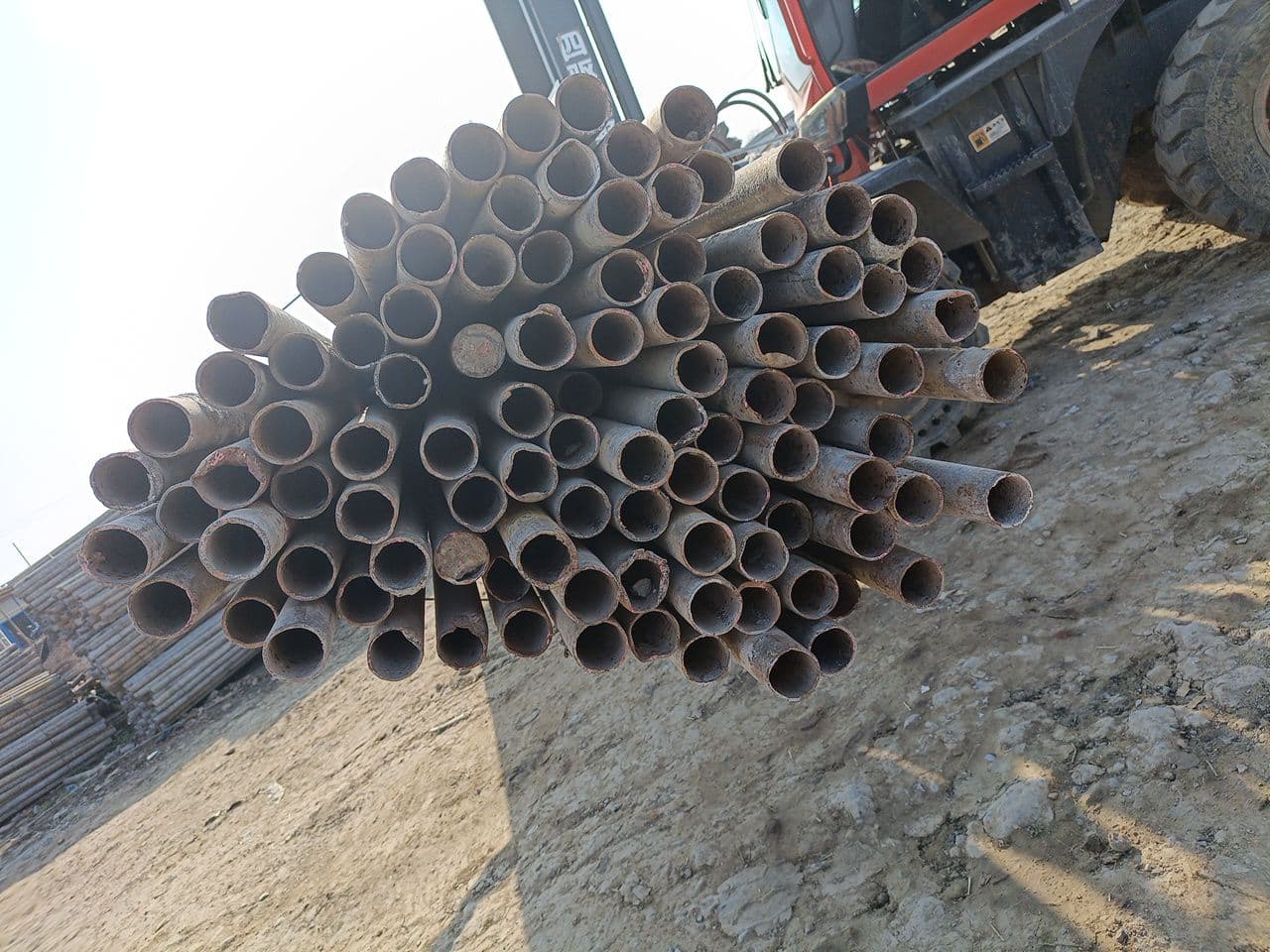 Steel pipesFace the pipe endsOpen counter & guide
 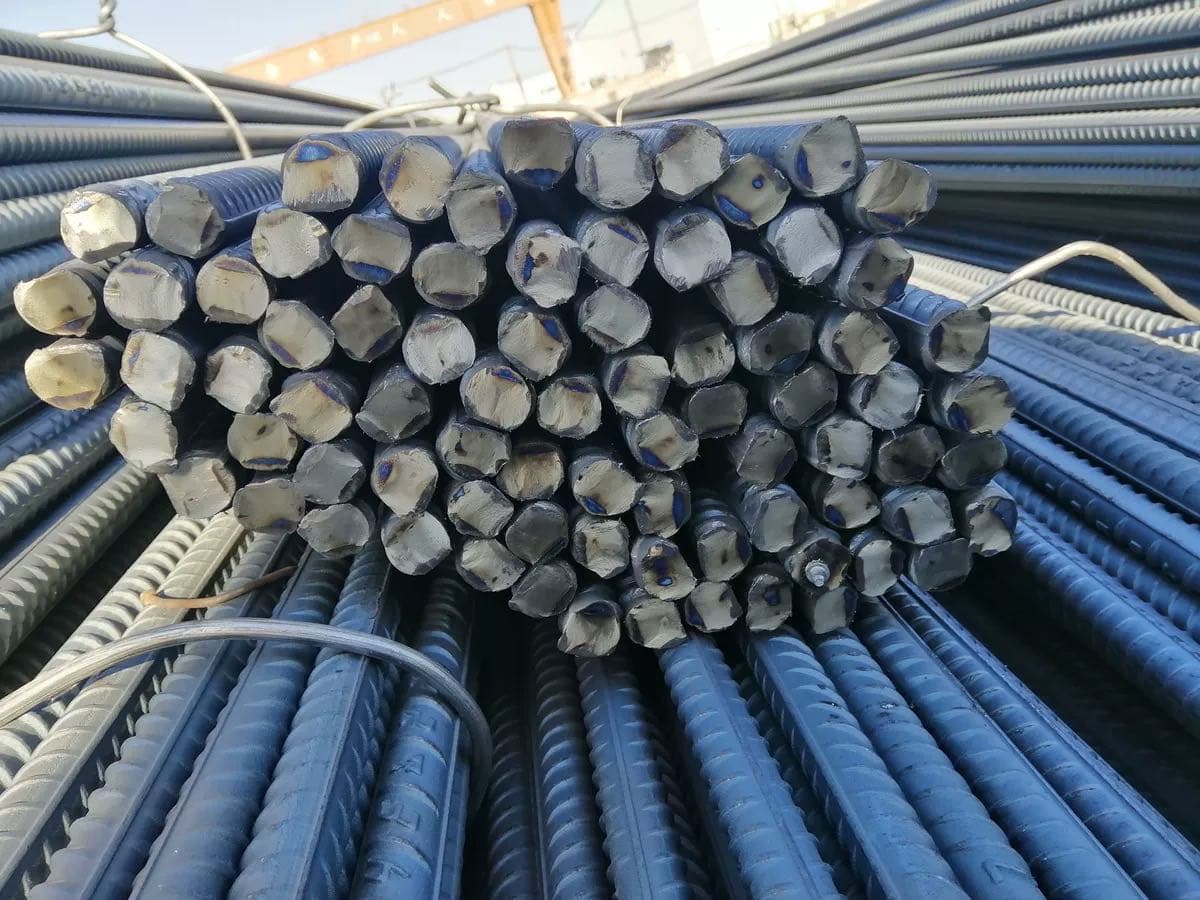 RebarPhotograph the cut endsOpen counter & guide
 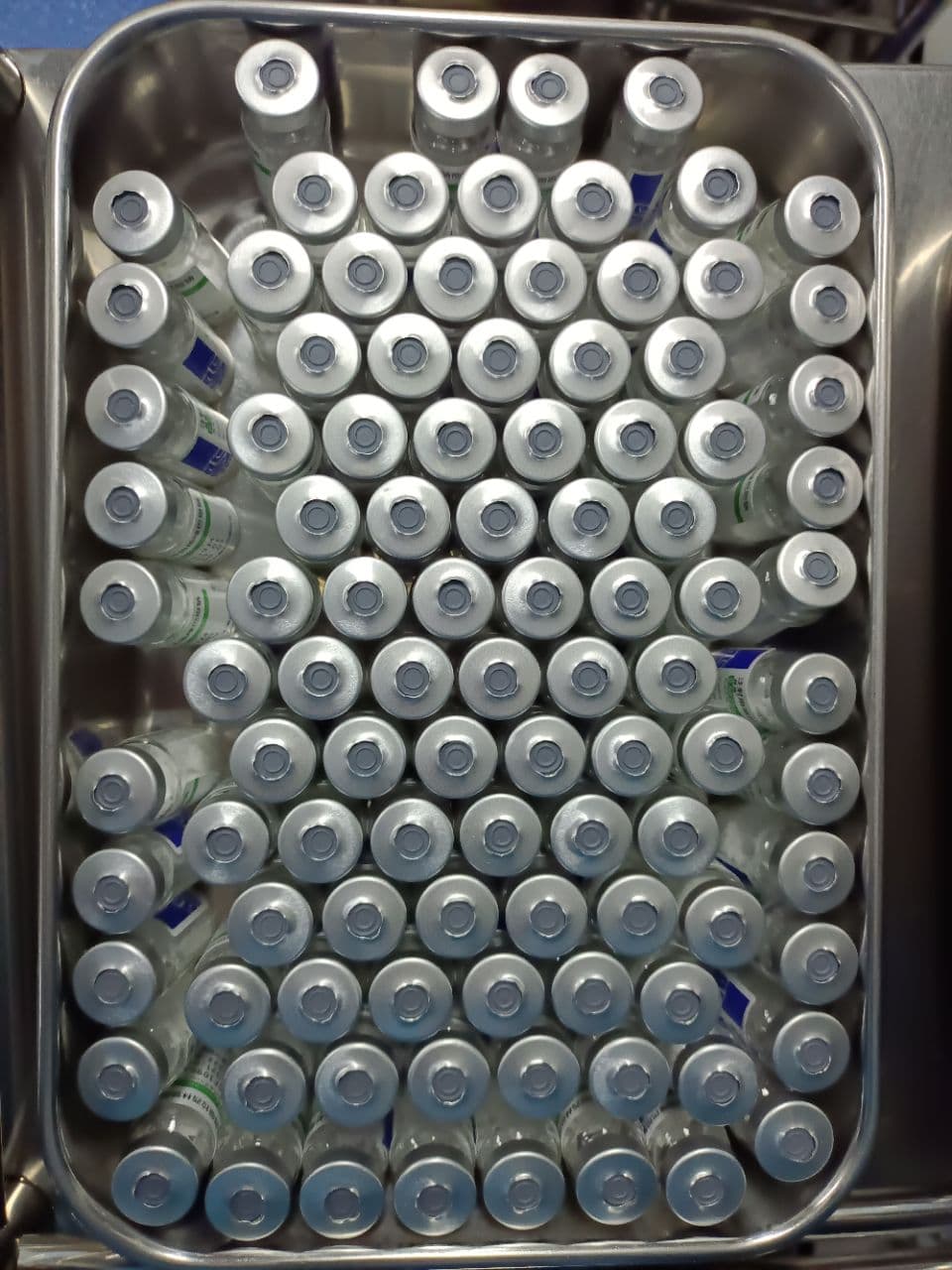 VialsShow one visible layerOpen counter & guide
 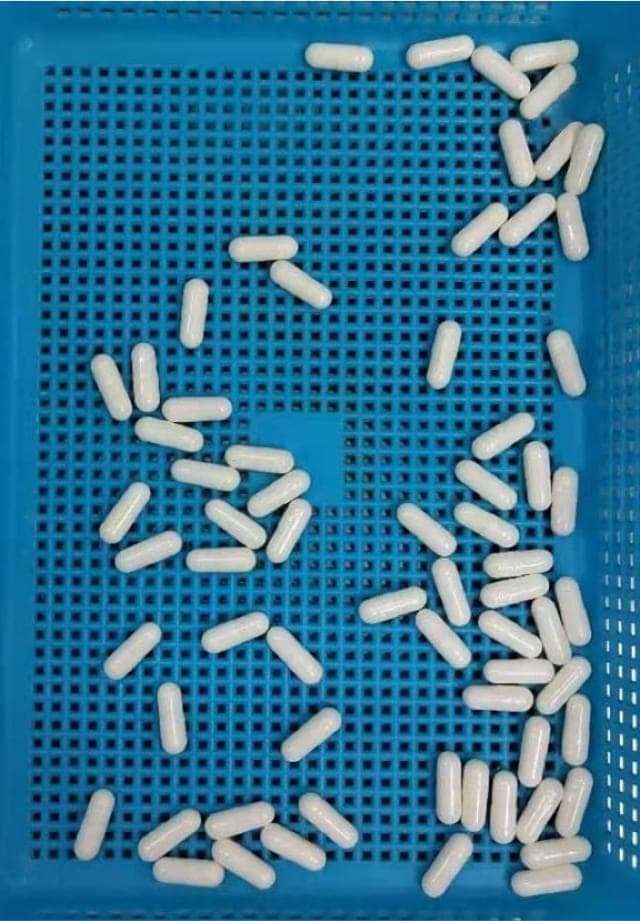 CapsulesSeparate touching capsulesOpen counter & guide
 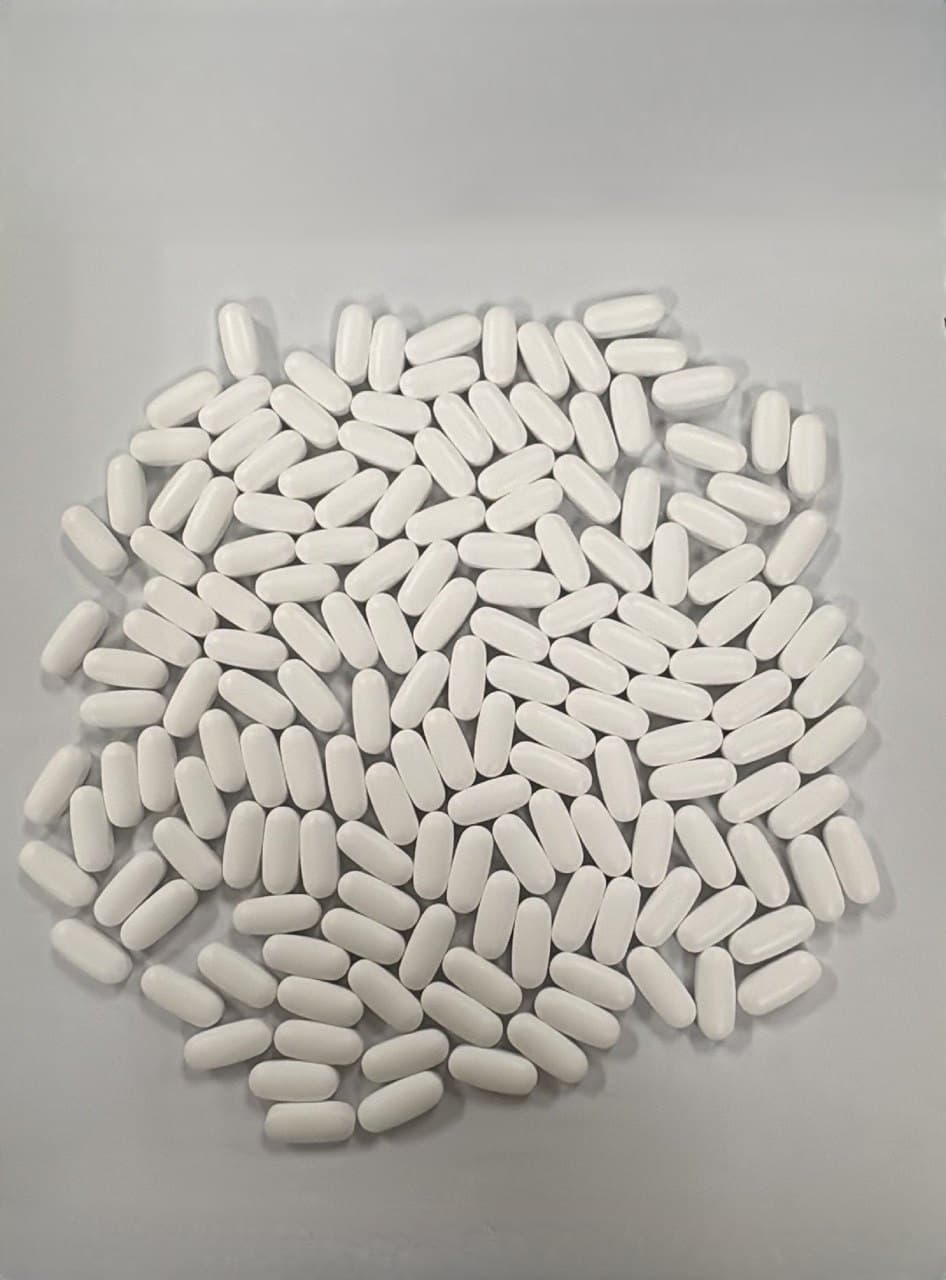 TabletsMake a single layerOpen counter & guide
  Bacterial coloniesPhotograph the plate from aboveOpen counter & guide
 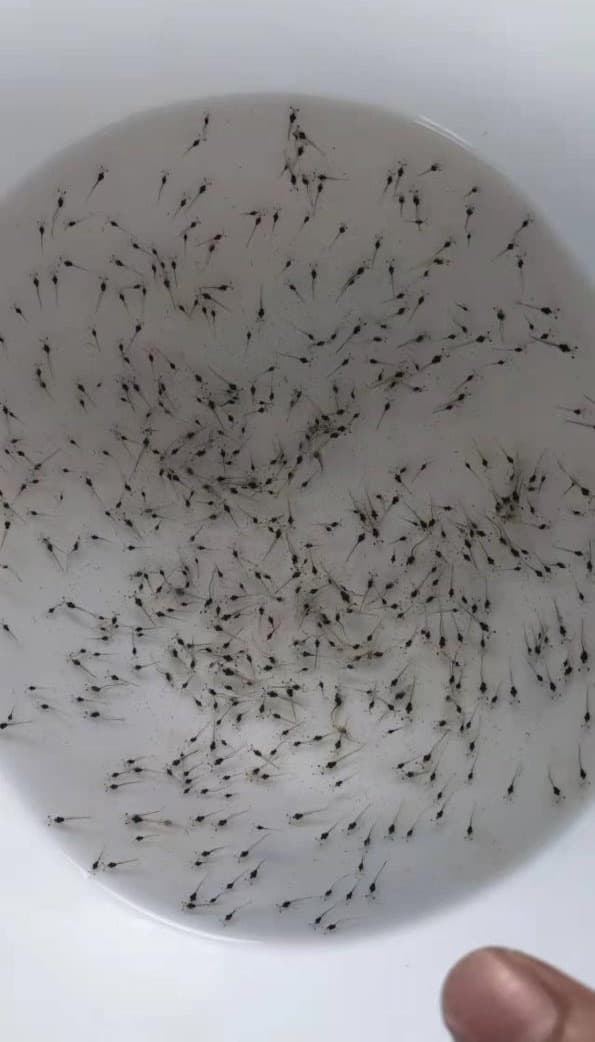 Shrimp larvaeUse a shallow white basinOpen counter & guide
 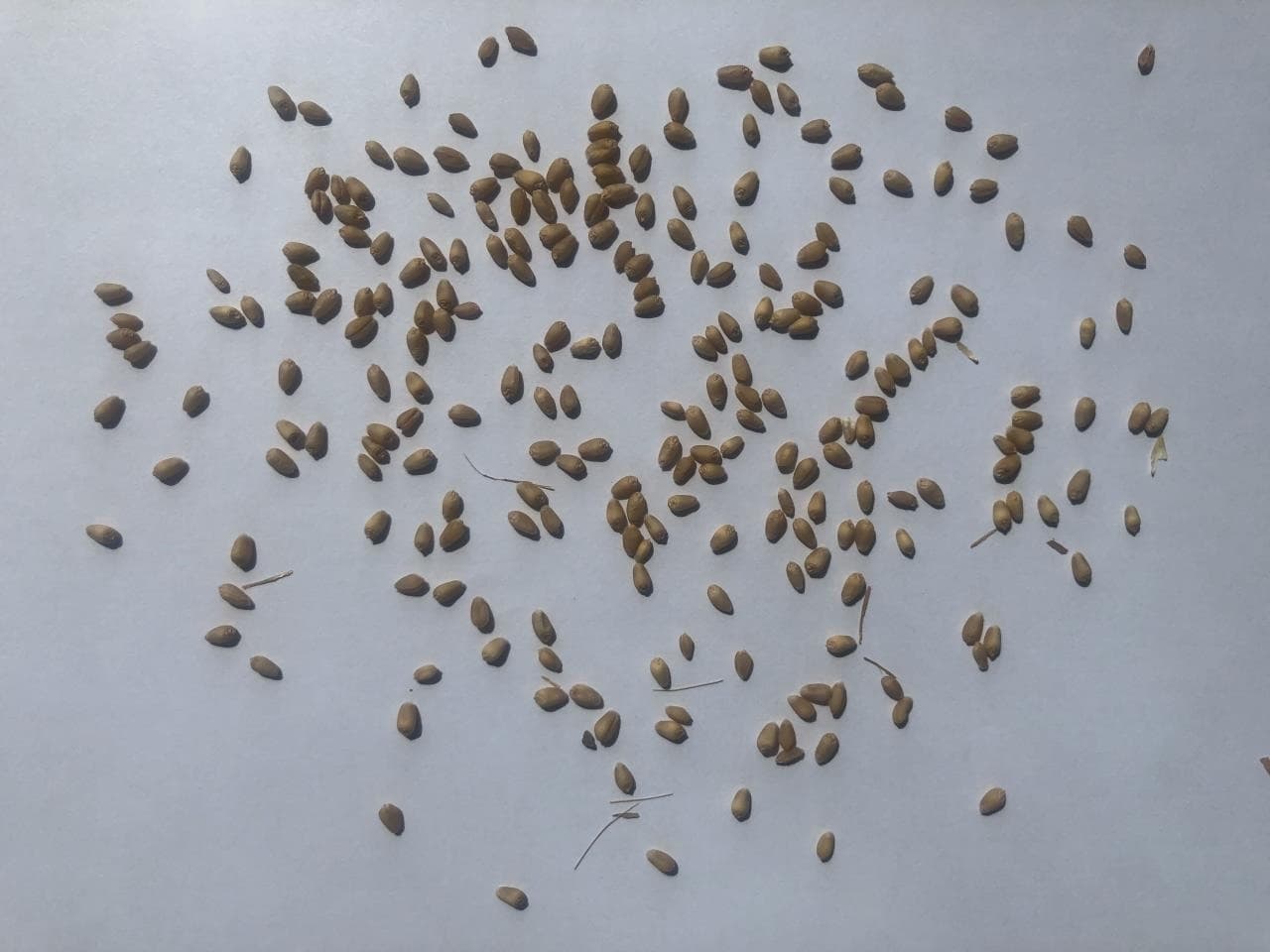 SeedsSpread the seeds in one layerOpen counter & guide
 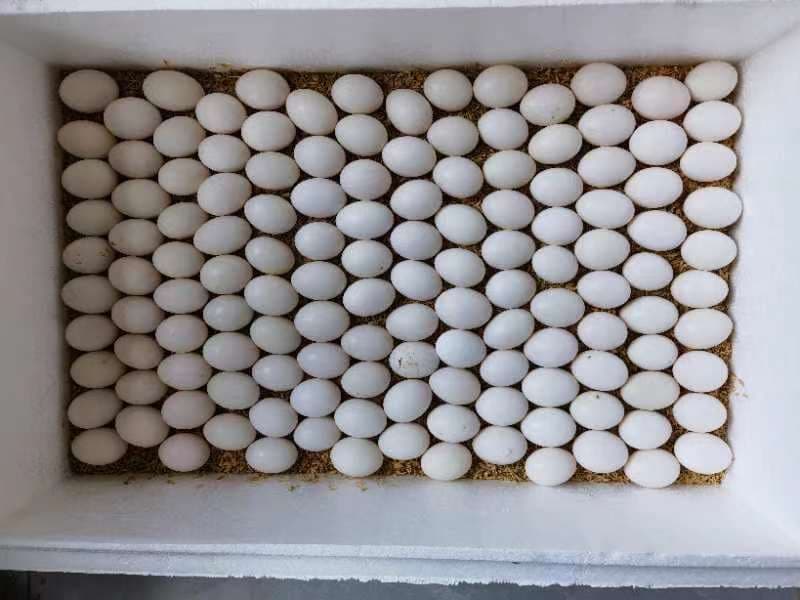 EggsShoot from directly aboveOpen counter & guide
 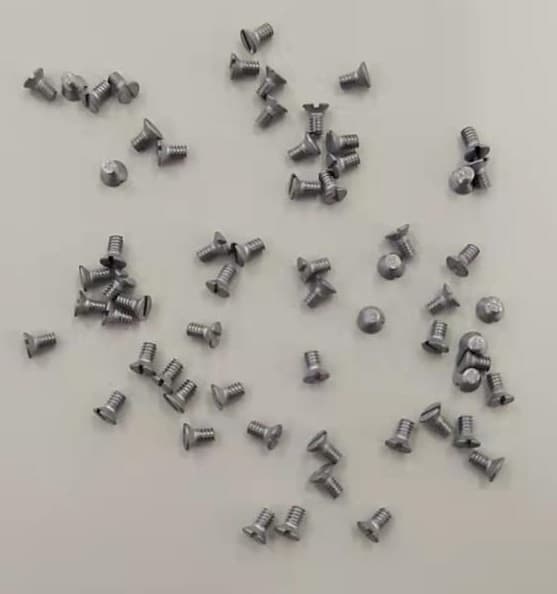 ScrewsSpread them outOpen counter & guide
  CoinsLay the coins flat in one layerOpen counter & guide
 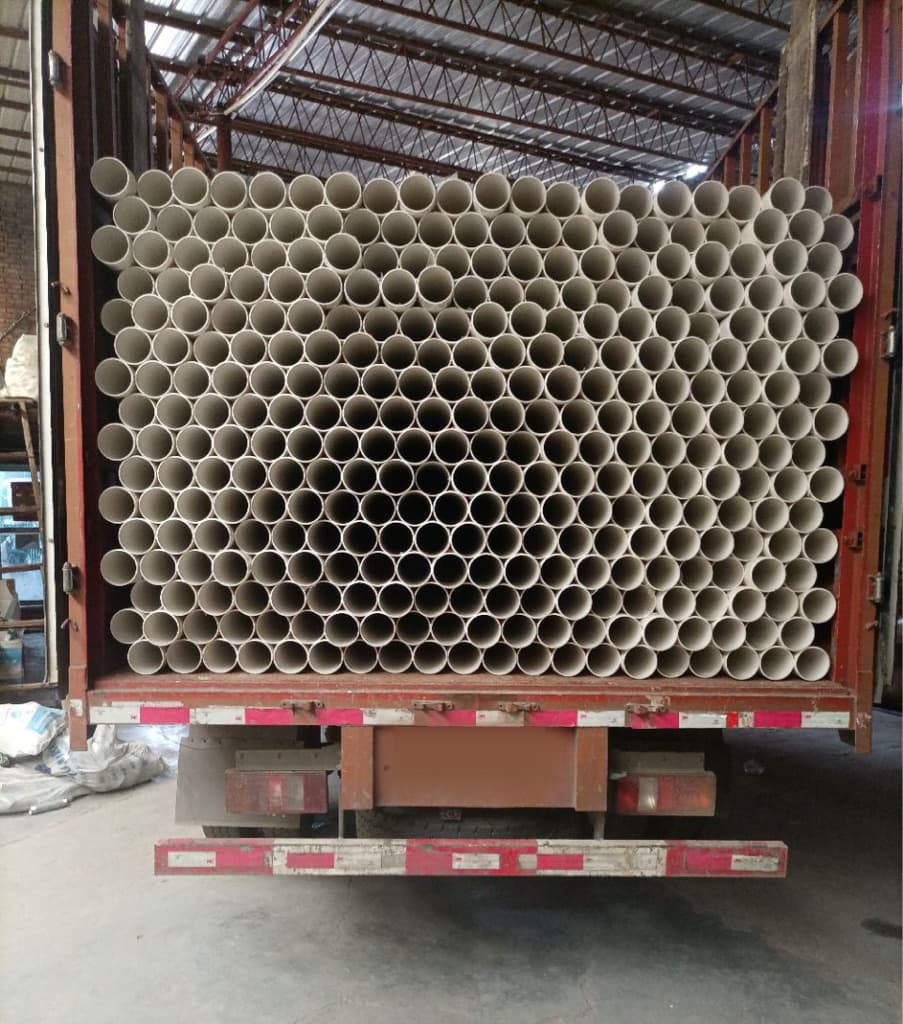 PVC pipesShoot the open ends straight onOpen counter & guide