How to photograph seeds for counting
- 1
Spread the seeds in one layer
Scatter them on a flat sheet or tray and shake gently so few are touching. Seeds lying on top of each other hide part of the sample.
- 2
Pick a background that contrasts
Use a plain matte sheet that differs from the seed colour: light for wheat and dark seeds, dark for rice and other pale grains. Avoid textured paper.
- 3
Clean the sample, then check touching seeds
Pick out awns, bits of husk and stones before photographing. After counting, zoom into seeds that touch and remove any extra markers.
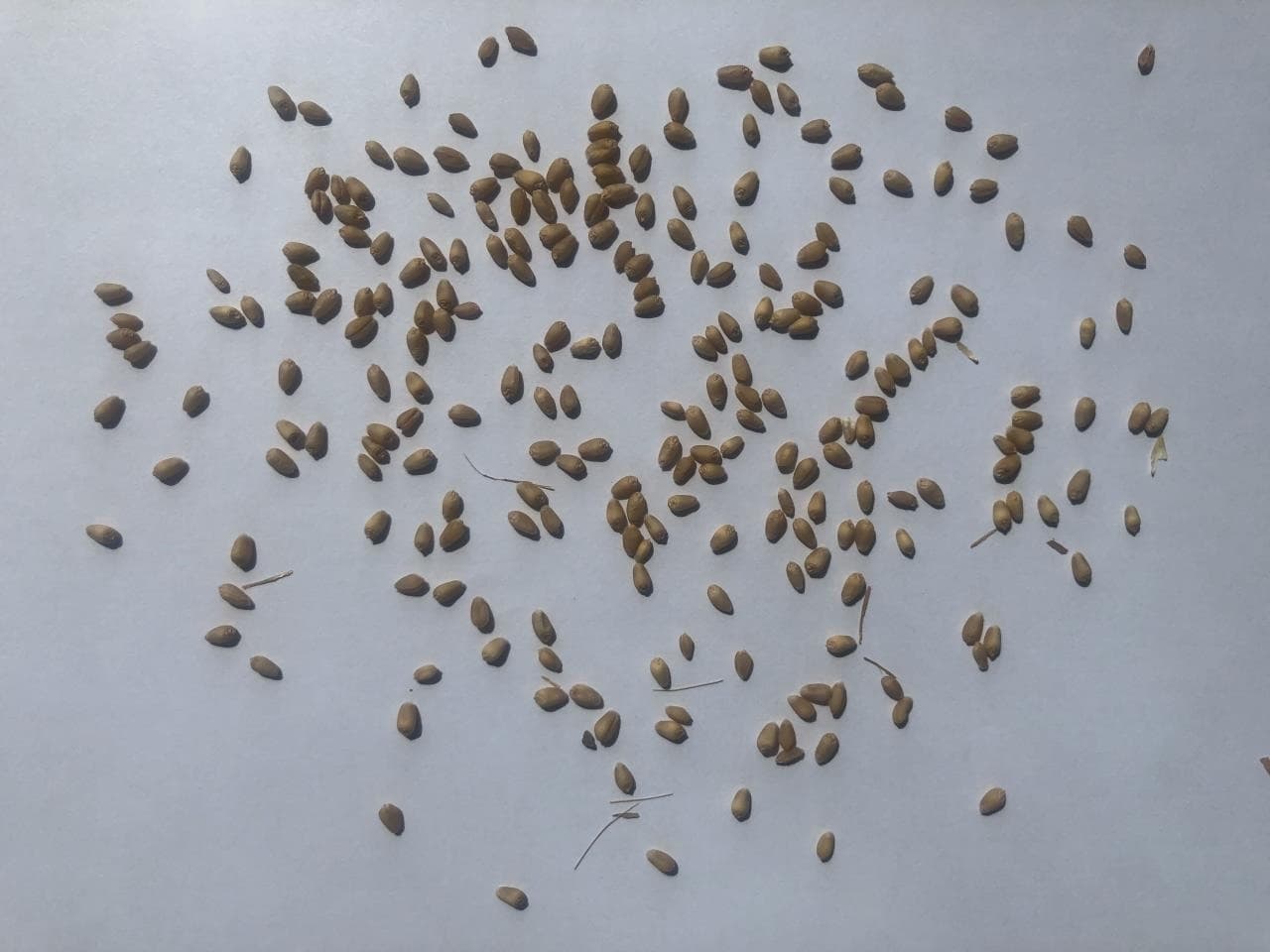
Photo example
Wheat grains scattered on a pale sheet, most of them not touching.
The tool's sample opens saved example markers; uploading your own photo runs a new count.
235 seeds are marked in the tool's sample photo.
When to count seeds from a photo
Seed labs, plant breeders and growers count seeds for thousand-seed weight, germination tests and sowing-rate calculations. Counting out 1,000 seeds, or several replicates of 100, by hand takes time and invites mistakes. Spread a sample, photograph it and check the markers, then weigh the counted seeds. The saved image records the count and the date for each replicate.
Questions about counting seeds
Is there a seed counting app?
You don't need to install one. Tallypic works in your phone's browser: open this page, tap Take a photo and shoot the spread-out seeds from above. Check the markers, then save the marked image to your phone. There are free counts every day and no signup.
Which seeds can I count?
This page starts with the Wheat grains model. The object picker also has rice grains, paddy rice, corn kernels, beans, fava beans, rapeseed, carrot seeds, sunflower seeds and watermelon seeds; choose the closest one before uploading.
Can I use it for thousand-seed weight?
Yes, for the counting step. Count the seeds in each photo and adjust the markers until the count is exact, then weigh those seeds and scale to 1,000. Use the number of replicates your test method calls for.
More counting guides
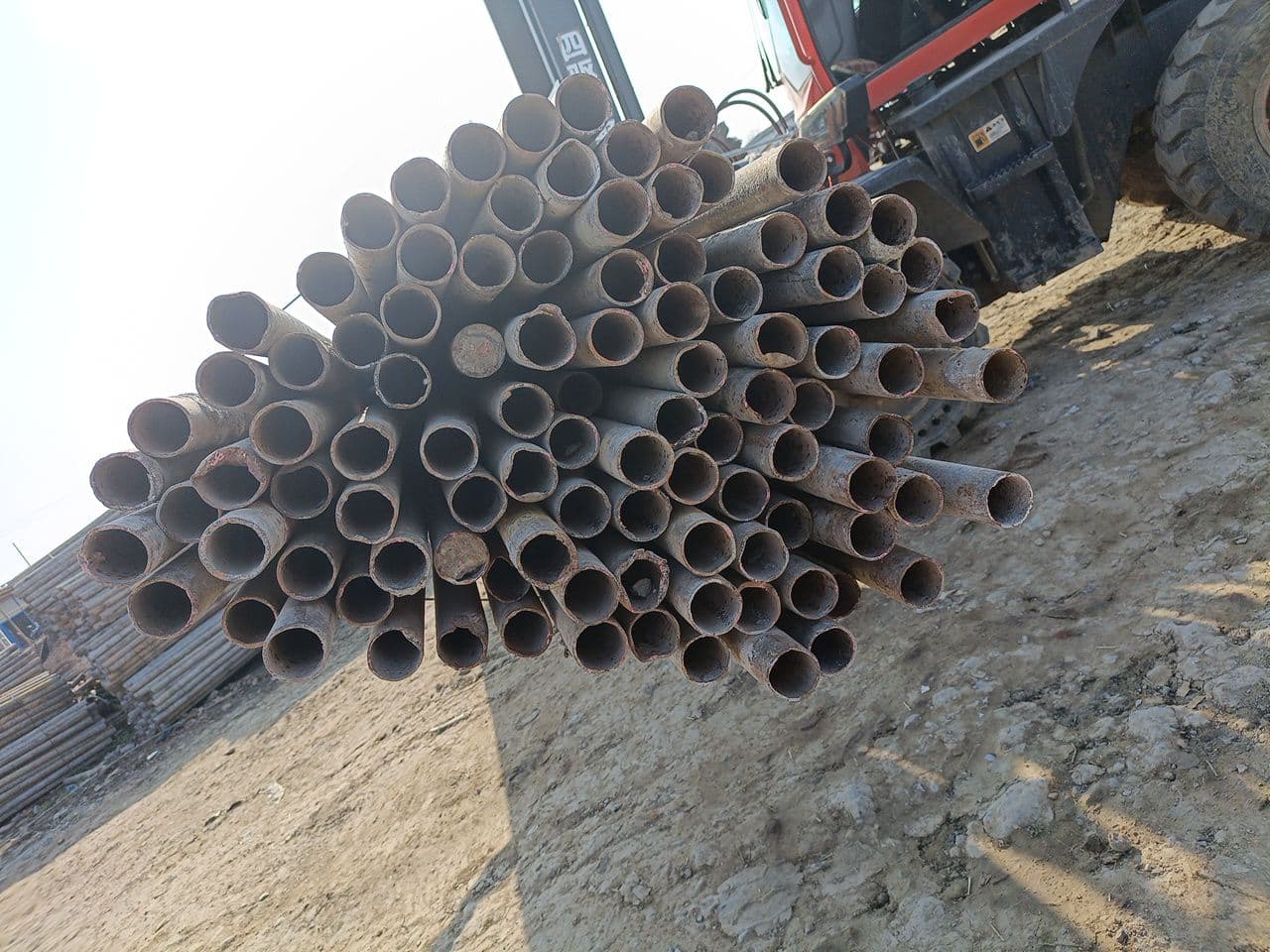 Steel pipesFace the pipe endsOpen counter & guide
 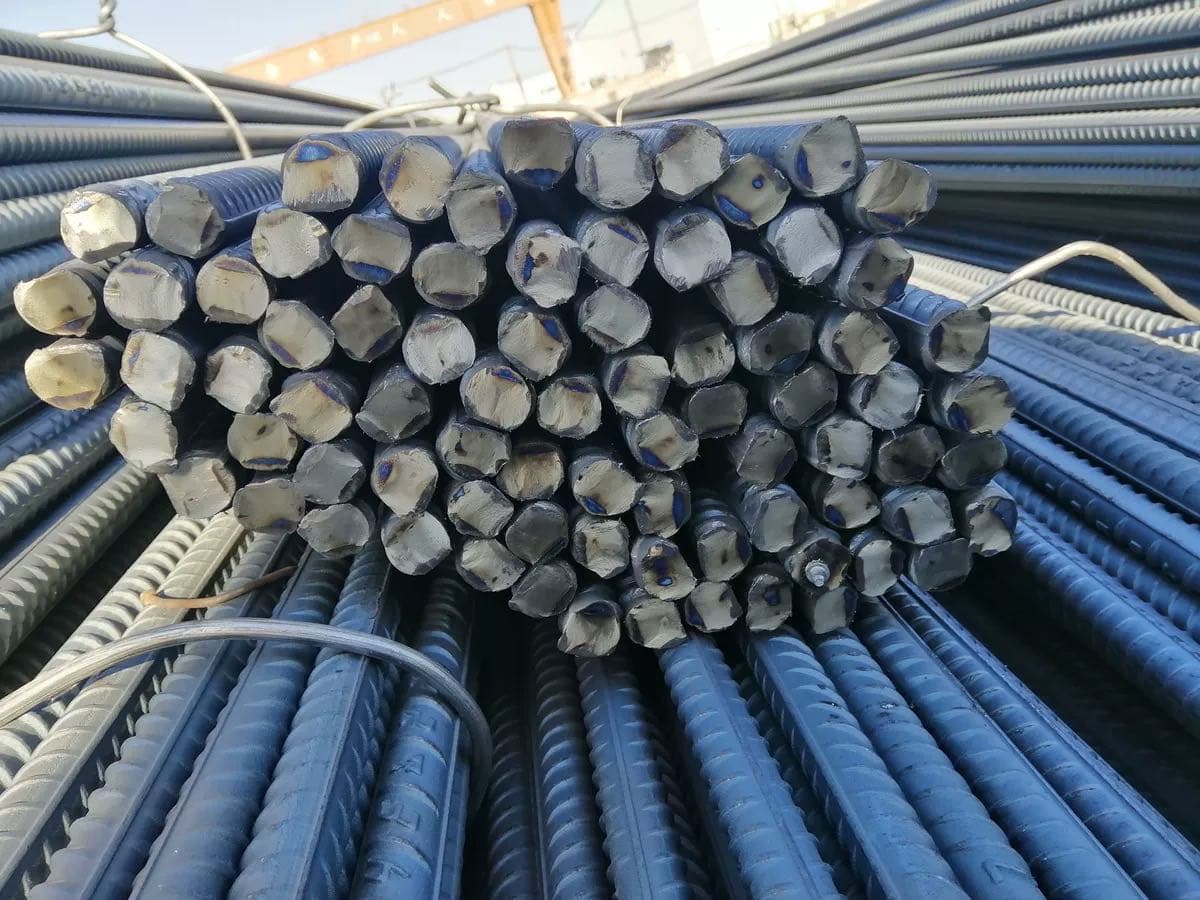 RebarPhotograph the cut endsOpen counter & guide
 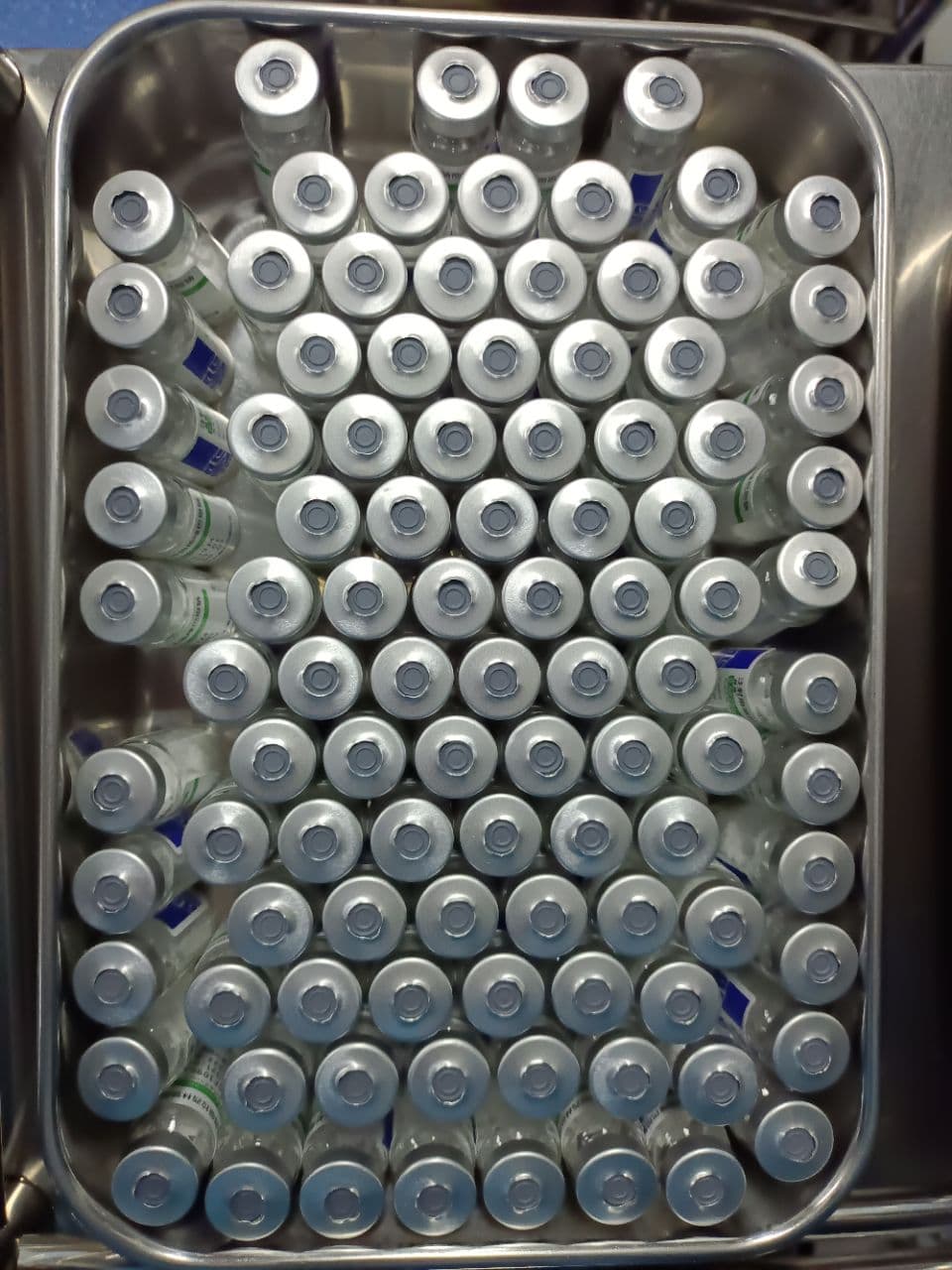 VialsShow one visible layerOpen counter & guide
 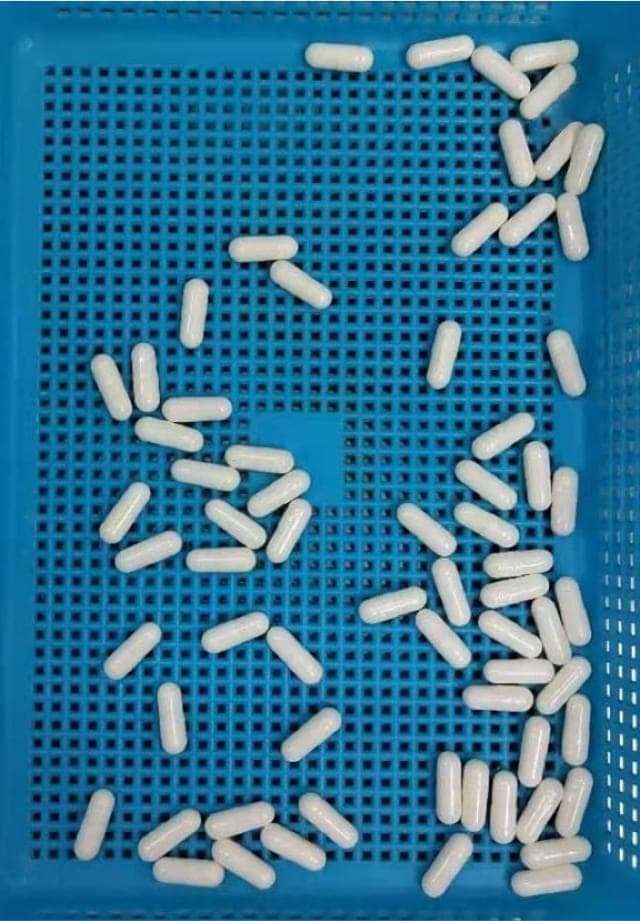 CapsulesSeparate touching capsulesOpen counter & guide
 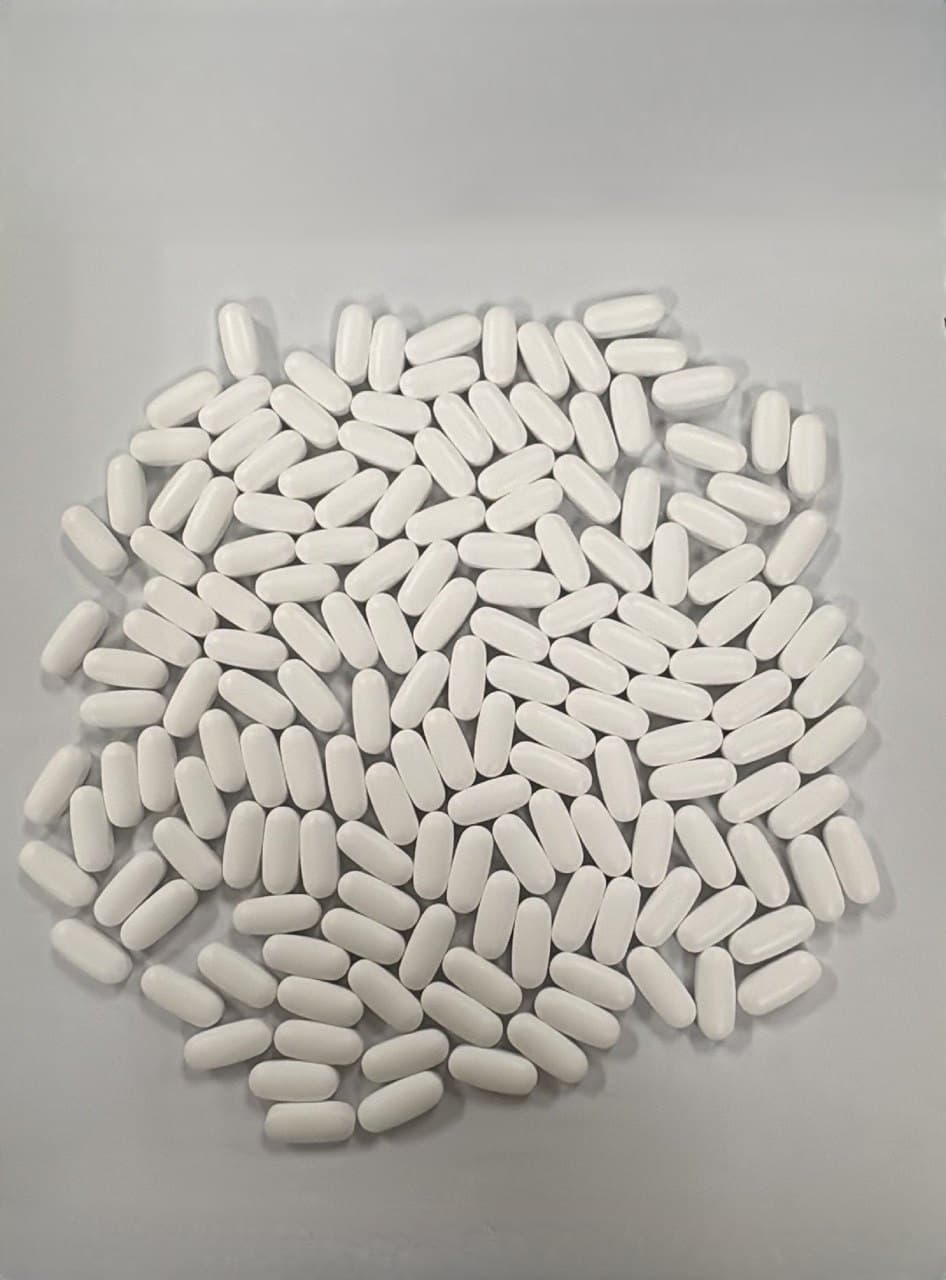 TabletsMake a single layerOpen counter & guide
 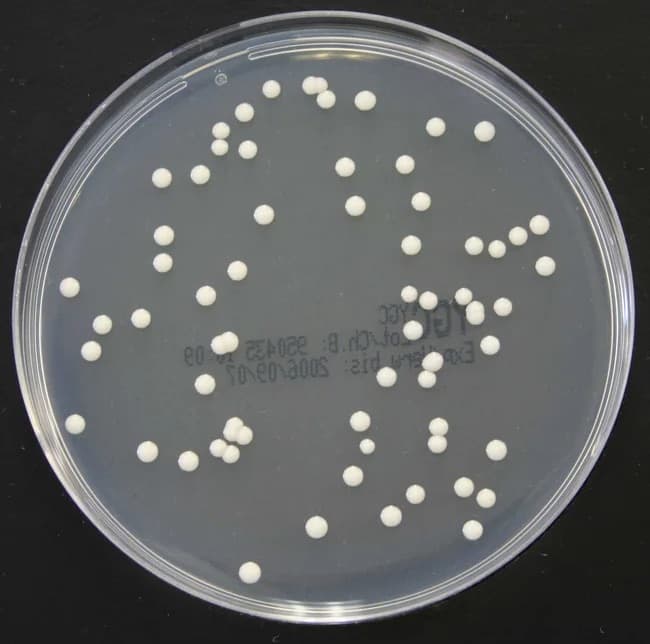 Bacterial coloniesPhotograph the plate from aboveOpen counter & guide
 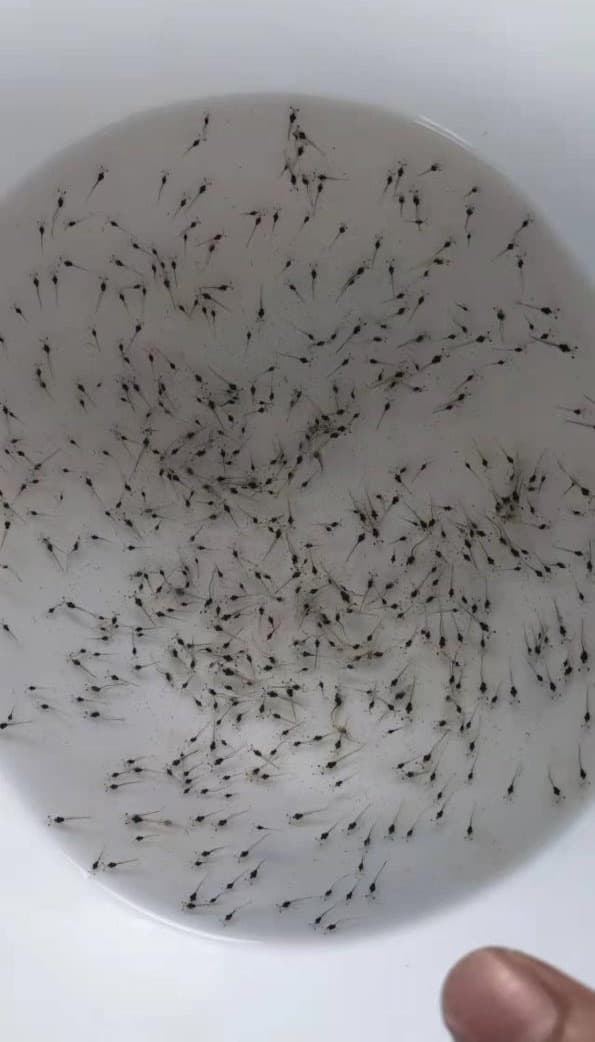 Shrimp larvaeUse a shallow white basinOpen counter & guide
 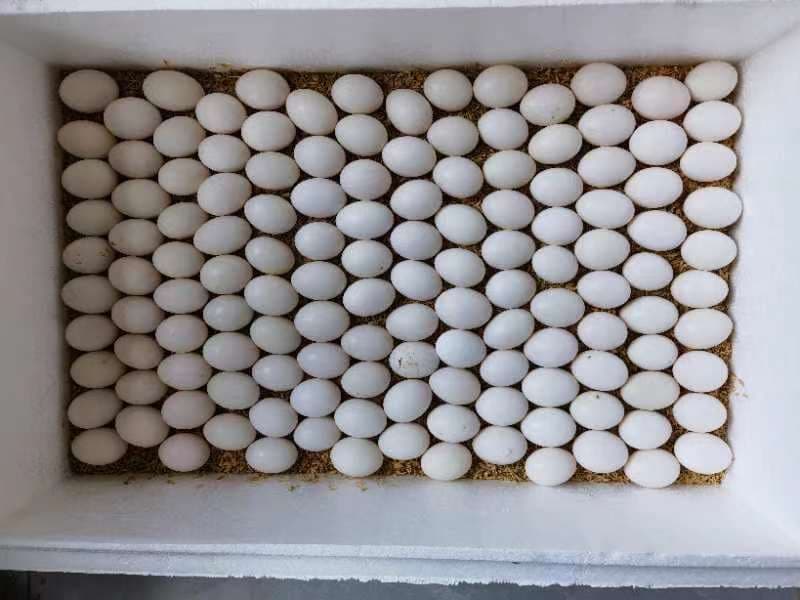 EggsShoot from directly aboveOpen counter & guide
 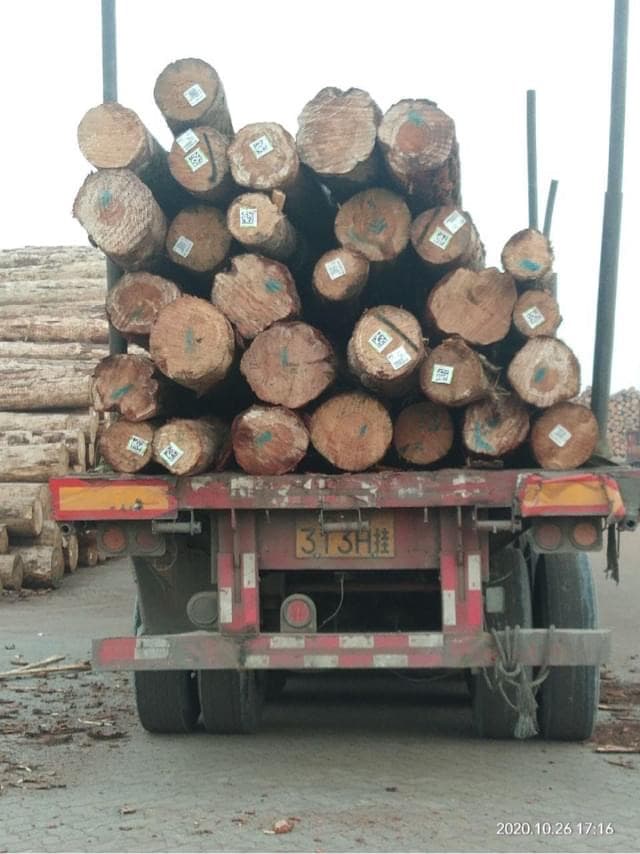 LogsFace the cut endsOpen counter & guide
 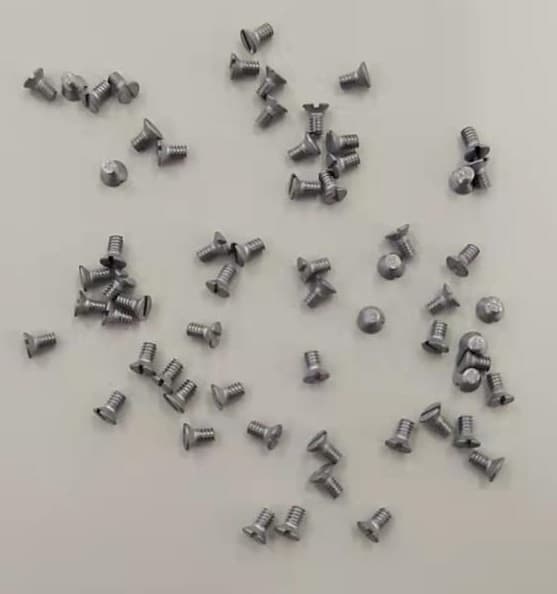 ScrewsSpread them outOpen counter & guide
 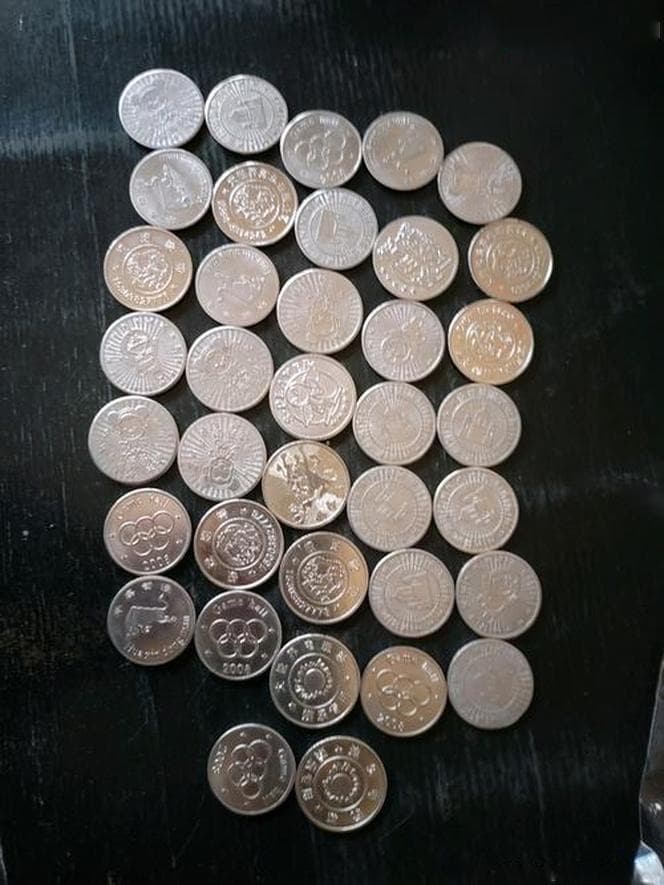 CoinsLay the coins flat in one layerOpen counter & guide
  PVC pipesShoot the open ends straight onOpen counter & guide