How to photograph rebar for counting
- 1
Photograph the cut ends
Aim straight at the bundle, not along the ribbed sides. Each visible circular end should belong to one bar.
- 2
Keep the whole bundle sharp
Step back enough to fit all the bars, then focus on the end face. Avoid camera shake and deep shadows between bars.
- 3
Review dense clusters
Zoom into tightly packed sections and the outer edge. Touching ends, rusty surfaces and uneven bar lengths can make individual bars harder to separate.
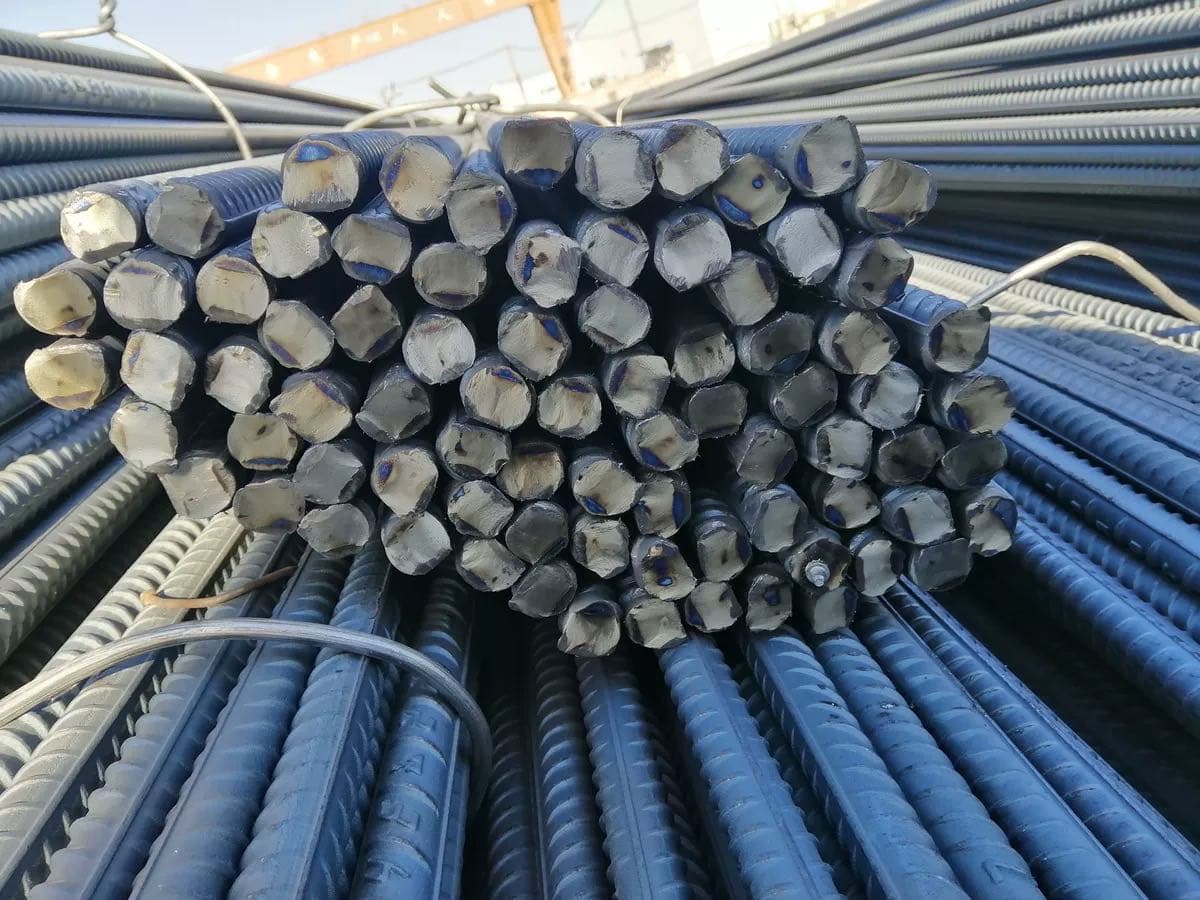
Photo example
Clear, visible cut ends make missed or extra markers easy to spot.
The tool's sample opens saved example markers; uploading your own photo runs a new count.
79 rebar are marked in the tool's sample photo.
When to count rebar from a photo
Site engineers and material clerks count rebar when a delivery arrives, checking the number of bars in each bundle against the delivery note before signing for it. Stockyards and fabrication shops count again before a load leaves. Photograph the cut ends of each bundle, check the markers and keep the saved image, which shows the total and the date, with the paperwork.
Questions about counting rebar
Will the ribs along a bar be counted?
Use an end-on photo so the model sees cut faces rather than ribs. If the image mostly shows the sides, retake it before counting.
How do I keep a record of the checked quantity?
Review and correct the markers, then download the marked image.
Is there a rebar counting app for my phone?
You don't need to install one. Tallypic works in your phone's browser: open this page, tap Take a photo and aim at the cut ends of the bundle. Check the markers, then save the marked image to your phone. There are free counts every day and no signup.
More counting guides
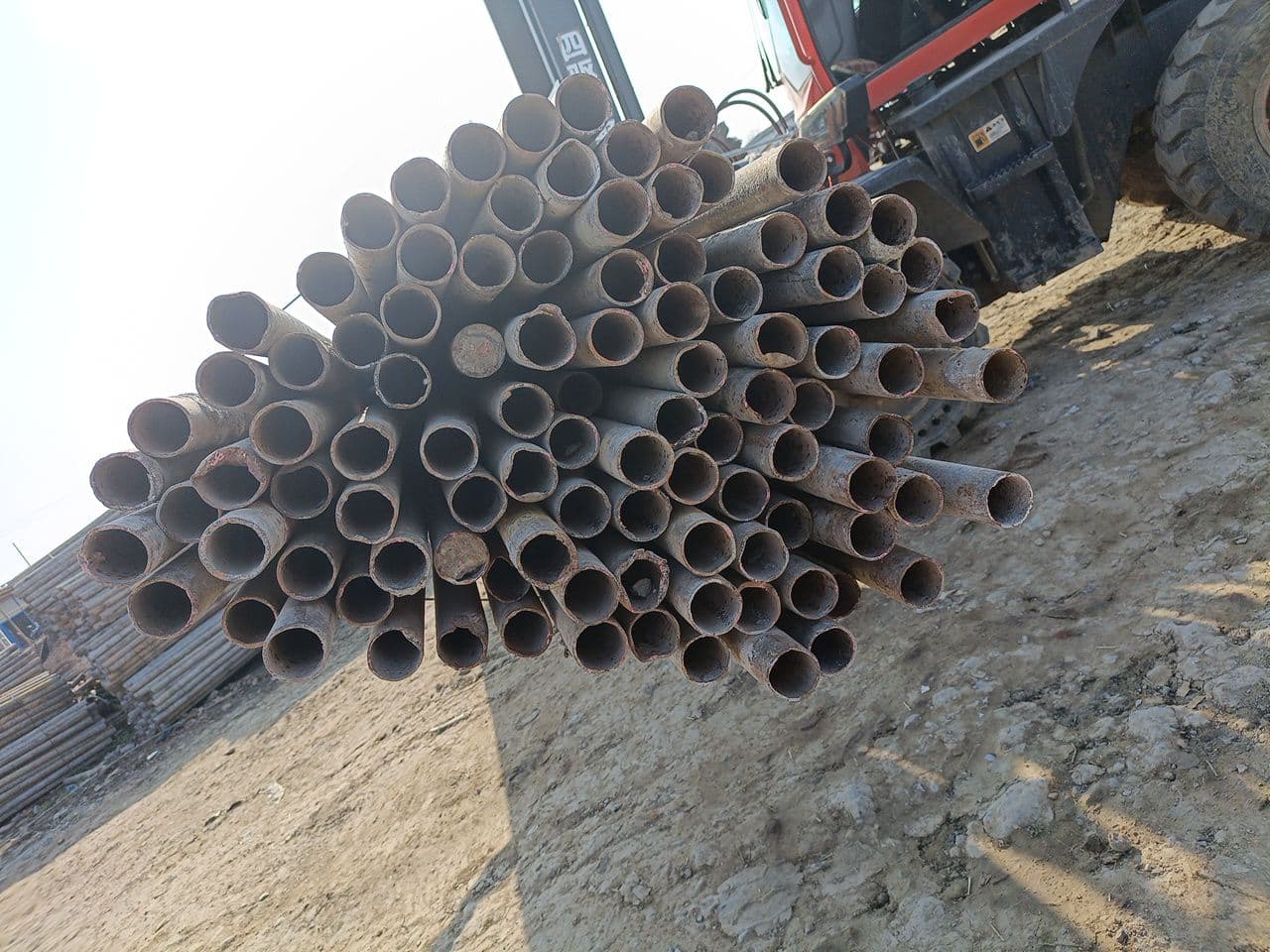 Steel pipesFace the pipe endsOpen counter & guide
 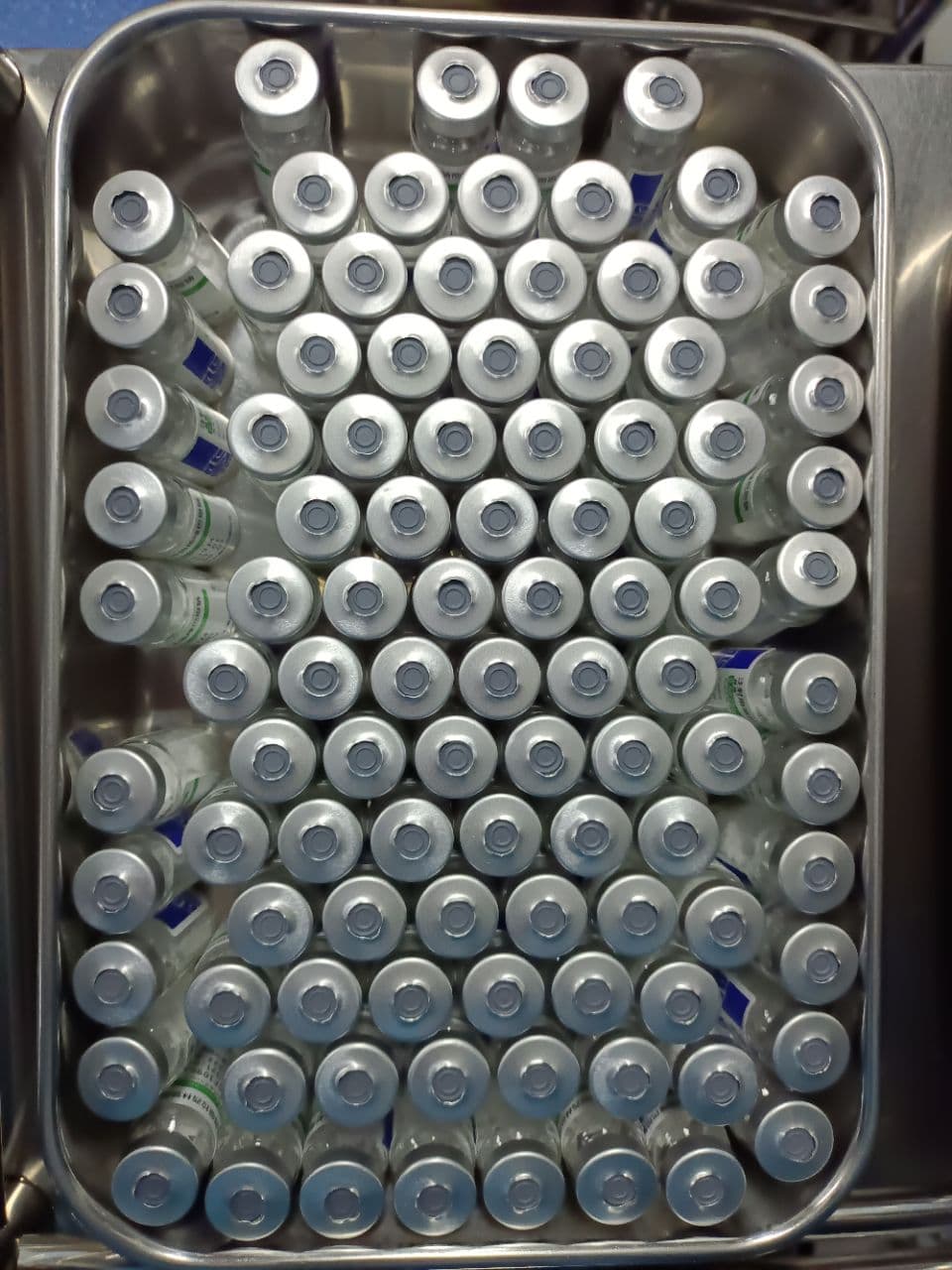 VialsShow one visible layerOpen counter & guide
 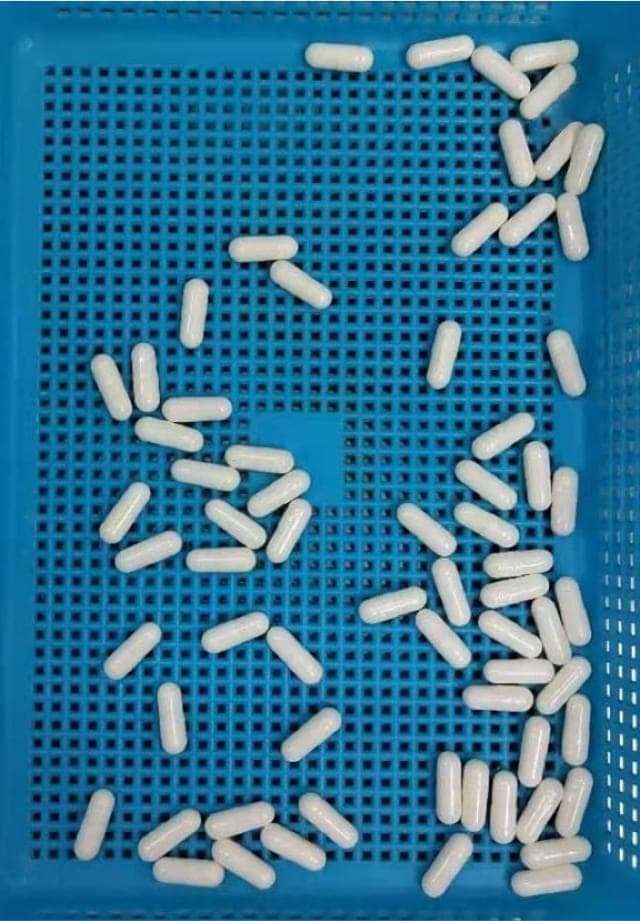 CapsulesSeparate touching capsulesOpen counter & guide
  TabletsMake a single layerOpen counter & guide
  Bacterial coloniesPhotograph the plate from aboveOpen counter & guide
  Shrimp larvaeUse a shallow white basinOpen counter & guide
 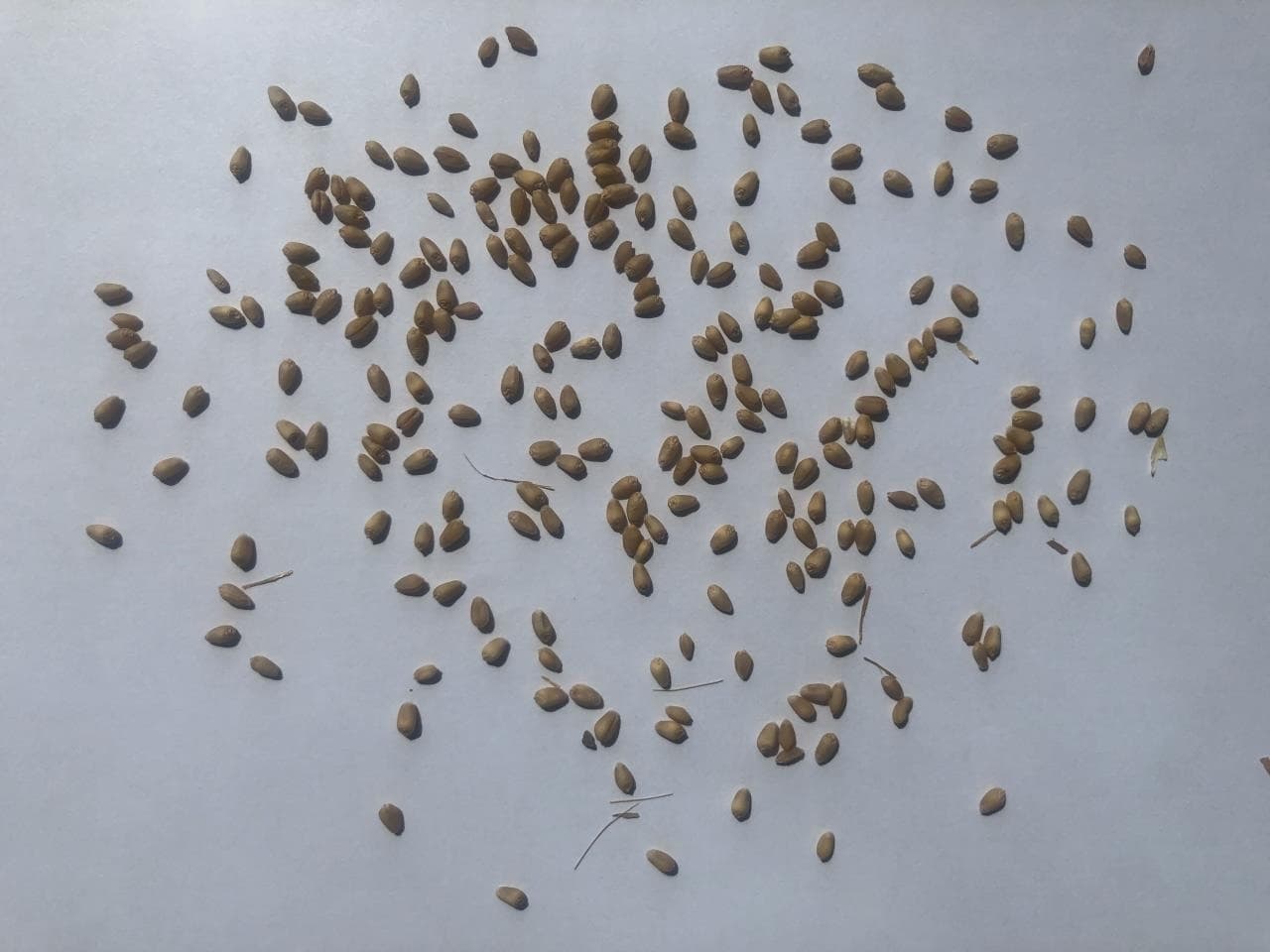 SeedsSpread the seeds in one layerOpen counter & guide
 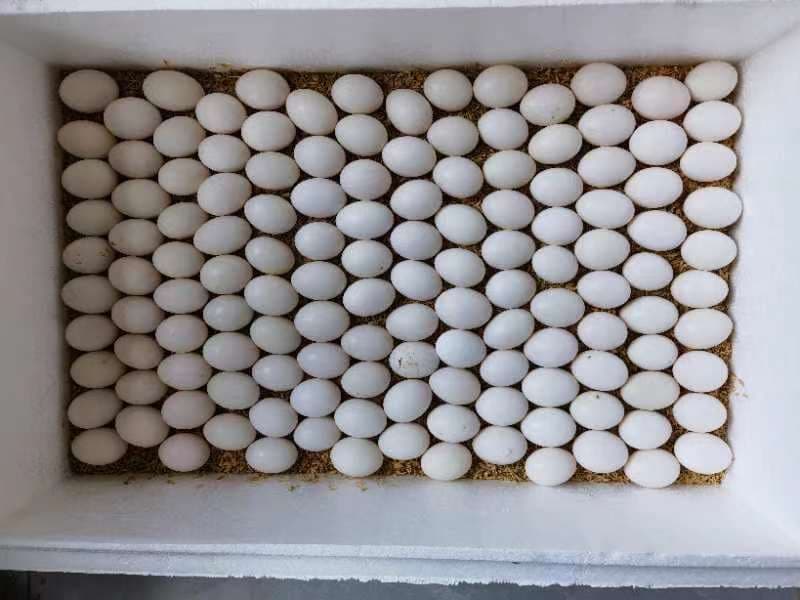 EggsShoot from directly aboveOpen counter & guide
 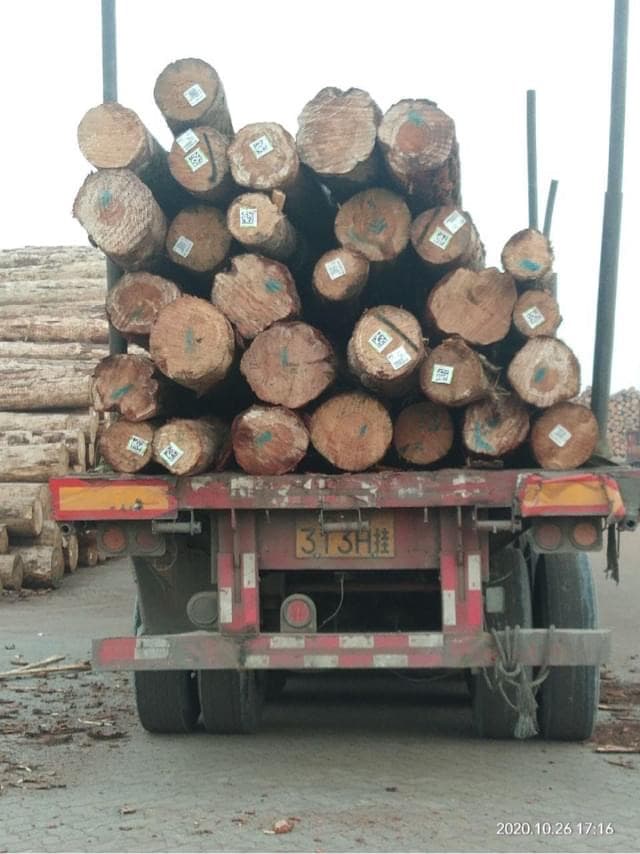 LogsFace the cut endsOpen counter & guide
 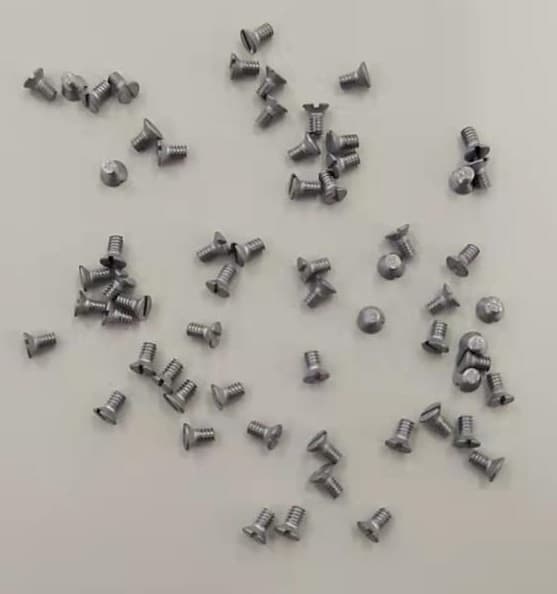 ScrewsSpread them outOpen counter & guide
  CoinsLay the coins flat in one layerOpen counter & guide
  PVC pipesShoot the open ends straight onOpen counter & guide