How to photograph people for counting
- 1
Get every head in view
Ask the group to face the camera and stand so that nobody is completely behind someone else. Holding the camera a little above head height helps the back rows show.
- 2
Fit the whole group, split big ones
Leave a small margin at both ends of the row. For a large group, photograph it in smaller groups and add up the totals.
- 3
Check the back rows and edges
Zoom into people half hidden behind others, children, people in hats or turned away, and anyone cut off at the edge of the photo. Each person should have exactly one marker.
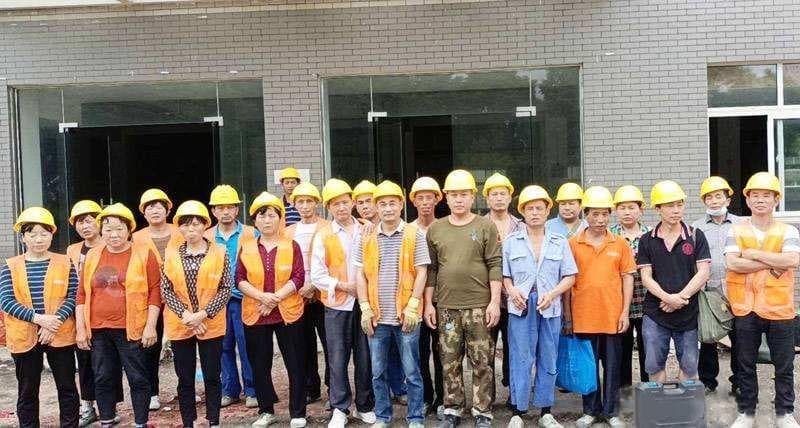
Photo example
A work crew in hard hats lined up for a photo, facing the camera.
The tool's sample opens saved example markers; uploading your own photo runs a new count.
20 people are marked in the tool's sample photo.
When to count people from a photo
Site supervisors take a headcount at the morning briefing, teachers and tour guides count their group before moving on, and event staff check how many people turned up for a group photo. Photograph the group, check the markers and save the marked image. The total and the date on it make a simple record of the headcount.
Questions about counting people
Does it recognise who is in the photo?
No. It marks each visible person so you can count them, but it doesn't identify anyone. To find out who is missing, compare the total with your list.
Can it count a large crowd?
It works best when every head is clearly visible, as in a group photo. In a big, dense crowd, distant heads are tiny and people hide each other, so the count can come out low. Photograph a large crowd in sections that don't overlap, check each one and add up the totals.
Is there an app to count people in a photo?
You don't need to install one. Tallypic works in your phone's browser: open this page, tap Take a photo and photograph the group from the front. Check the markers, then save the marked image to your phone. There are free counts every day and no signup.
More counting guides
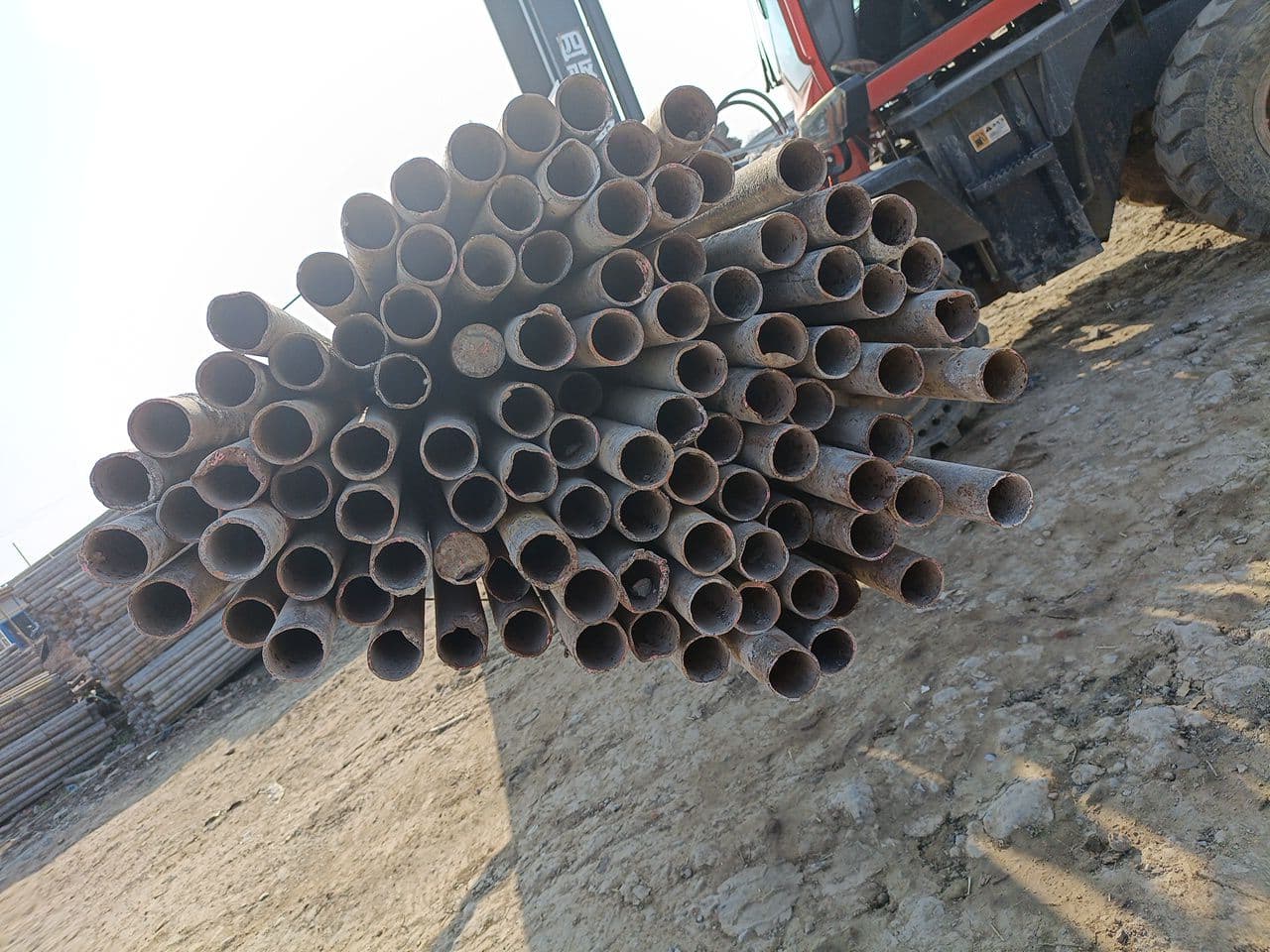 Steel pipesFace the pipe endsOpen counter & guide
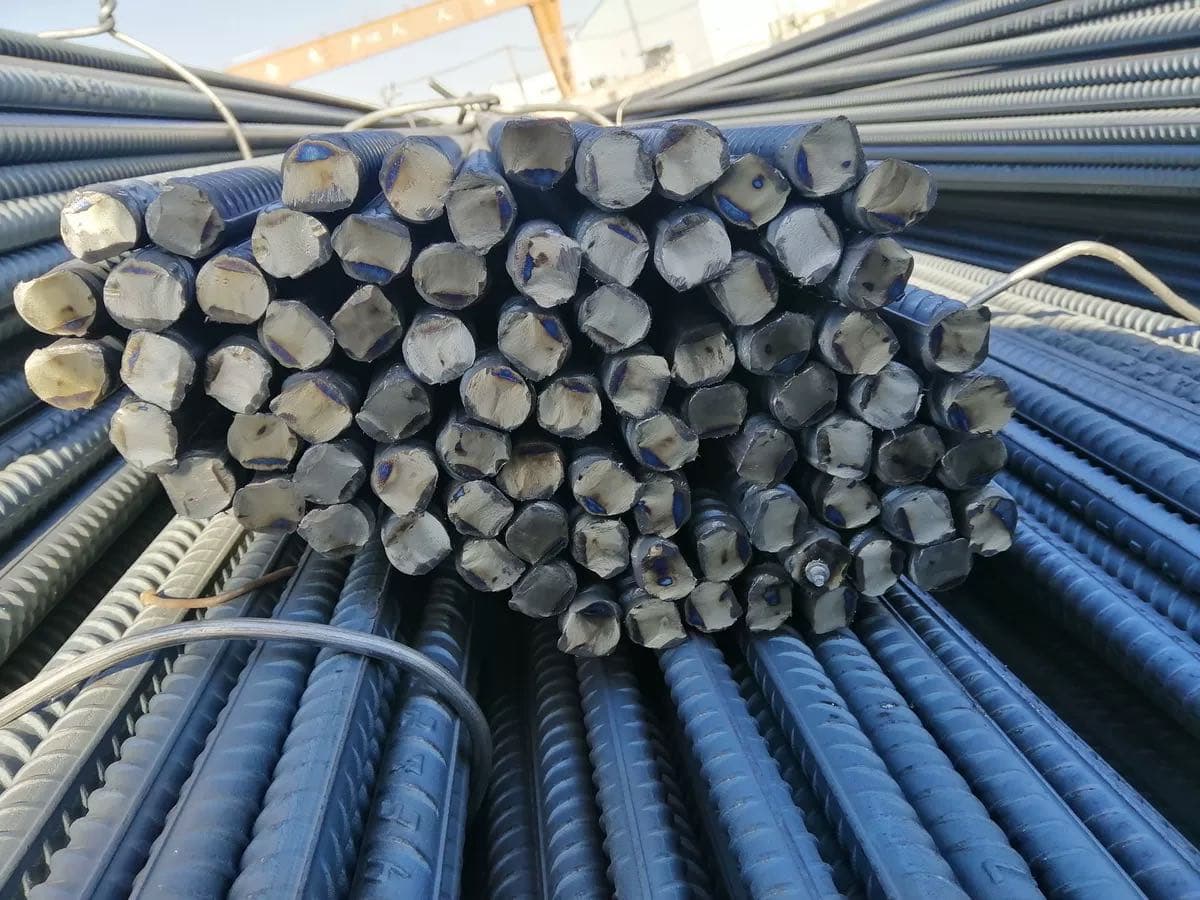 RebarPhotograph the cut endsOpen counter & guide
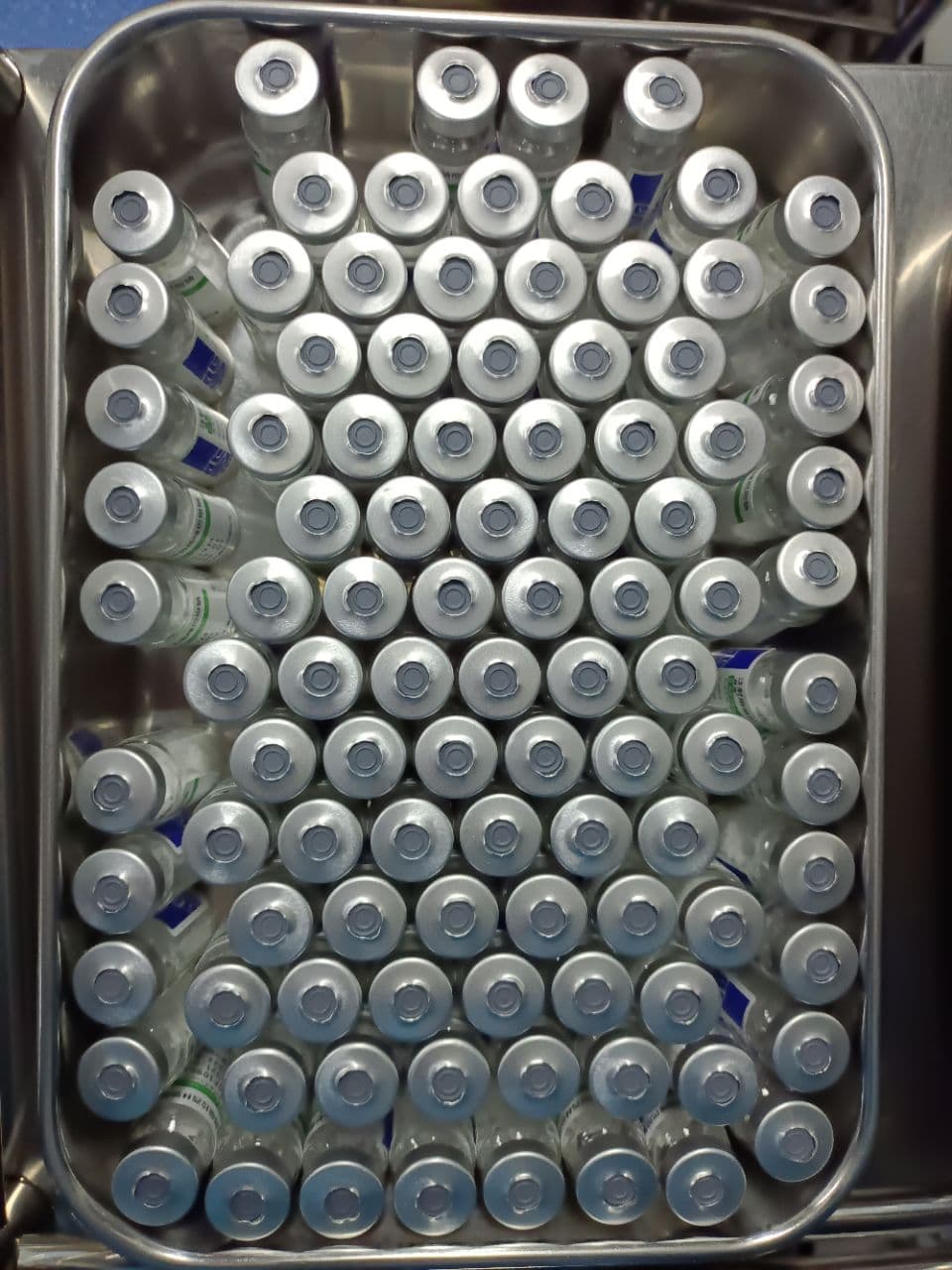 VialsShow one visible layerOpen counter & guide
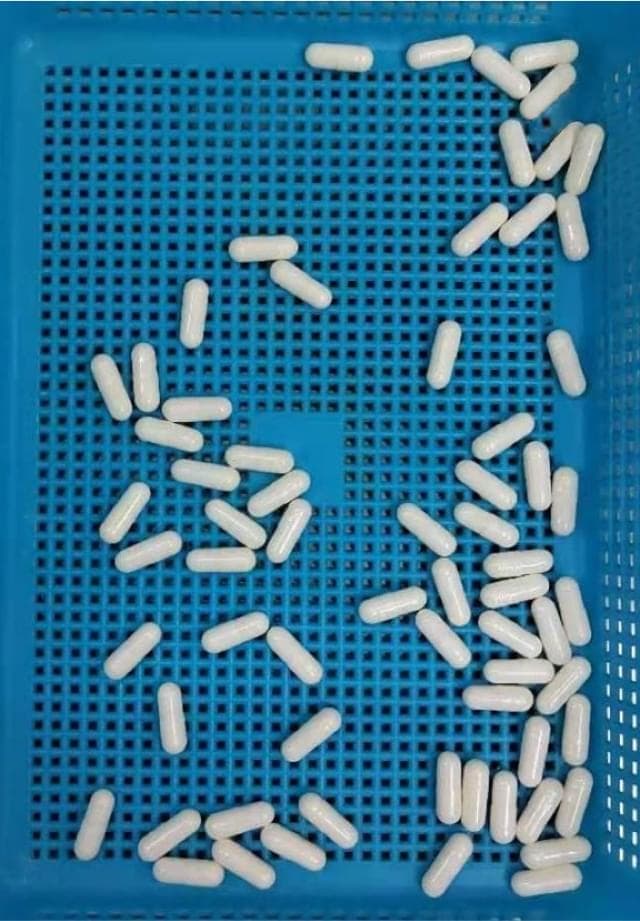 CapsulesSeparate touching capsulesOpen counter & guide
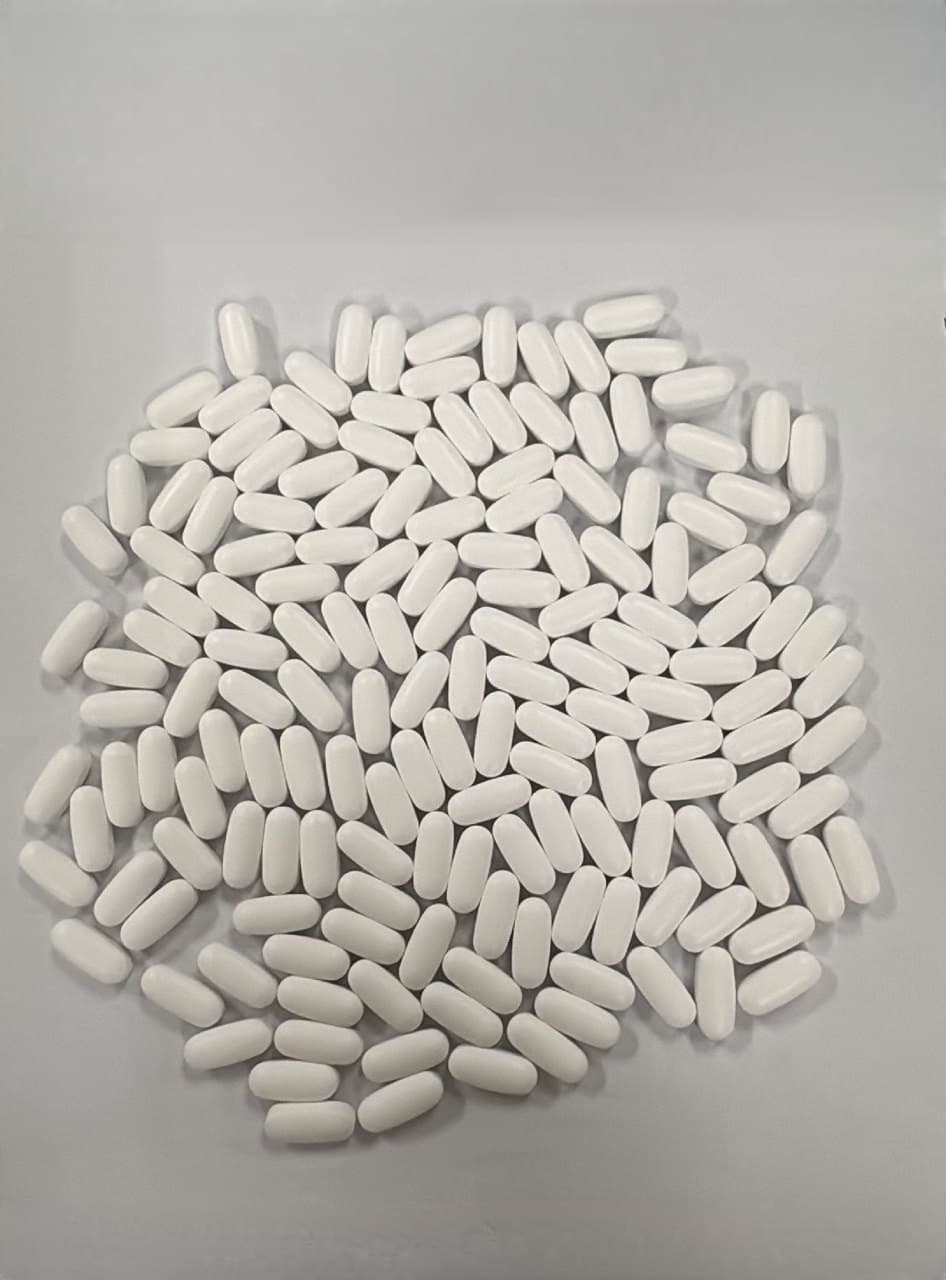 TabletsMake a single layerOpen counter & guide
 Bacterial coloniesPhotograph the plate from aboveOpen counter & guide
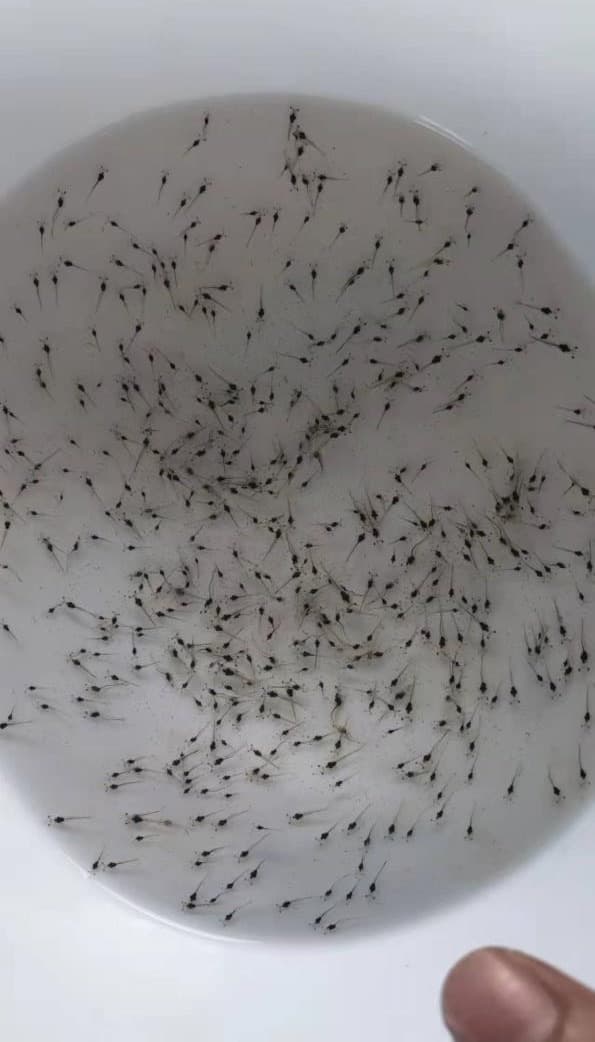 Shrimp larvaeUse a shallow white basinOpen counter & guide
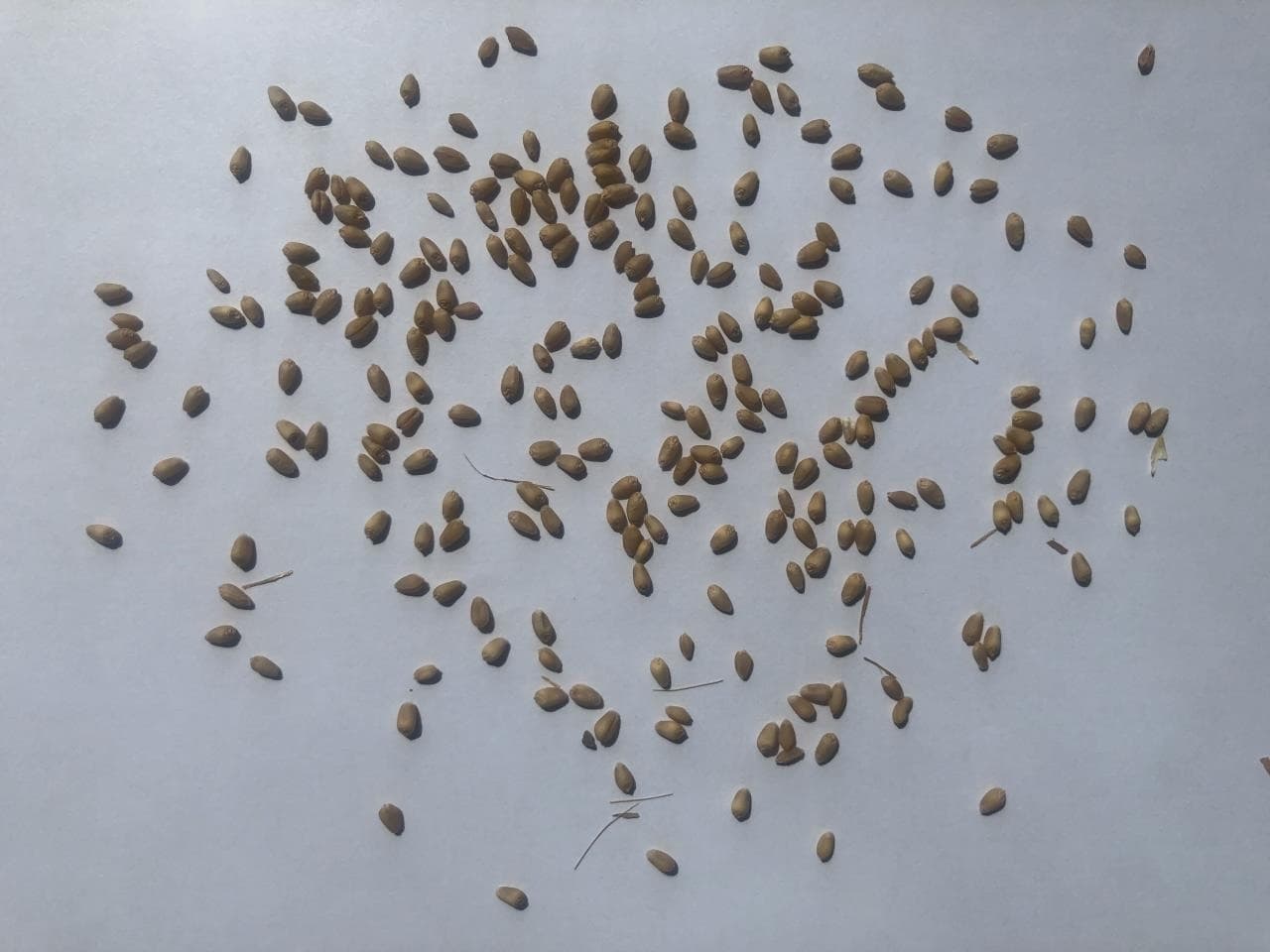 SeedsSpread the seeds in one layerOpen counter & guide
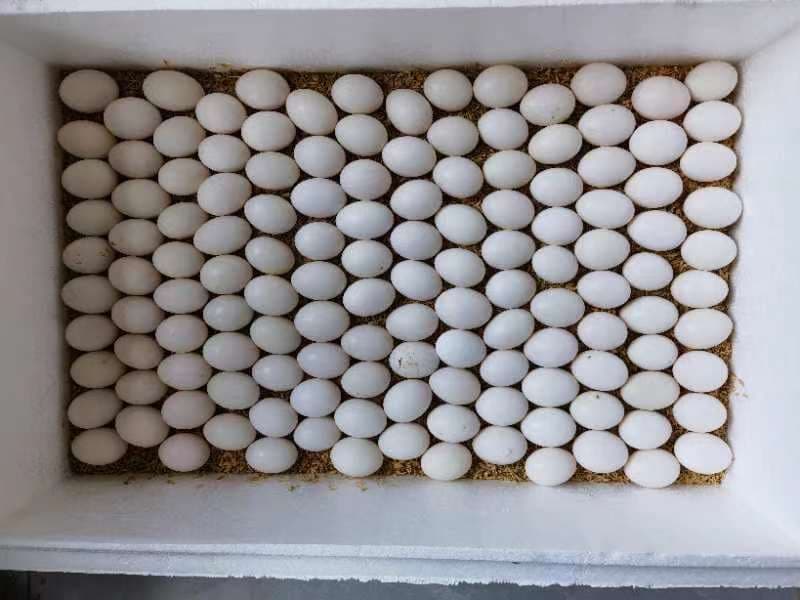 EggsShoot from directly aboveOpen counter & guide
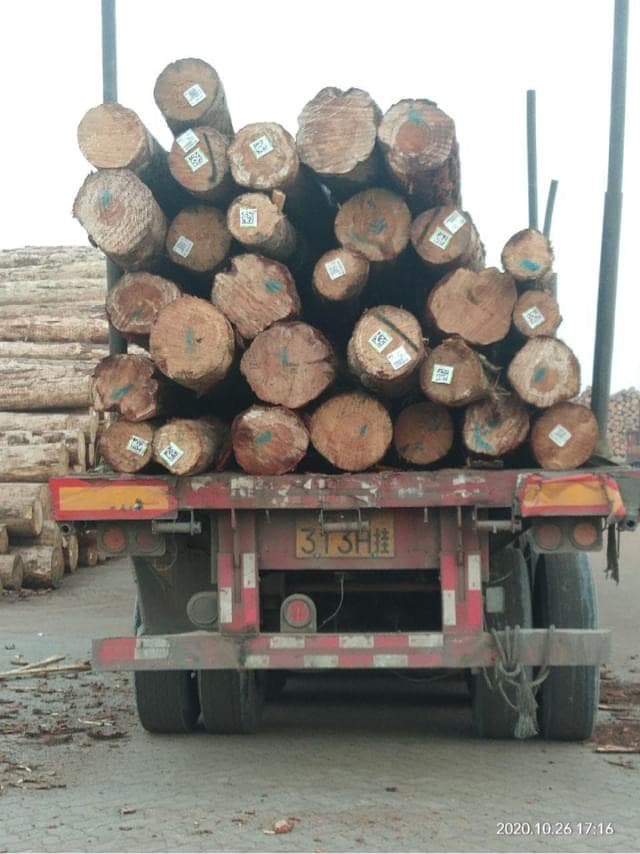 LogsFace the cut endsOpen counter & guide
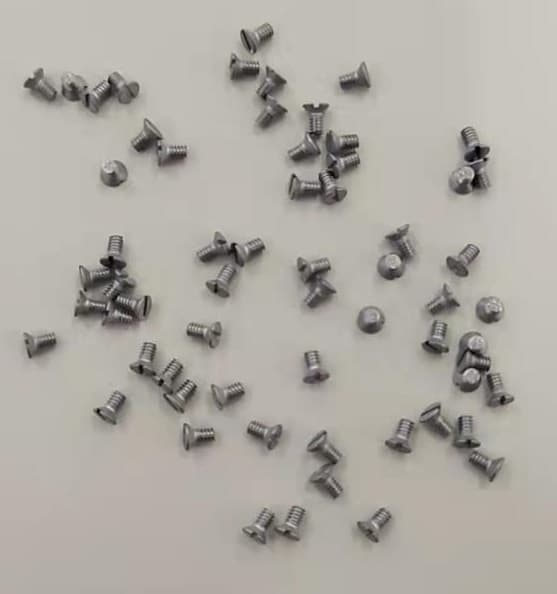 ScrewsSpread them outOpen counter & guide
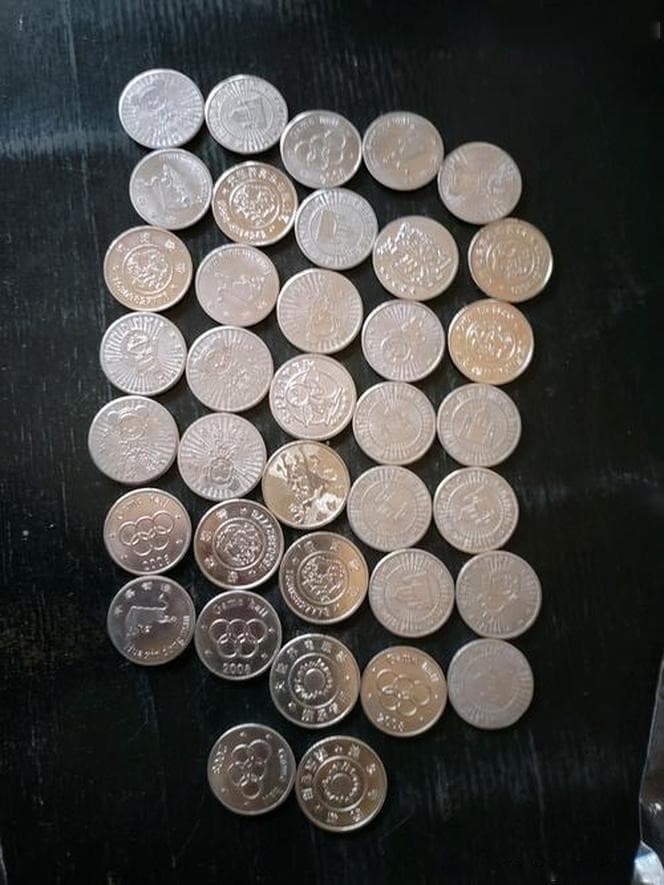 CoinsLay the coins flat in one layerOpen counter & guide
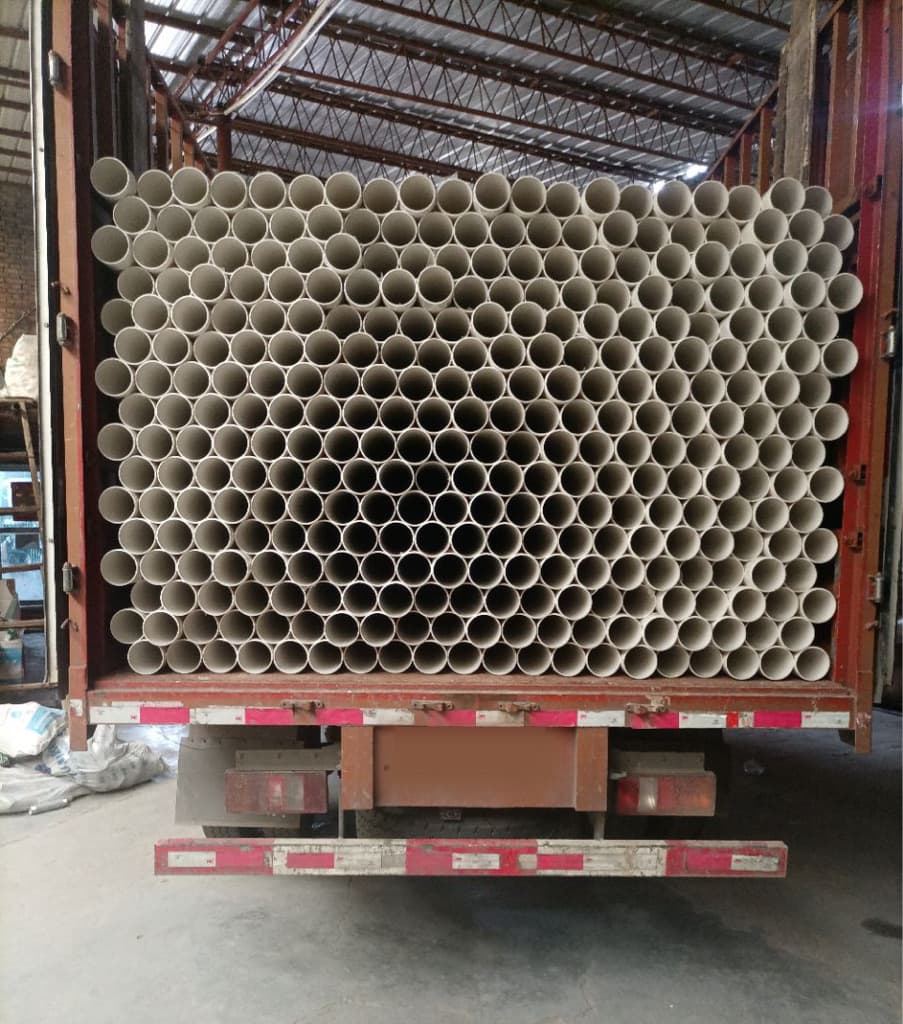 PVC pipesShoot the open ends straight onOpen counter & guide
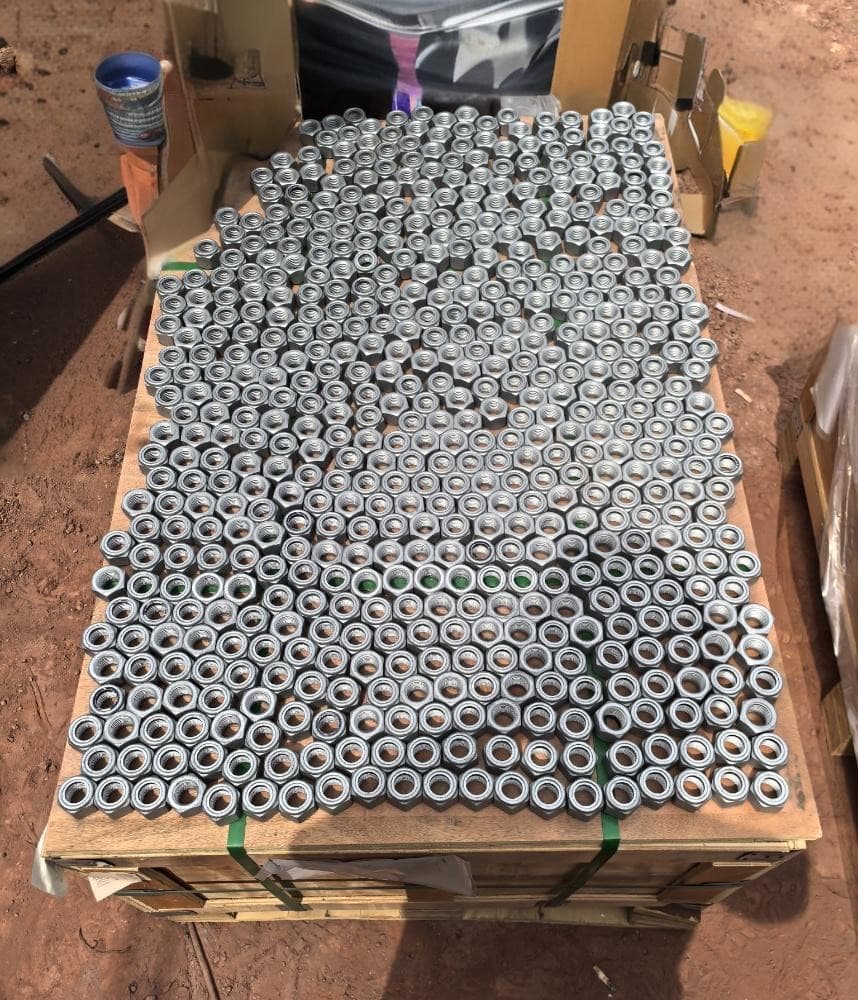 NutsLay them flat in one layerOpen counter & guide
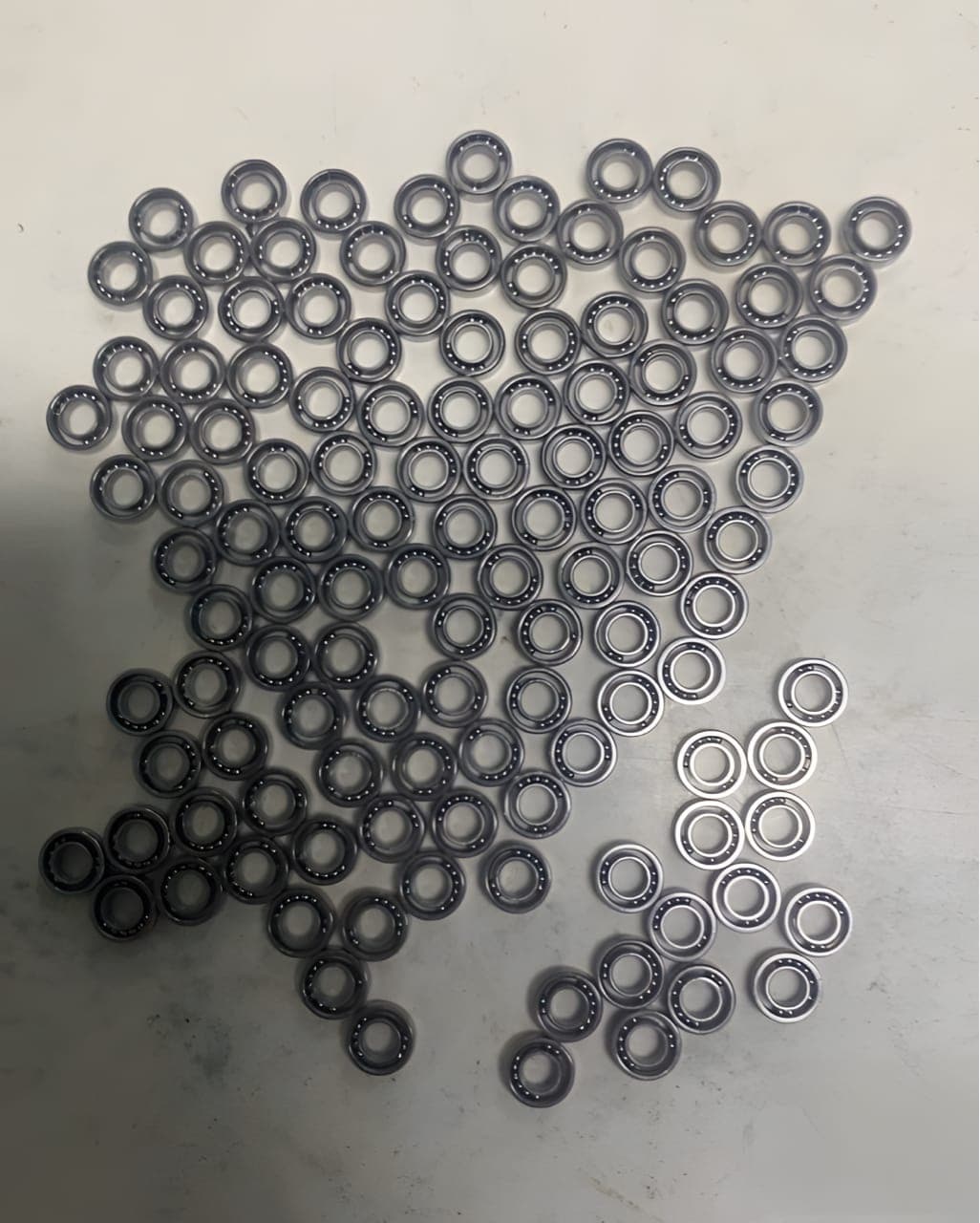 BearingsLay them flat in one layerOpen counter & guide