How to photograph buttons for counting
- 1
Lay the buttons flat in one layer
Spread them so none overlaps or stands on edge. A button half under another is easy to miss.
- 2
Pick a background that contrasts
Light buttons need a dark surface and dark buttons a light one. Clear and pearl buttons need extra care: use a matt dark cloth and avoid glare.
- 3
Count one kind at a time
Sort mixed sizes and styles first. Batches of the same button are marked more consistently, and the total means more when it is one item.
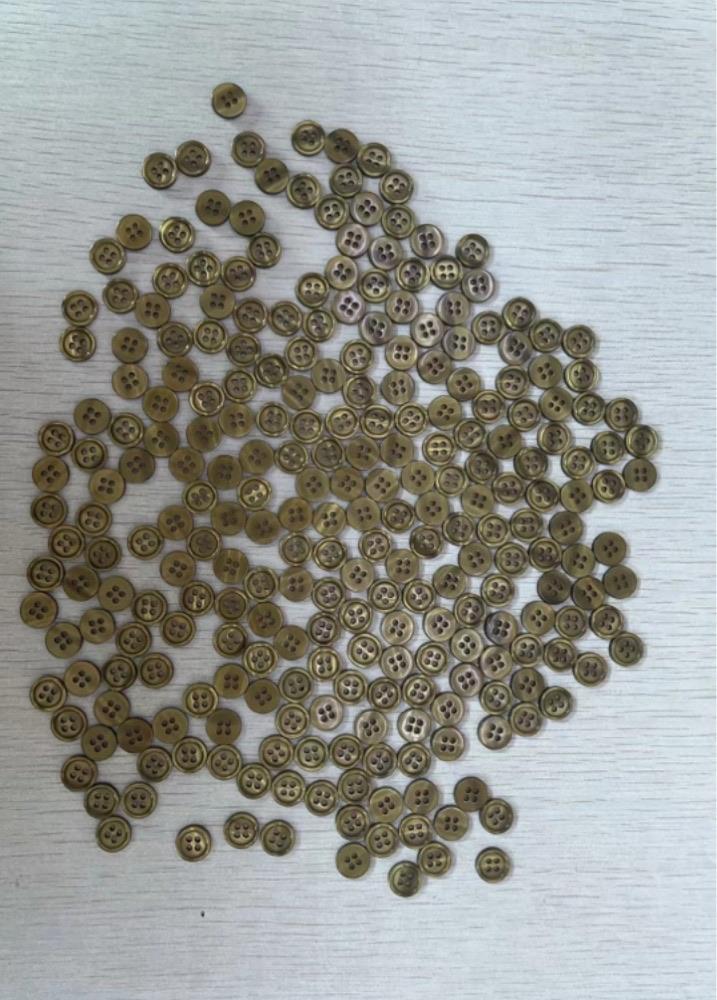
Photo example
Four-hole metal buttons scattered on a light surface, lying flat and mostly apart.
The tool's sample opens saved example markers; uploading your own photo runs a new count.
259 buttons are marked in the tool's sample photo.
When to count buttons from a photo
Garment factories, trim suppliers and sewing workshops count buttons when trims arrive, when they are issued to a production line by the order quantity, and at stock checks. Small buttons are usually estimated by weight, which drifts with every batch. Spread a batch on the table, photograph it, check the markers and save the image with the total and the date for the order file.
Questions about counting buttons
Can it count buttons of mixed sizes and colours?
It can mark them, but the count is more reliable when the buttons in one photo are alike. Sort mixed lots first and count each kind separately, which is usually how the numbers are needed anyway.
How many buttons fit in one photo?
A few hundred small buttons in a single layer works well. Each button should still be large enough in the photo to check; for more, take several photos and add the totals.
Is counting from a photo better than weighing?
Weighing is quick for thousands of pieces but depends on an average weight that varies between batches. A photo count gives an exact, checkable number for smaller lots, such as trims issued for one order, and a marked image as the record.
More counting guides
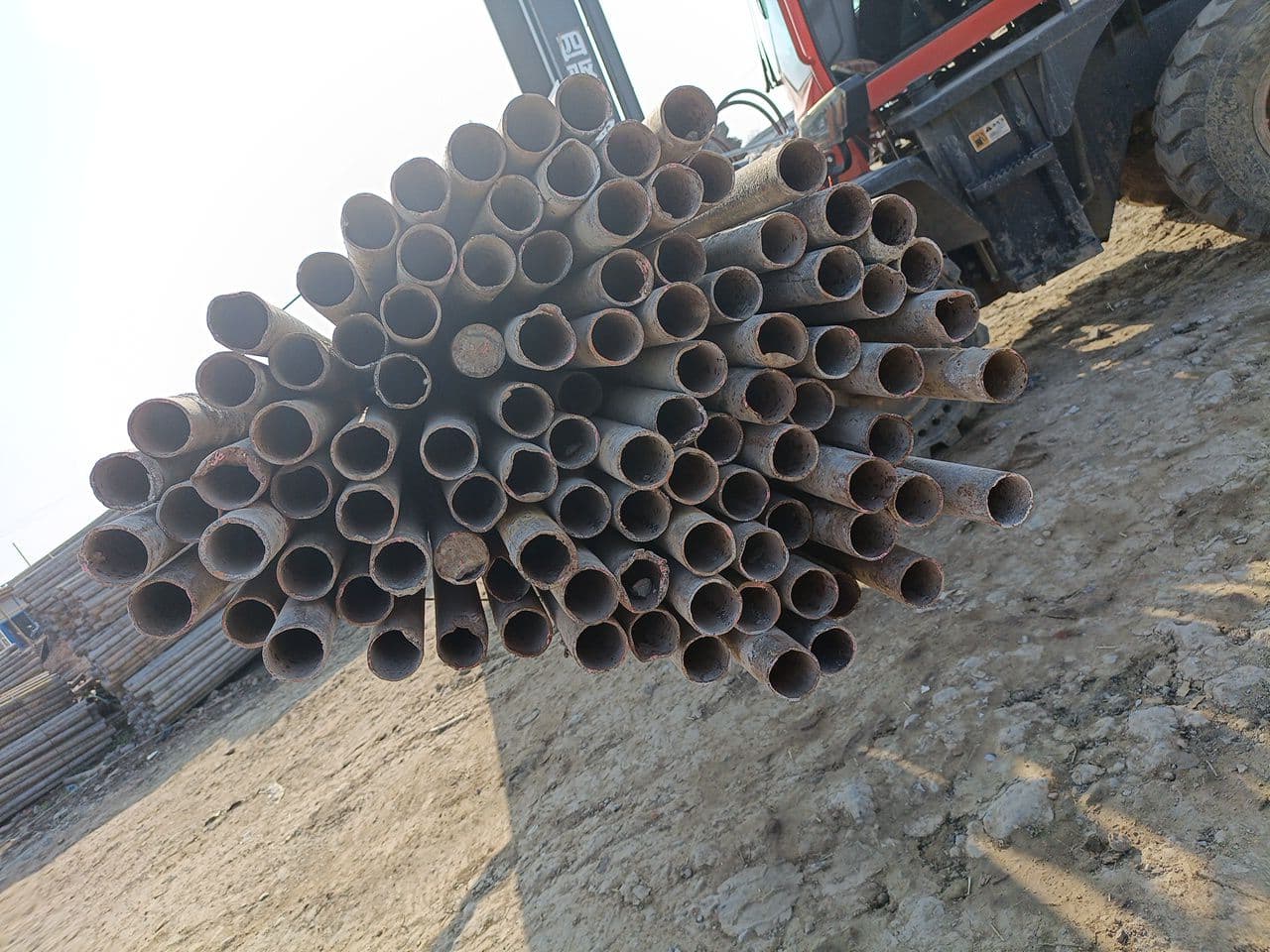 Steel pipesFace the pipe endsOpen counter & guide
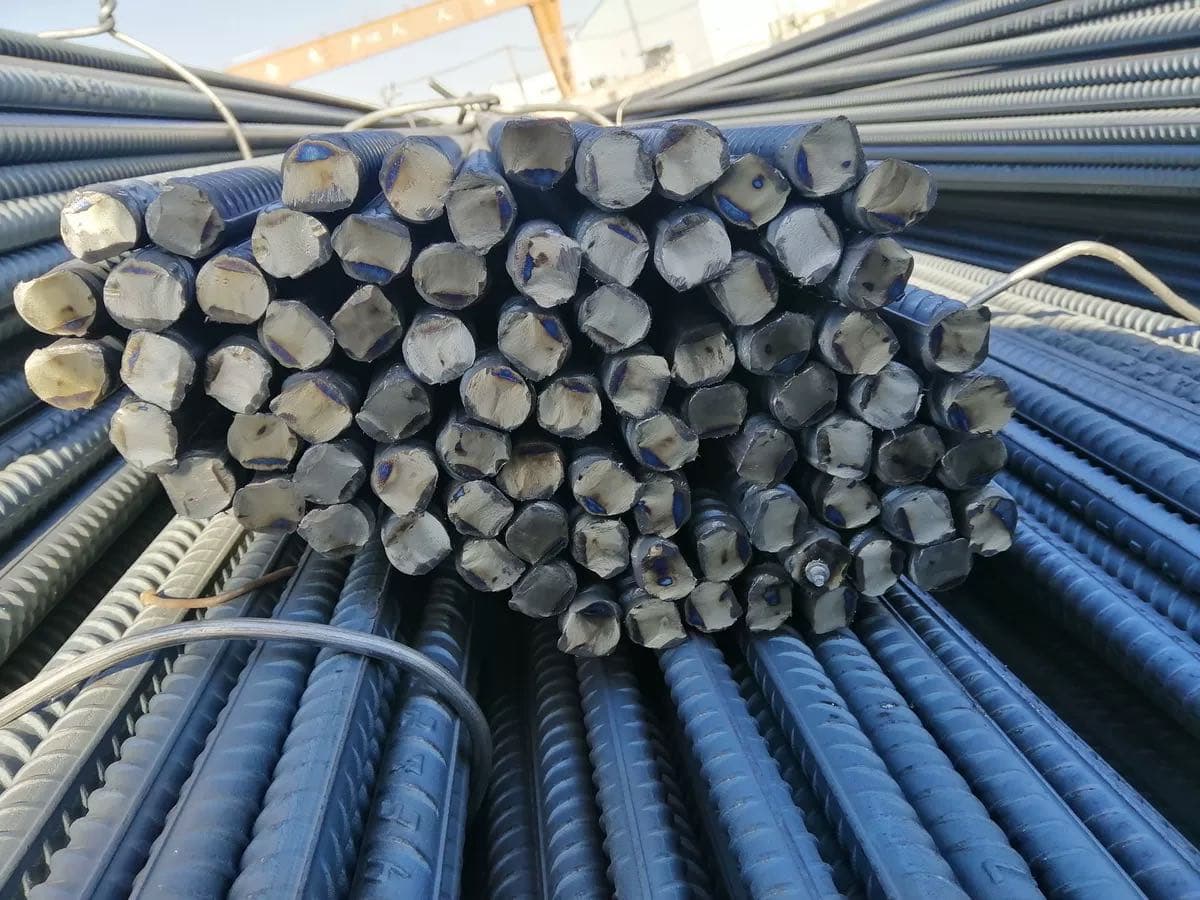 RebarPhotograph the cut endsOpen counter & guide
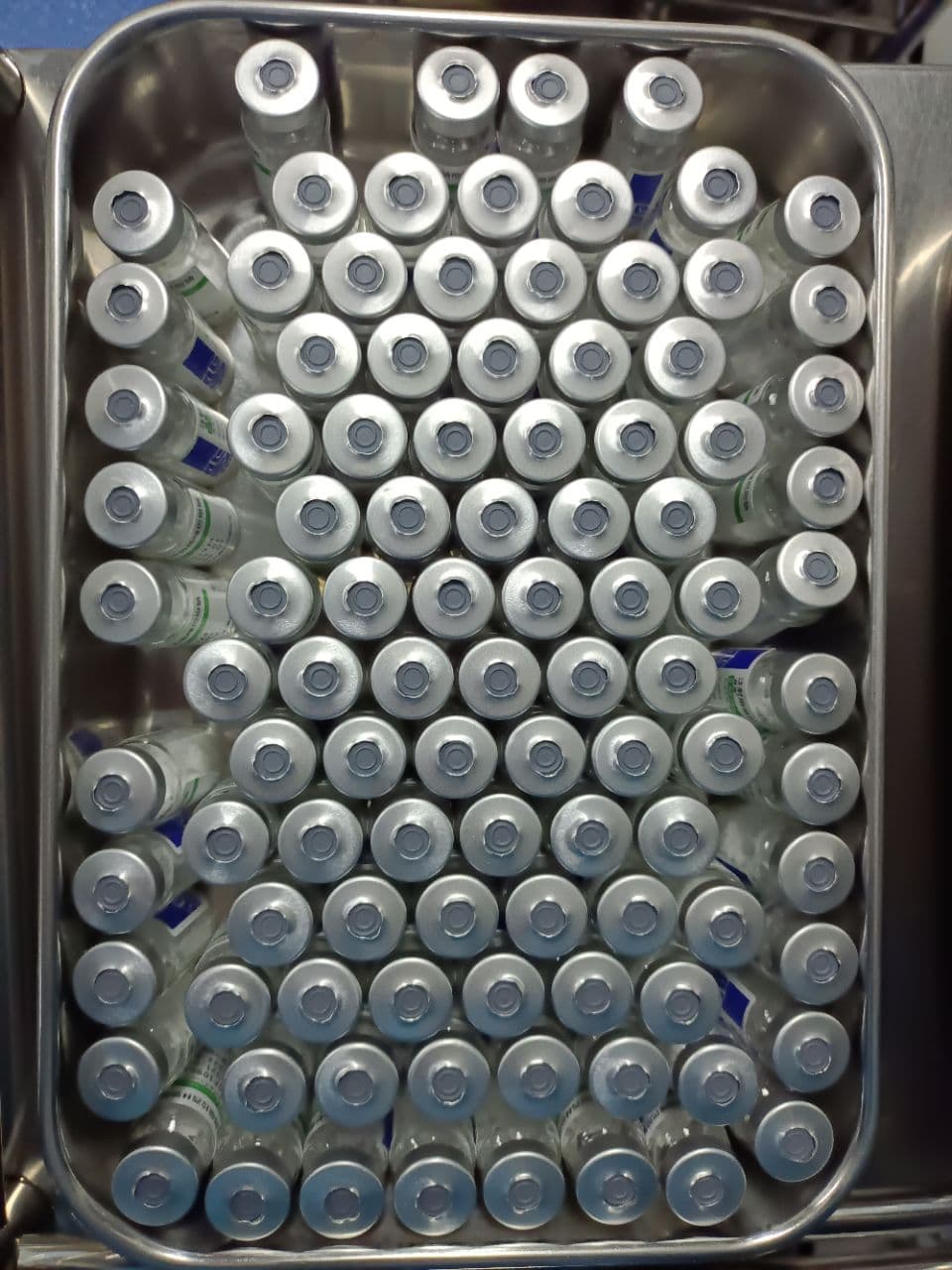 VialsShow one visible layerOpen counter & guide
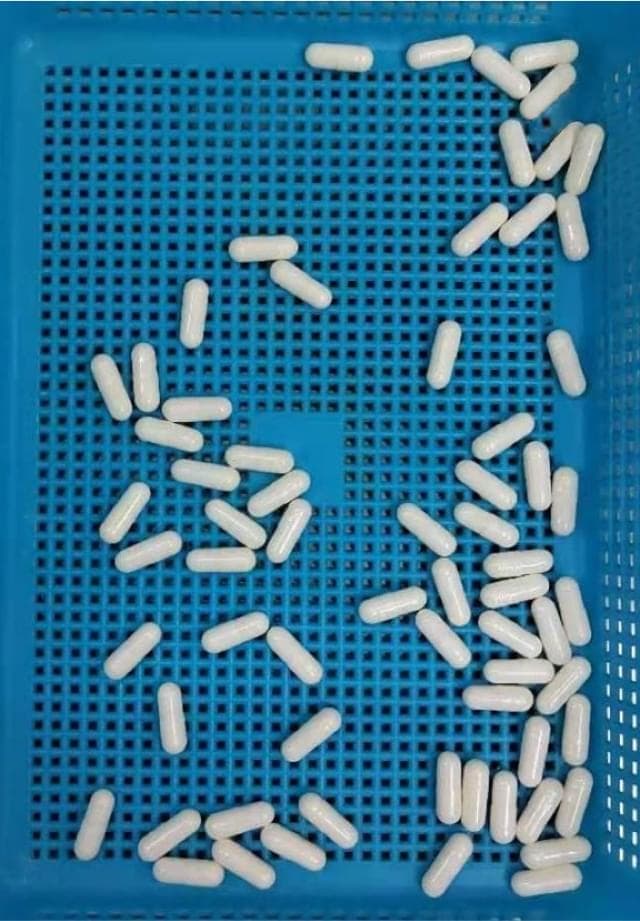 CapsulesSeparate touching capsulesOpen counter & guide
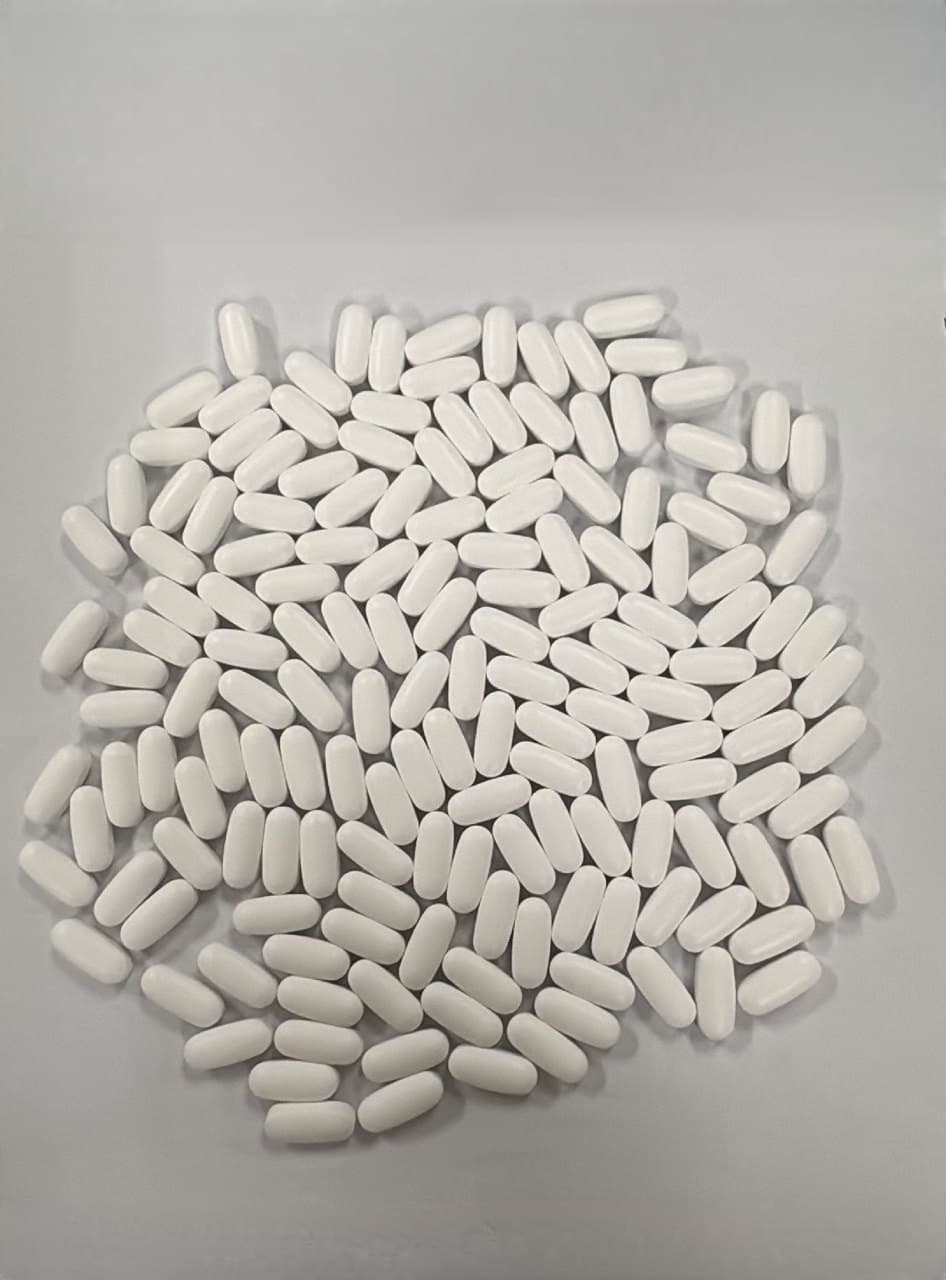 TabletsMake a single layerOpen counter & guide
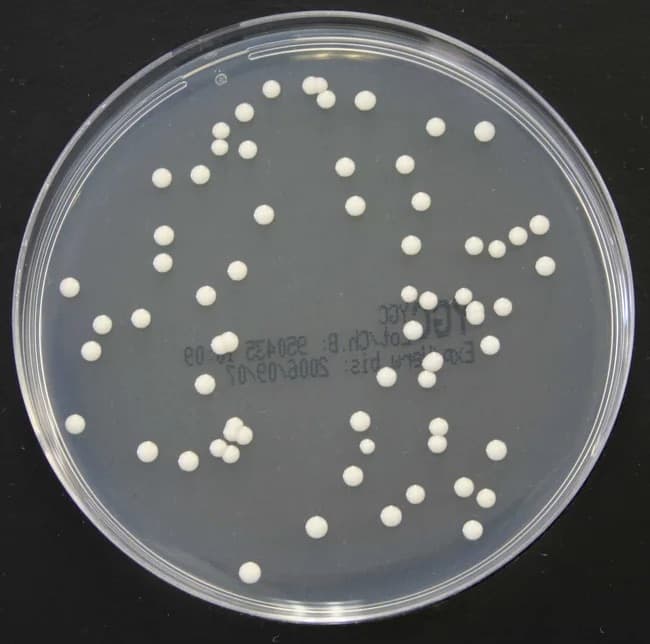 Bacterial coloniesPhotograph the plate from aboveOpen counter & guide
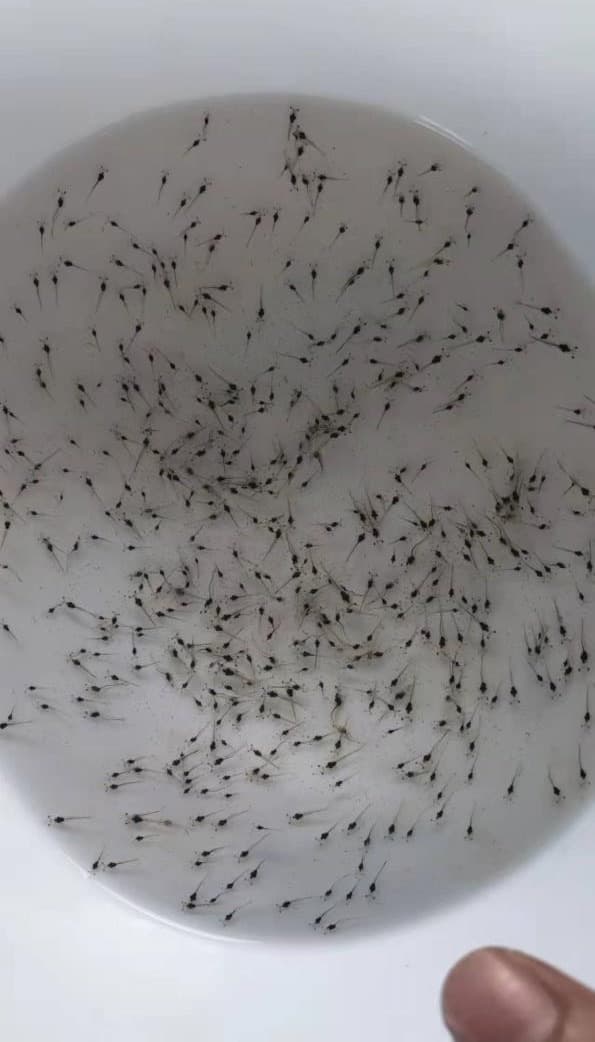 Shrimp larvaeUse a shallow white basinOpen counter & guide
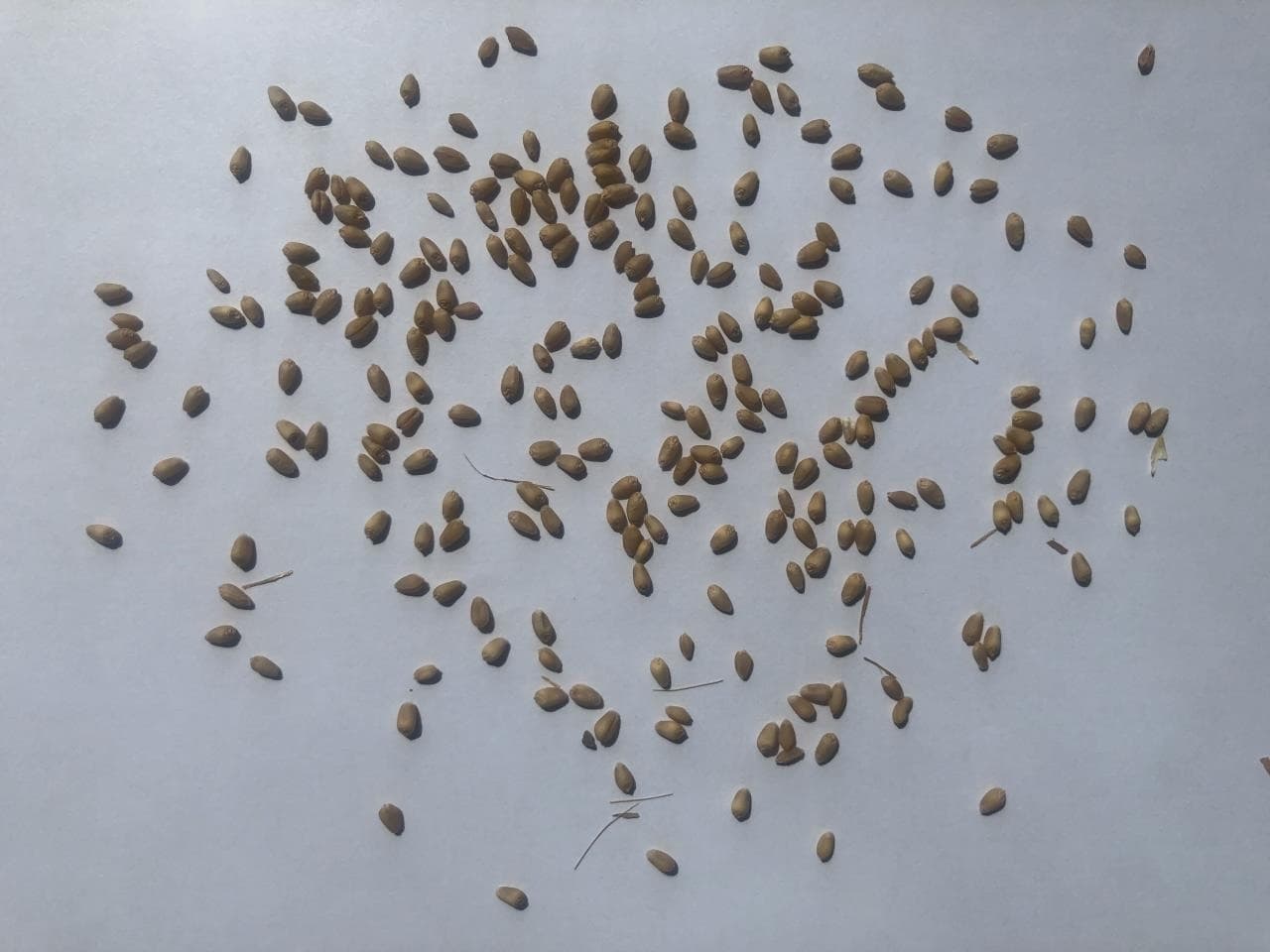 SeedsSpread the seeds in one layerOpen counter & guide
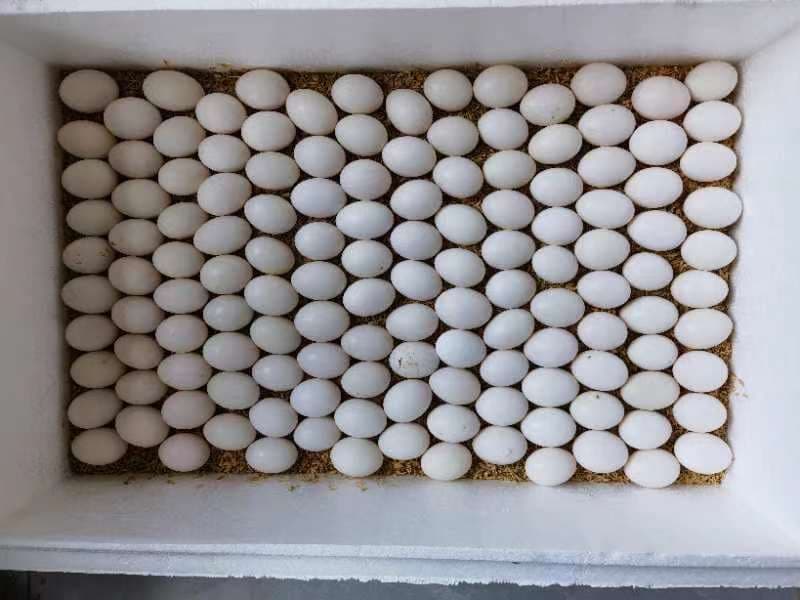 EggsShoot from directly aboveOpen counter & guide
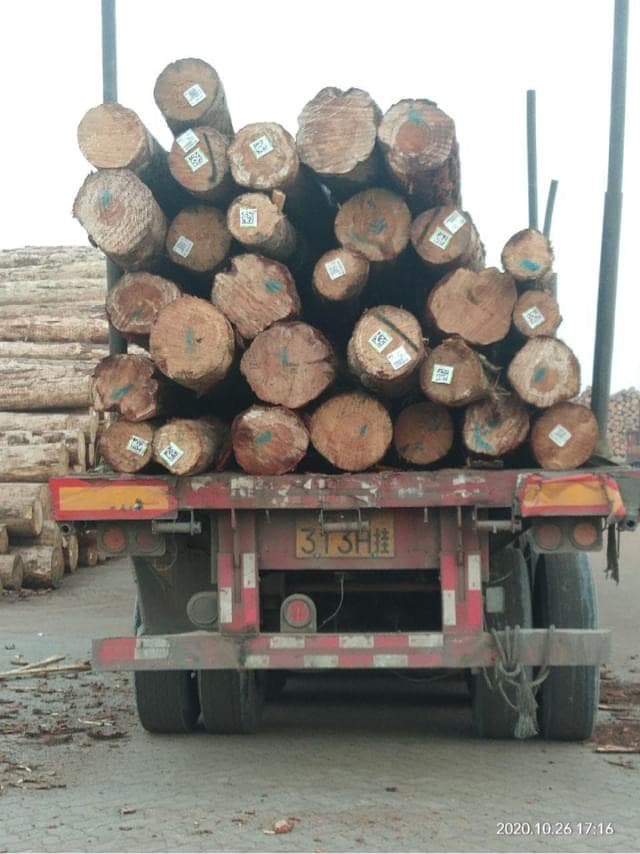 LogsFace the cut endsOpen counter & guide
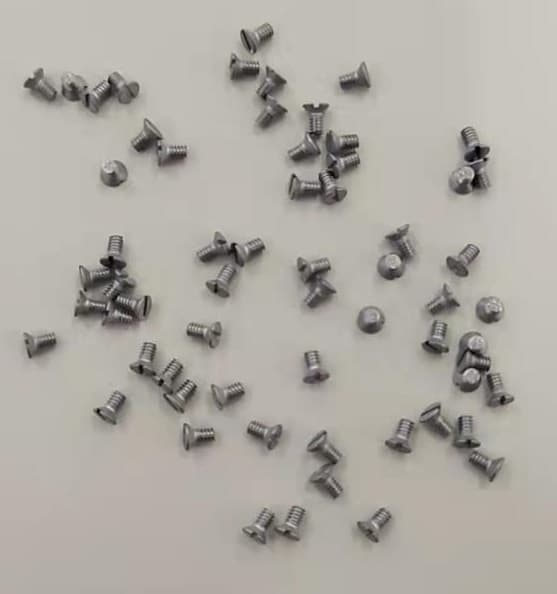 ScrewsSpread them outOpen counter & guide
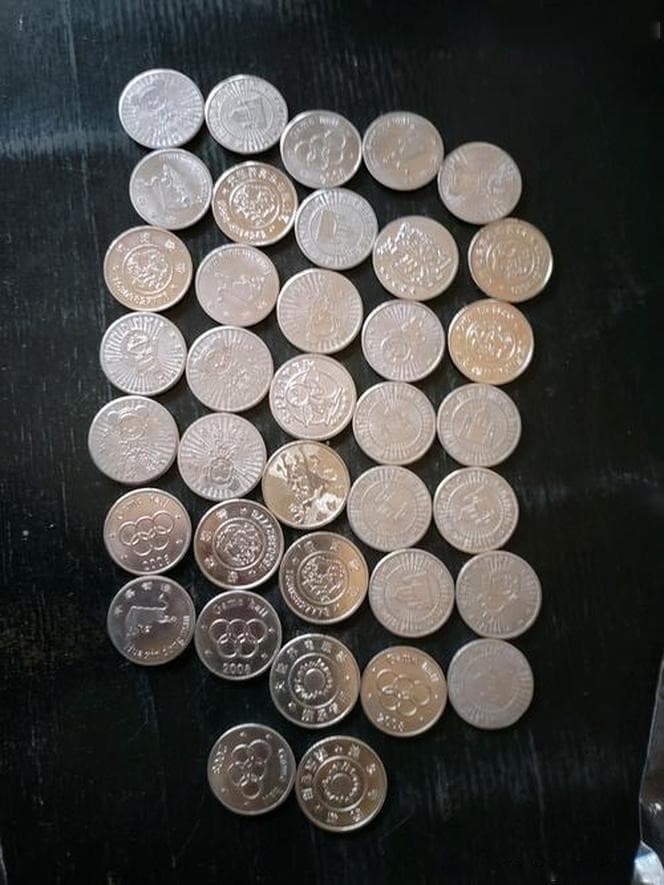 CoinsLay the coins flat in one layerOpen counter & guide
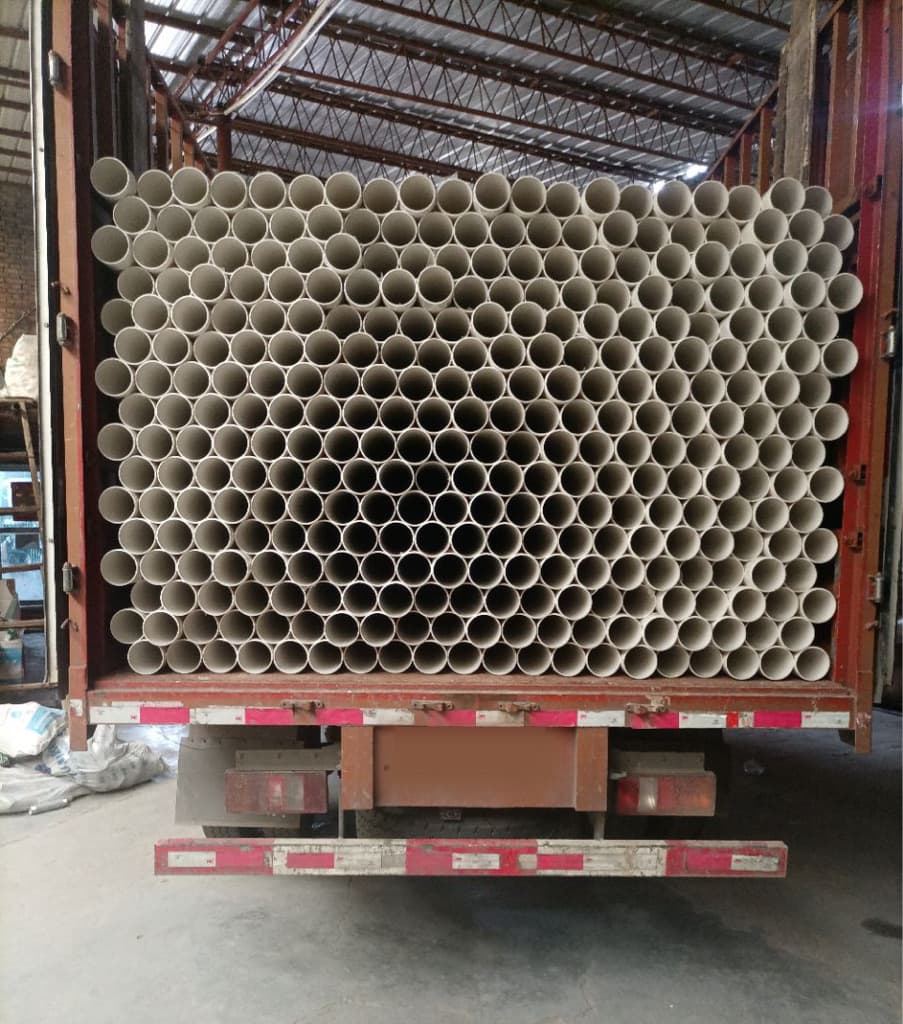 PVC pipesShoot the open ends straight onOpen counter & guide
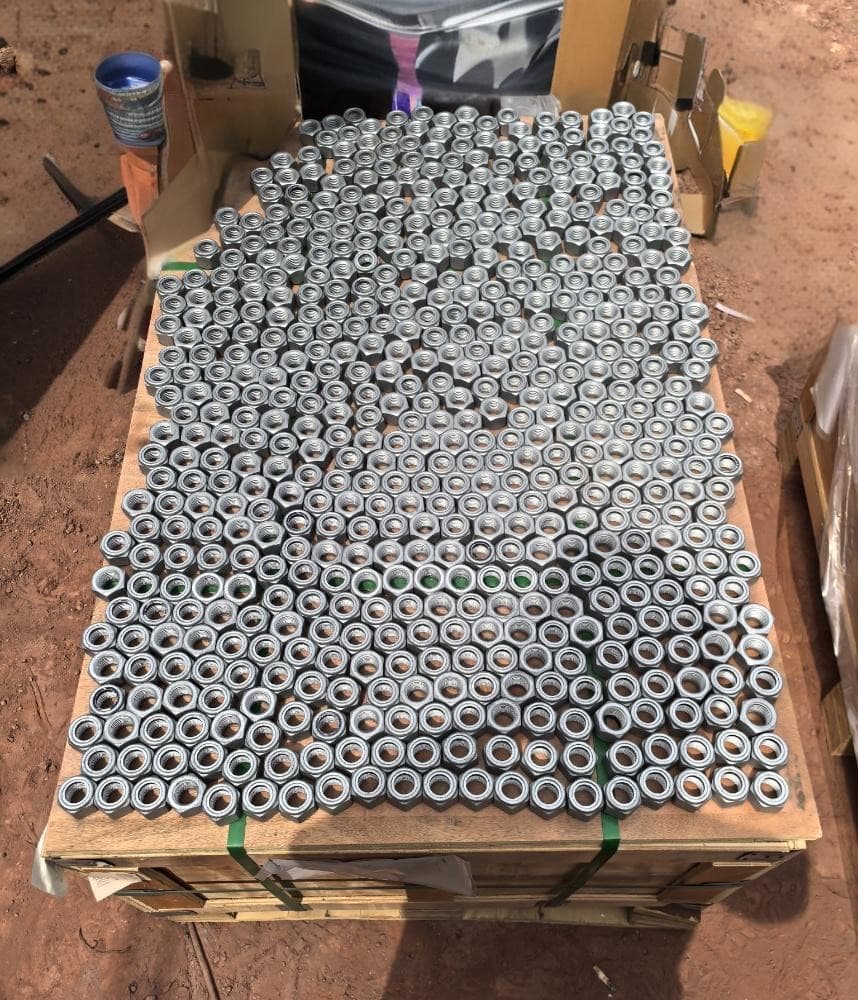 NutsLay them flat in one layerOpen counter & guide
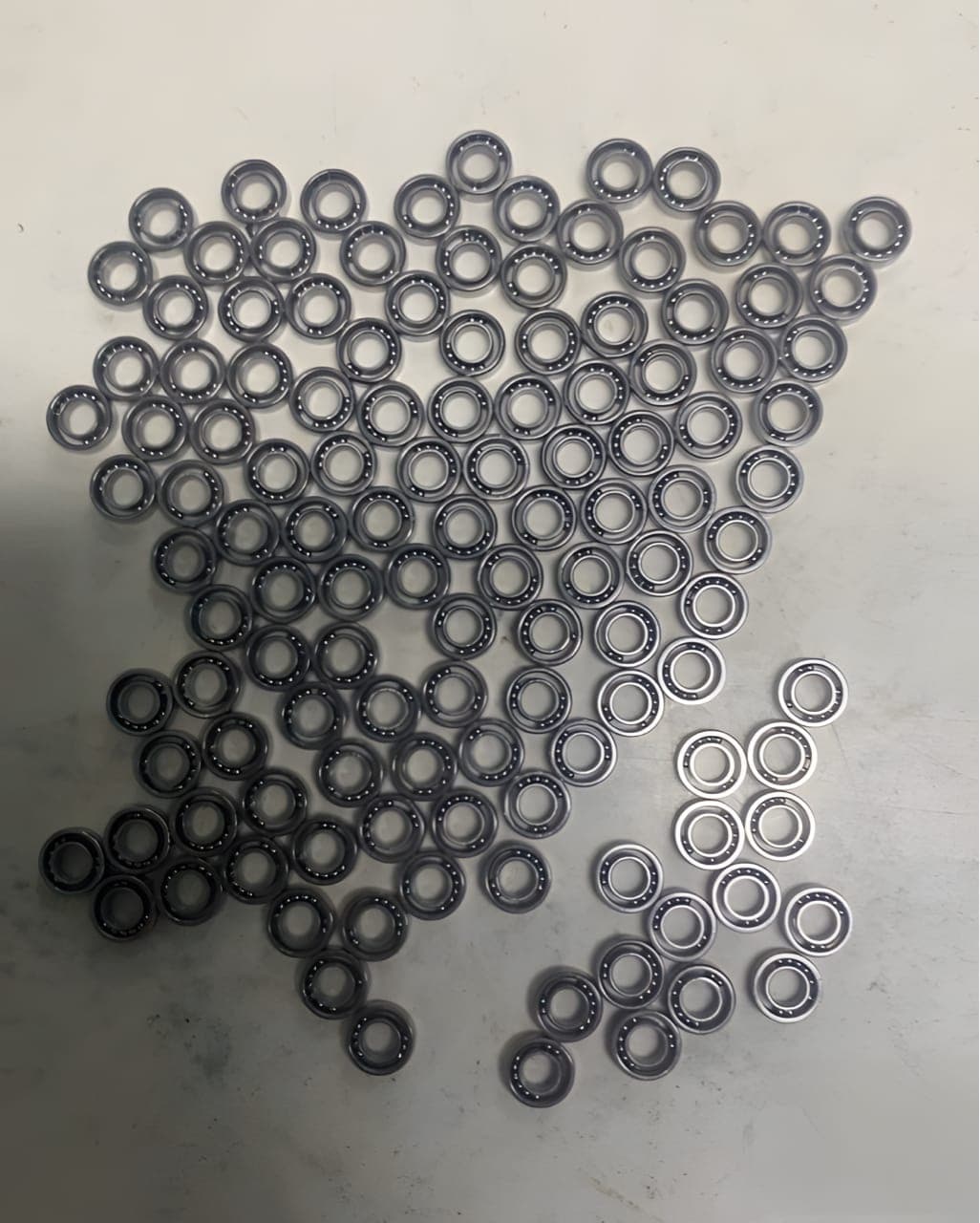 BearingsLay them flat in one layerOpen counter & guide
 PeopleGet every head in viewOpen counter & guide
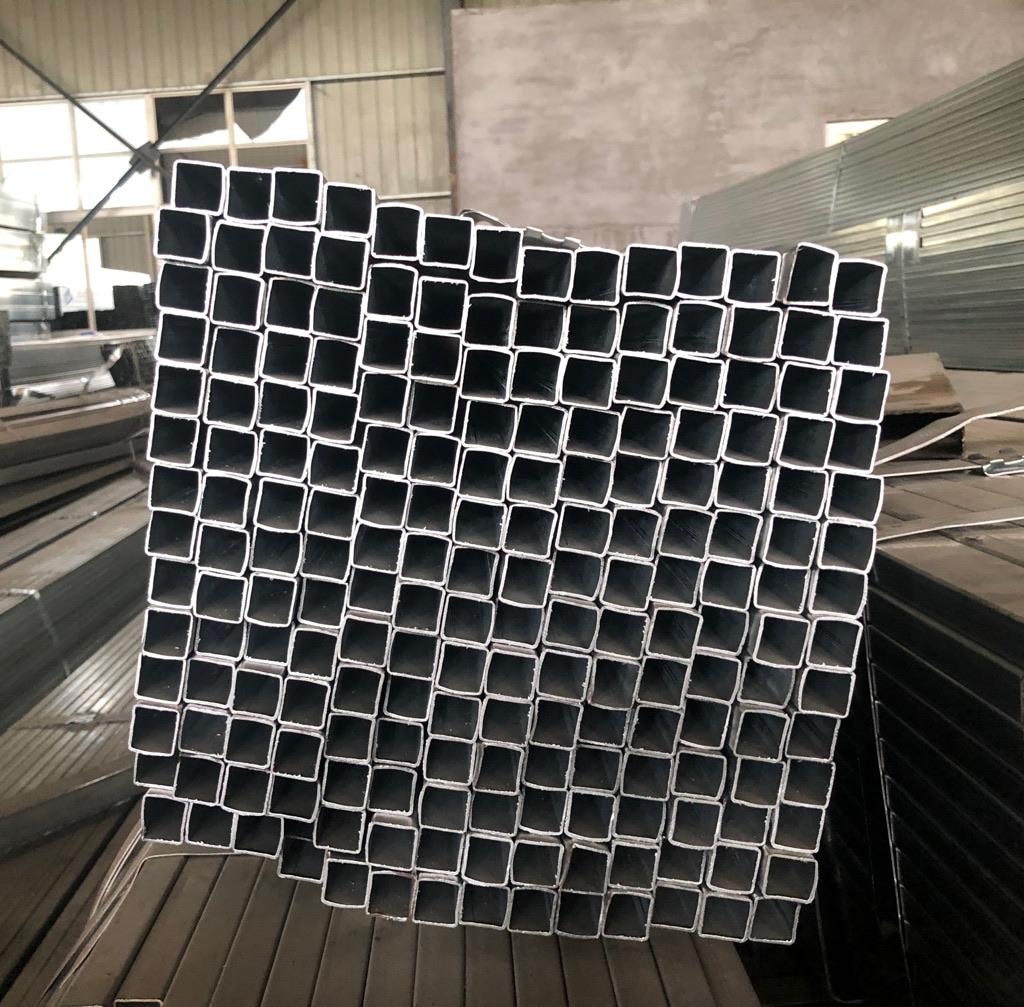 Square tubesFace the open endsOpen counter & guide
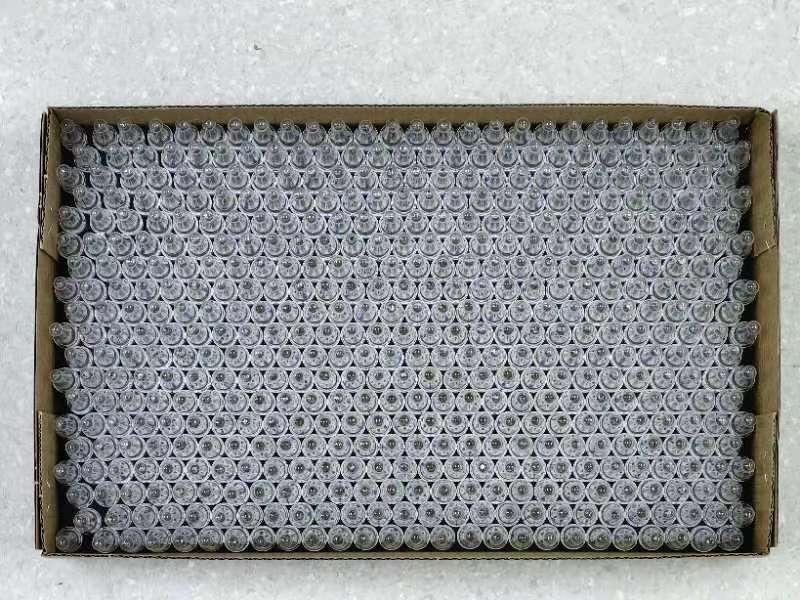 AmpoulesShoot straight down on the tipsOpen counter & guide
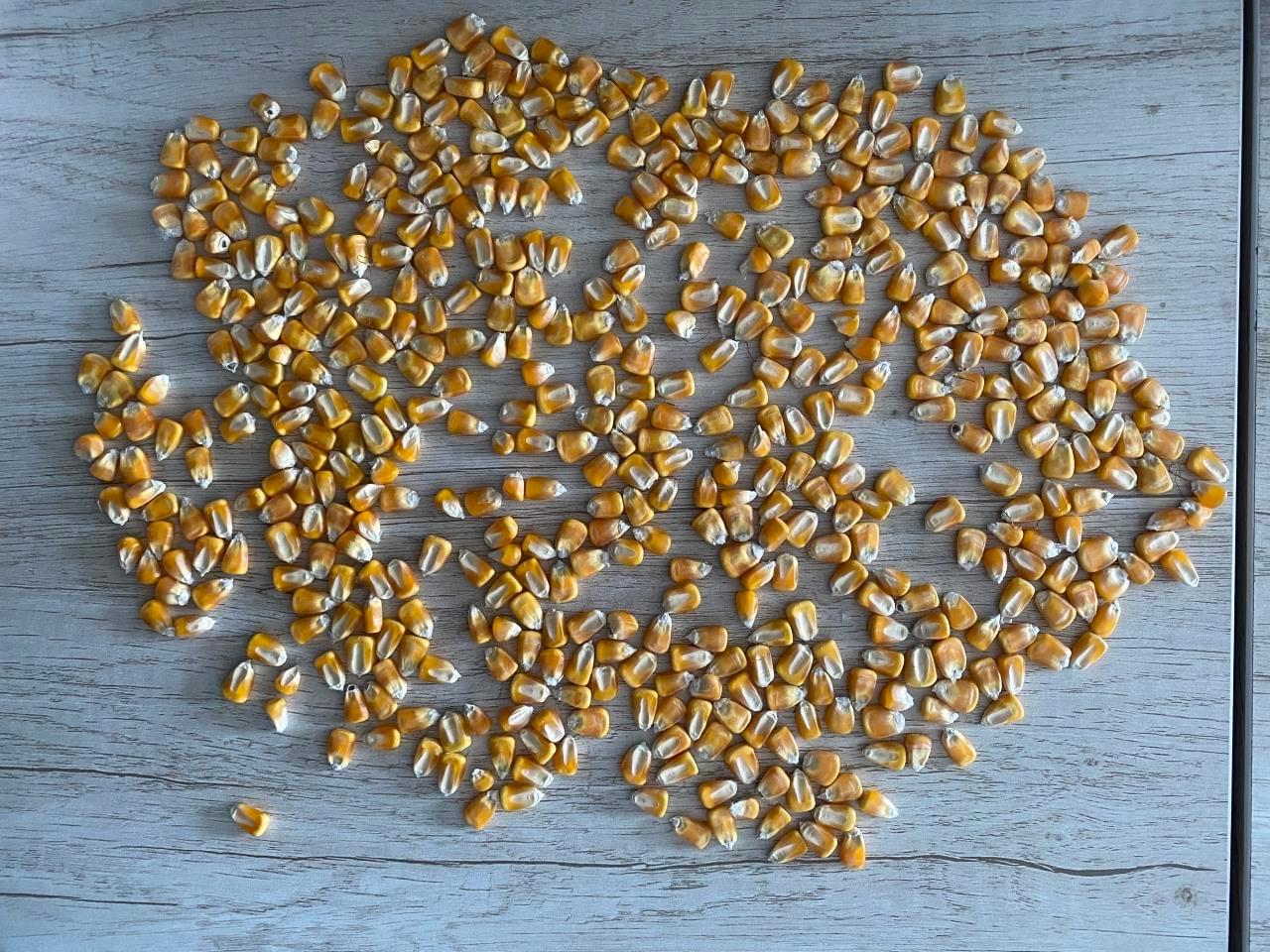 Corn kernelsSpread the kernels in one layerOpen counter & guide
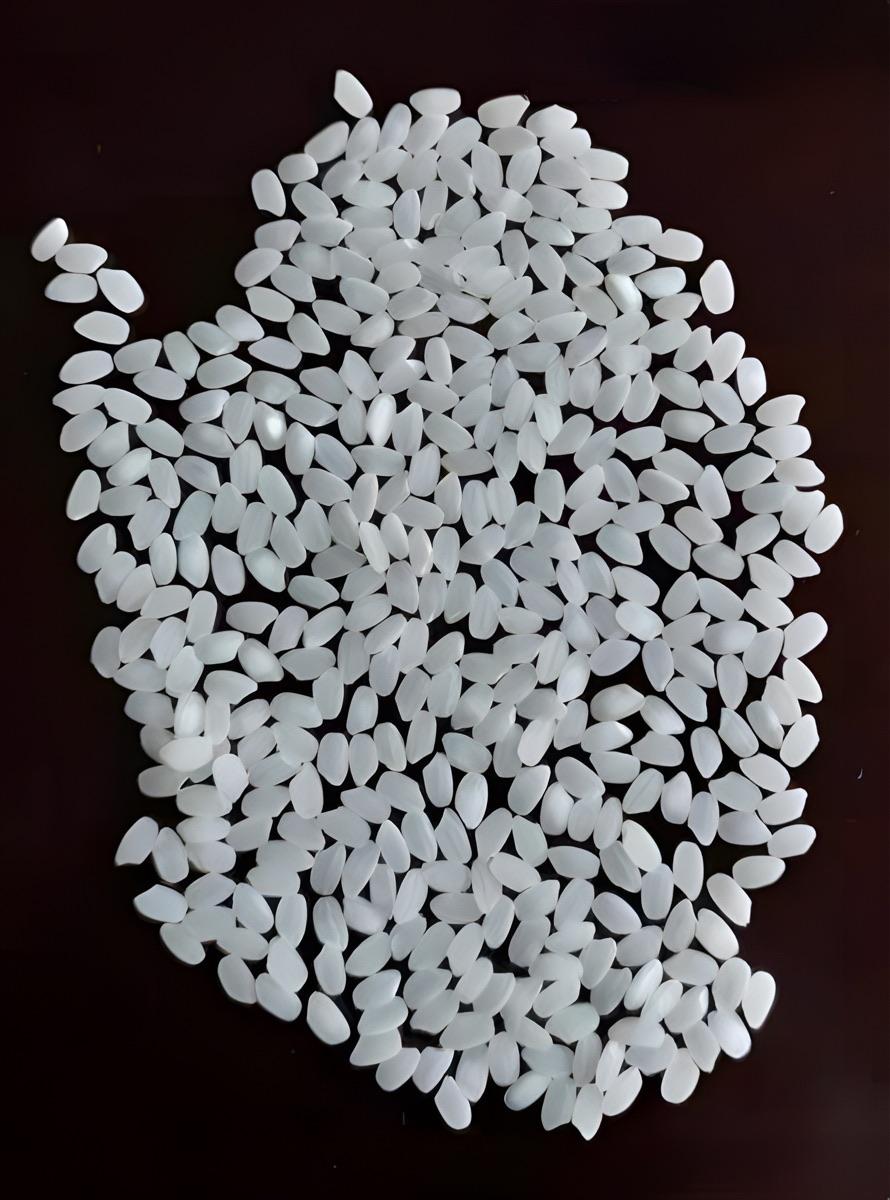 Rice grainsPut white rice on a dark backgroundOpen counter & guide
 PigsShoot from above the penOpen counter & guide