How to photograph corn kernels for counting
- 1
Spread the kernels in one layer
Pour the sample onto a flat tray and shake it so no kernel lies on another. Kernels in a heap can't be told apart.
- 2
Use a plain, contrasting background
Yellow kernels show best on a dark or grey matt surface. Avoid patterned cloth and glossy trays that reflect the light.
- 3
Separate clumps before you shoot
Nudge touching kernels apart with a finger or a card. After counting, zoom into any clumps that remain and check for kernels that share one marker.
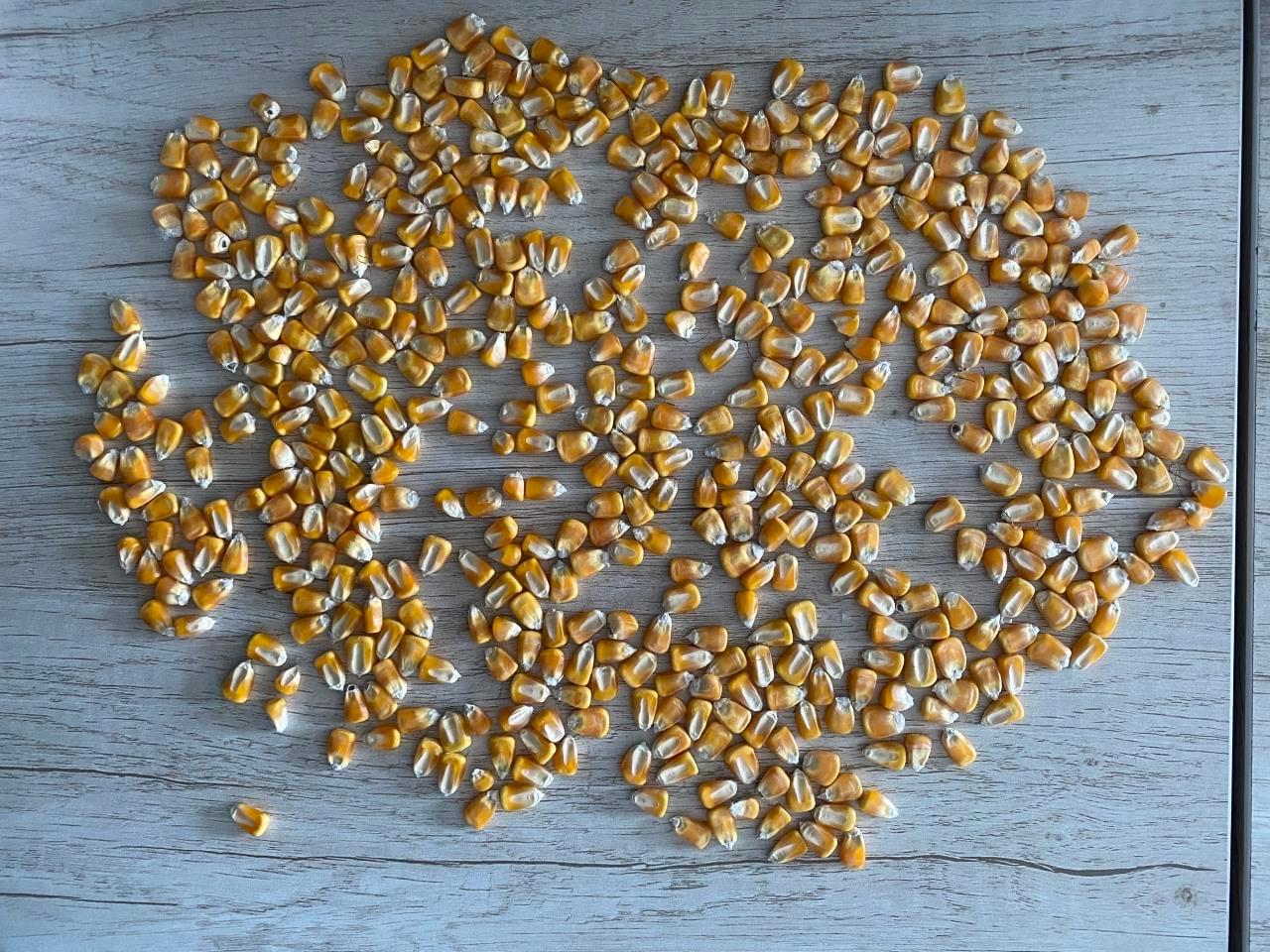
Photo example
Kernels spread in a single layer on a plain grey surface, most of them apart.
The tool's sample opens saved example markers; uploading your own photo runs a new count.
522 corn kernels are marked in the tool's sample photo.
When to count corn kernels from a photo
Seed labs, breeders and agronomists count kernels for thousand-kernel weight, germination tests and yield estimates, and grain buyers count samples when grading a lot. Counting 500 or 1,000 kernels by hand takes minutes and invites mistakes. Spread the sample, photograph it from above, check the markers and save the image with the total and the date next to your weights.
Questions about counting corn kernels
How do I use this for thousand-kernel weight?
Count a sample from a photo, weigh the same kernels and scale the weight to 1,000 kernels. For example, if 500 kernels weigh 150 g, the thousand-kernel weight is 300 g. Check the markers first, since each miscounted kernel changes the result.
How many kernels can I count in one photo?
A few hundred kernels in a single layer is a practical amount: every kernel is still large enough in the photo to check. For larger samples take several photos and add the totals.
Can it count other seeds?
Yes, with the matching type. Wheat has its own page, and rice, beans, sunflower seeds and others are in the object picker. Choosing the type that matches the seed gives a more reliable count than a general one.
More counting guides
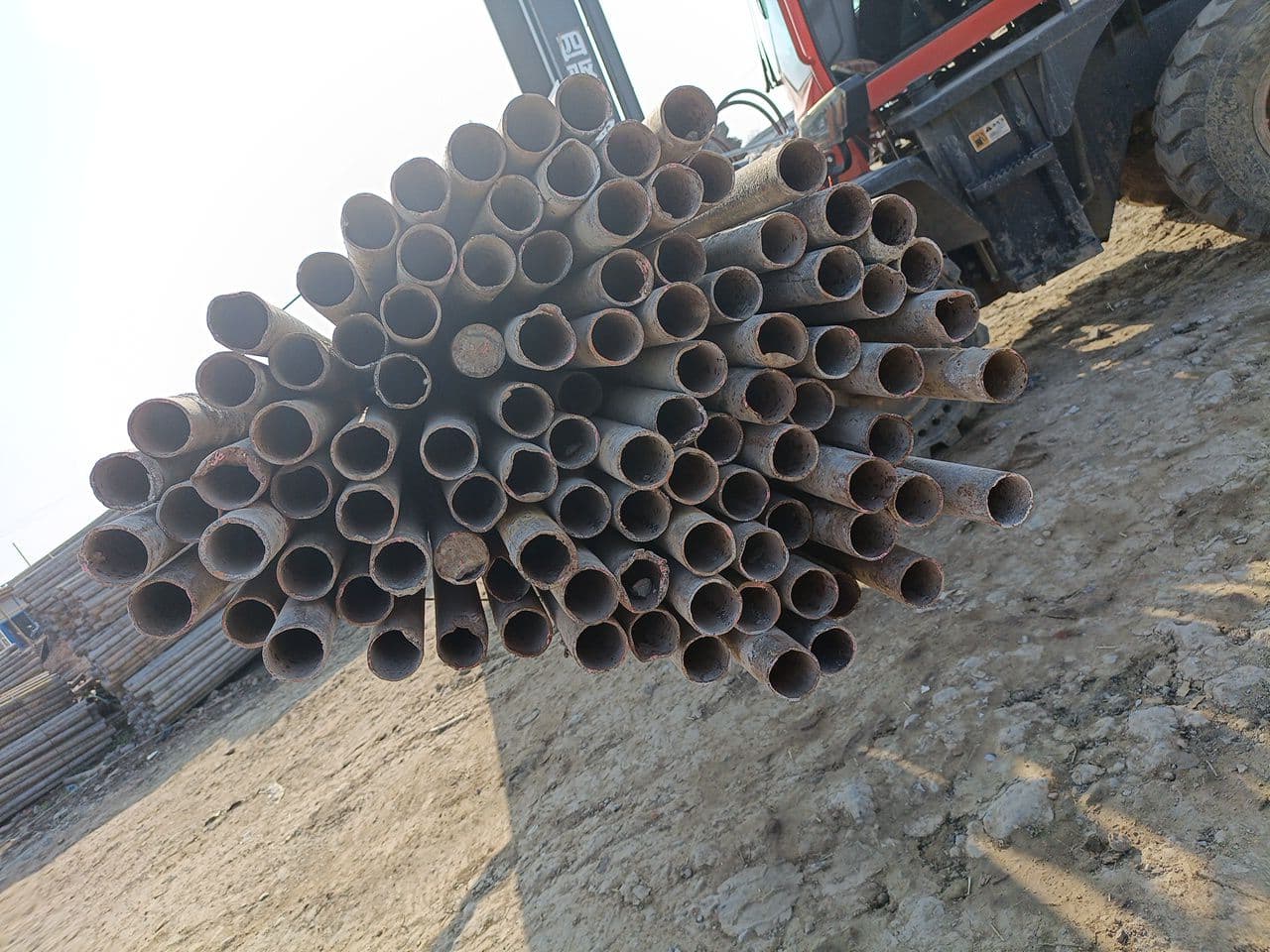 Steel pipesFace the pipe endsOpen counter & guide
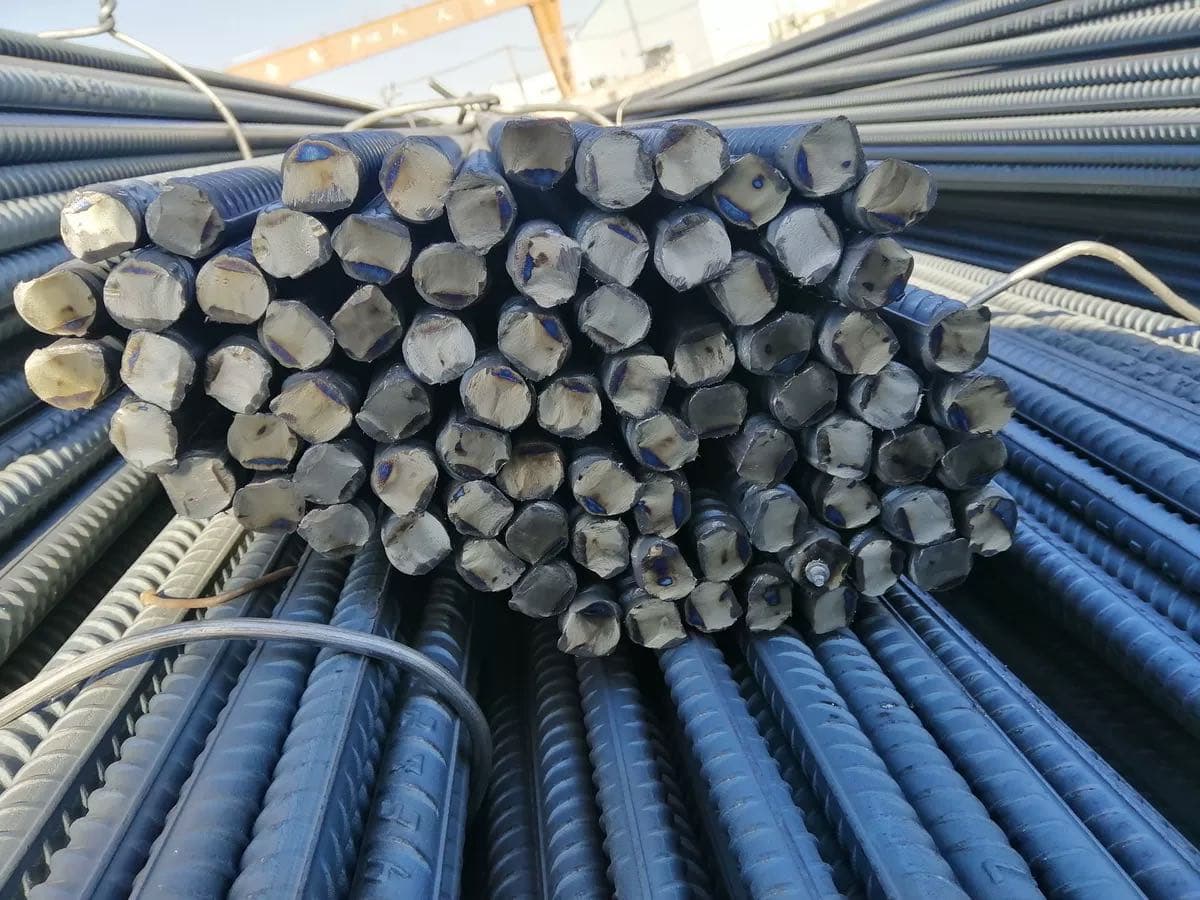 RebarPhotograph the cut endsOpen counter & guide
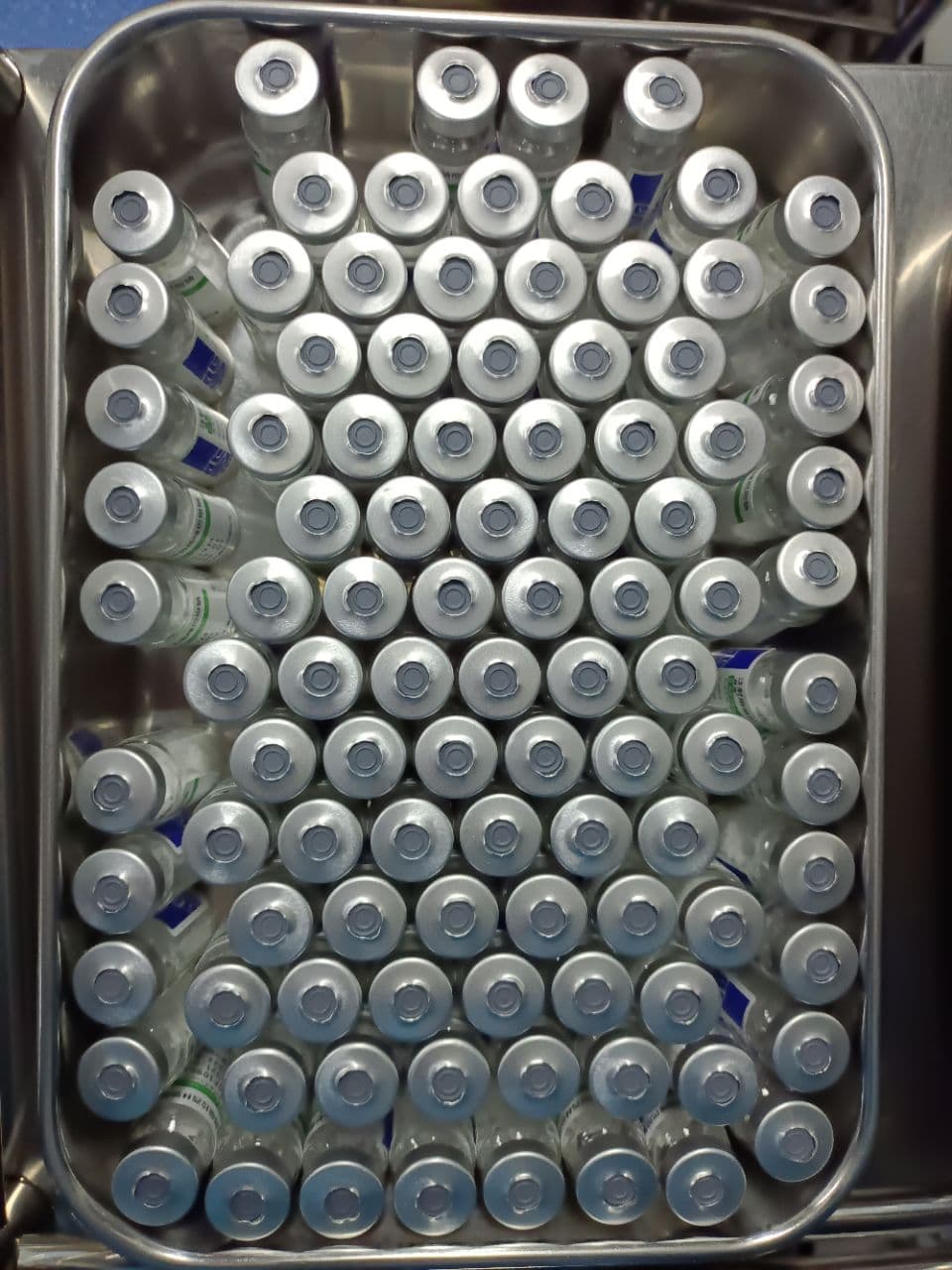 VialsShow one visible layerOpen counter & guide
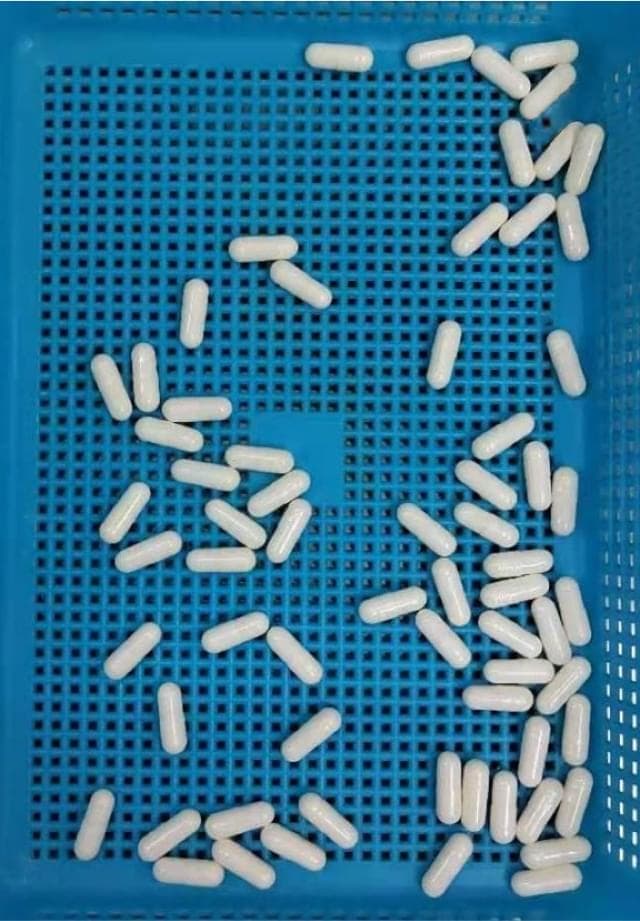 CapsulesSeparate touching capsulesOpen counter & guide
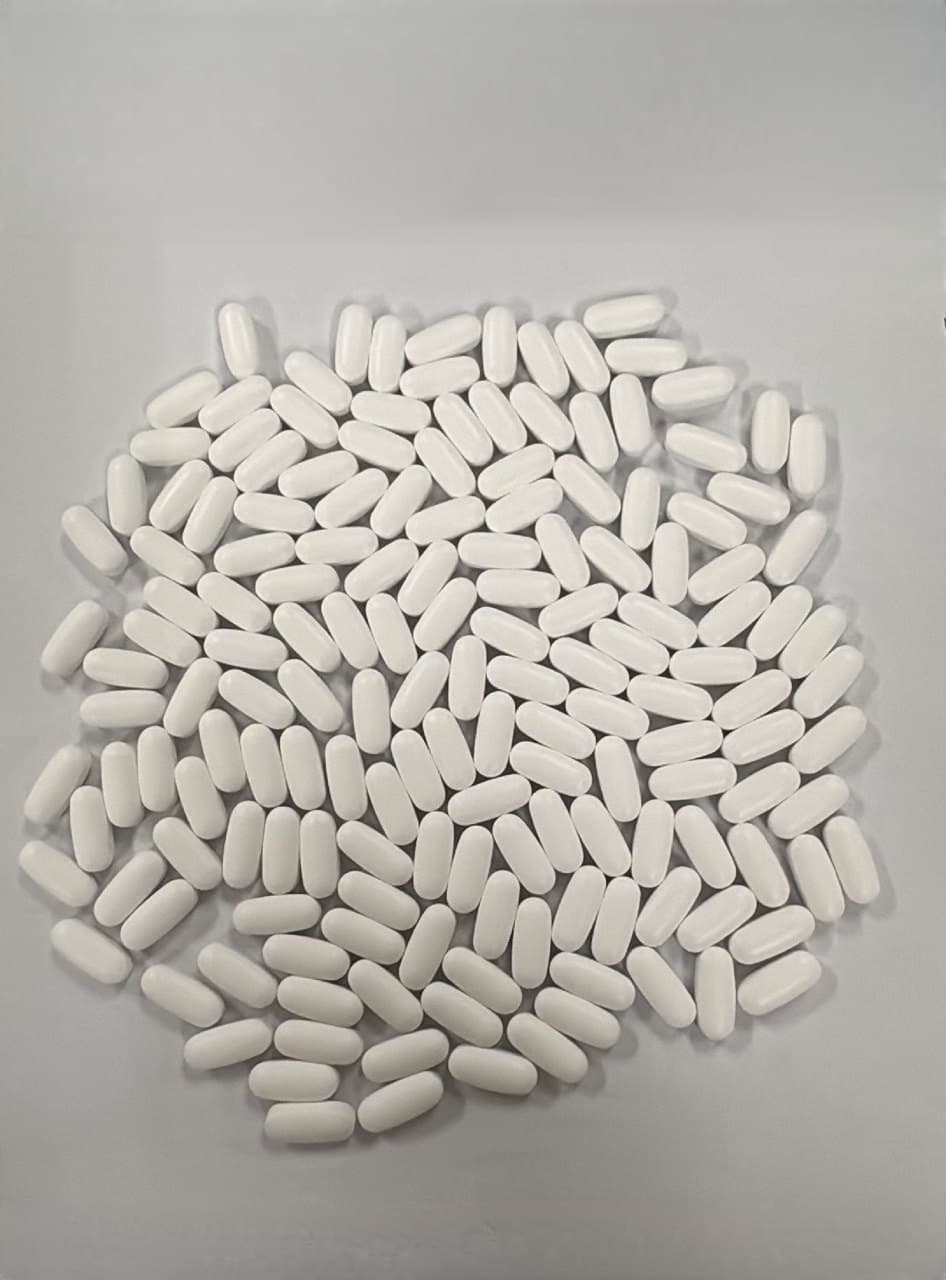 TabletsMake a single layerOpen counter & guide
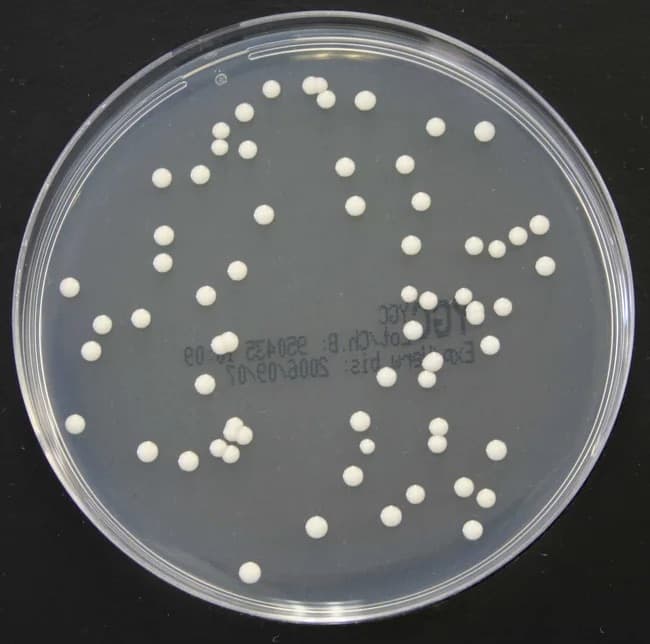 Bacterial coloniesPhotograph the plate from aboveOpen counter & guide
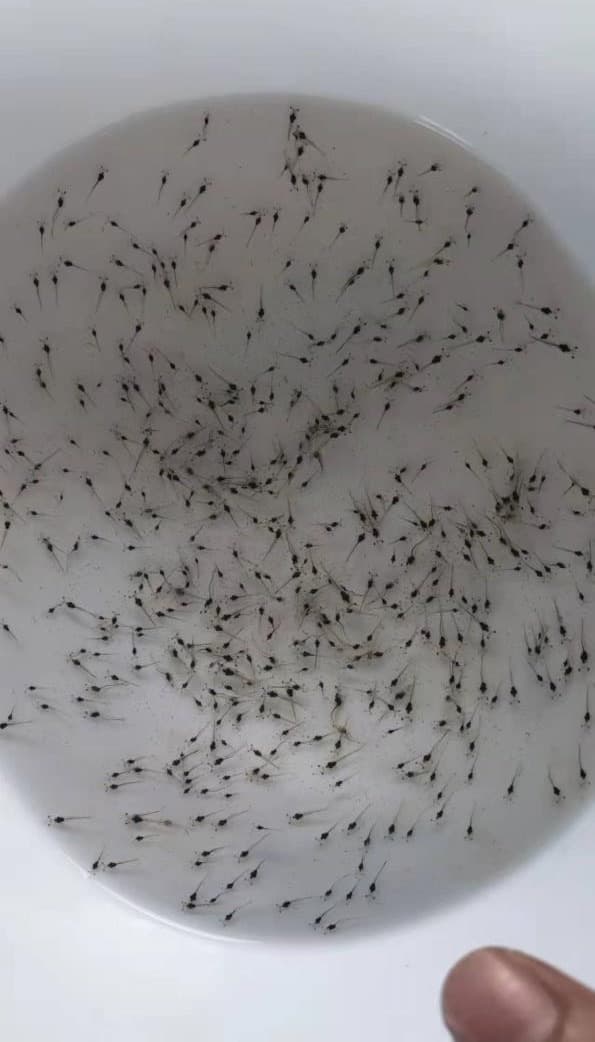 Shrimp larvaeUse a shallow white basinOpen counter & guide
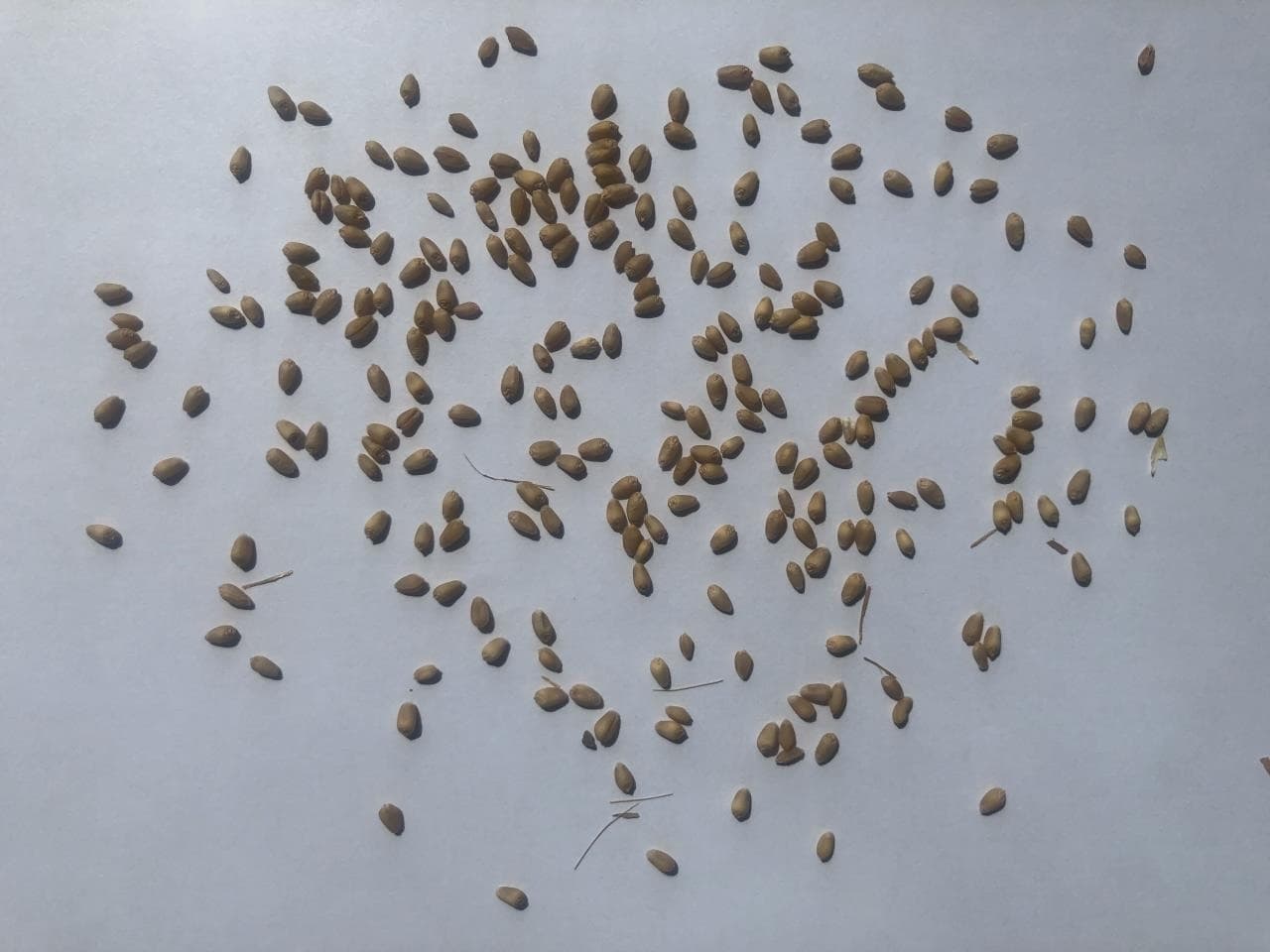 SeedsSpread the seeds in one layerOpen counter & guide
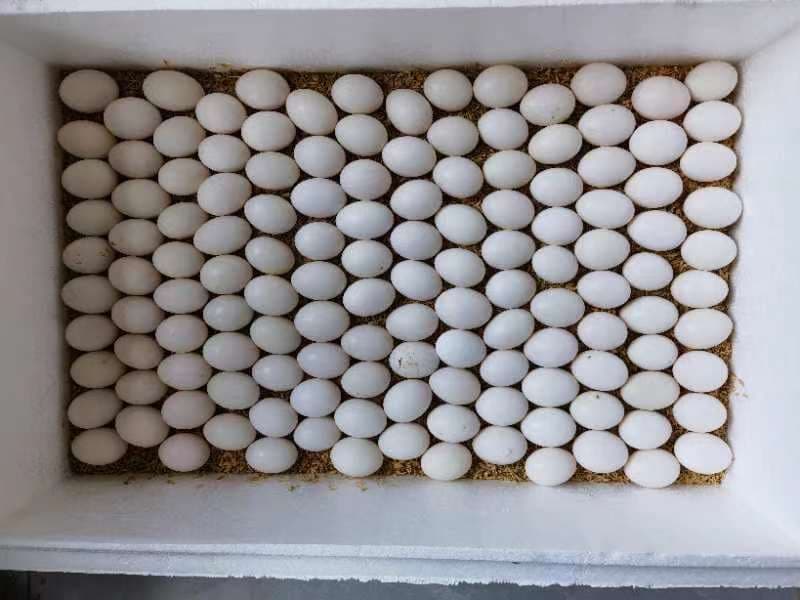 EggsShoot from directly aboveOpen counter & guide
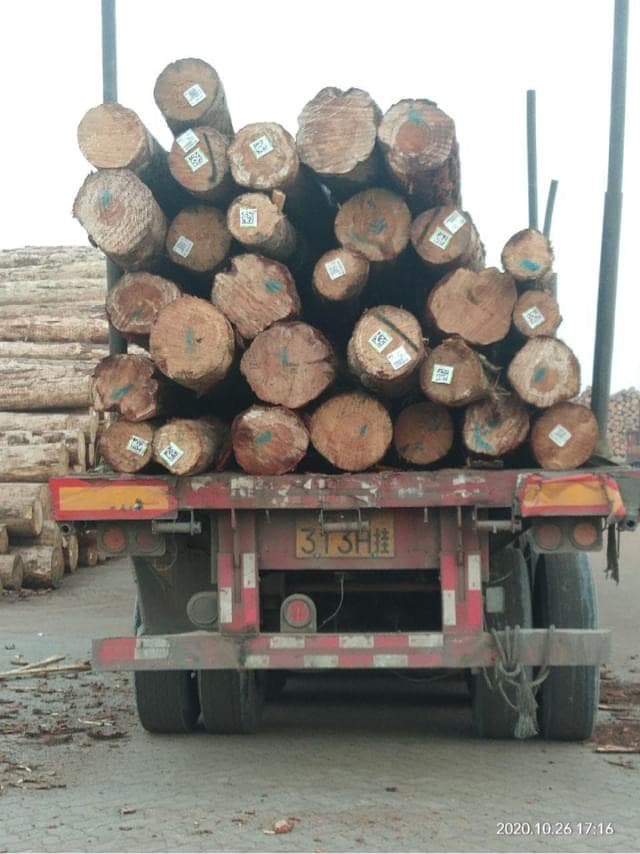 LogsFace the cut endsOpen counter & guide
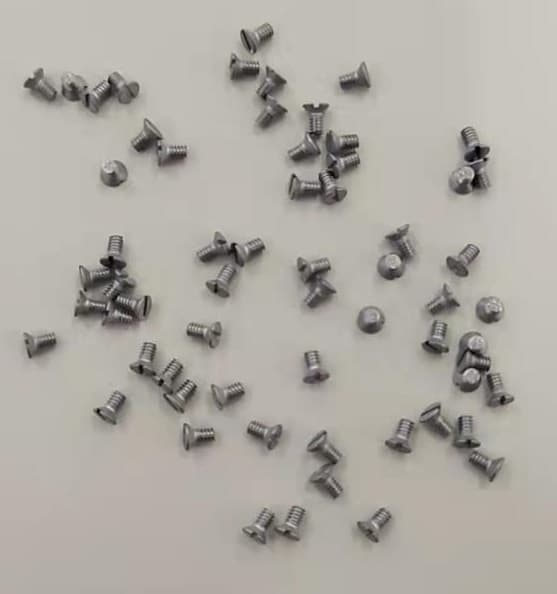 ScrewsSpread them outOpen counter & guide
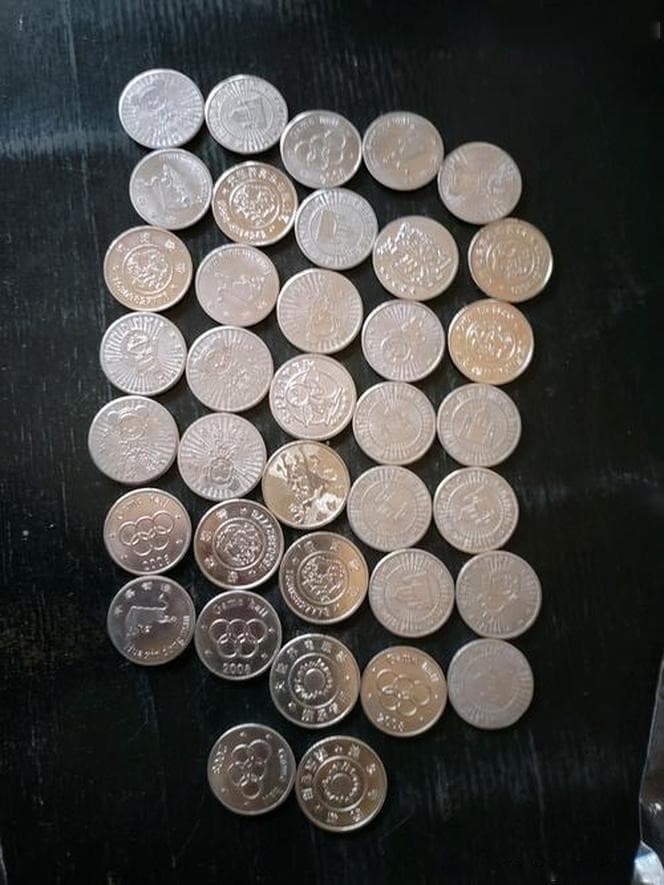 CoinsLay the coins flat in one layerOpen counter & guide
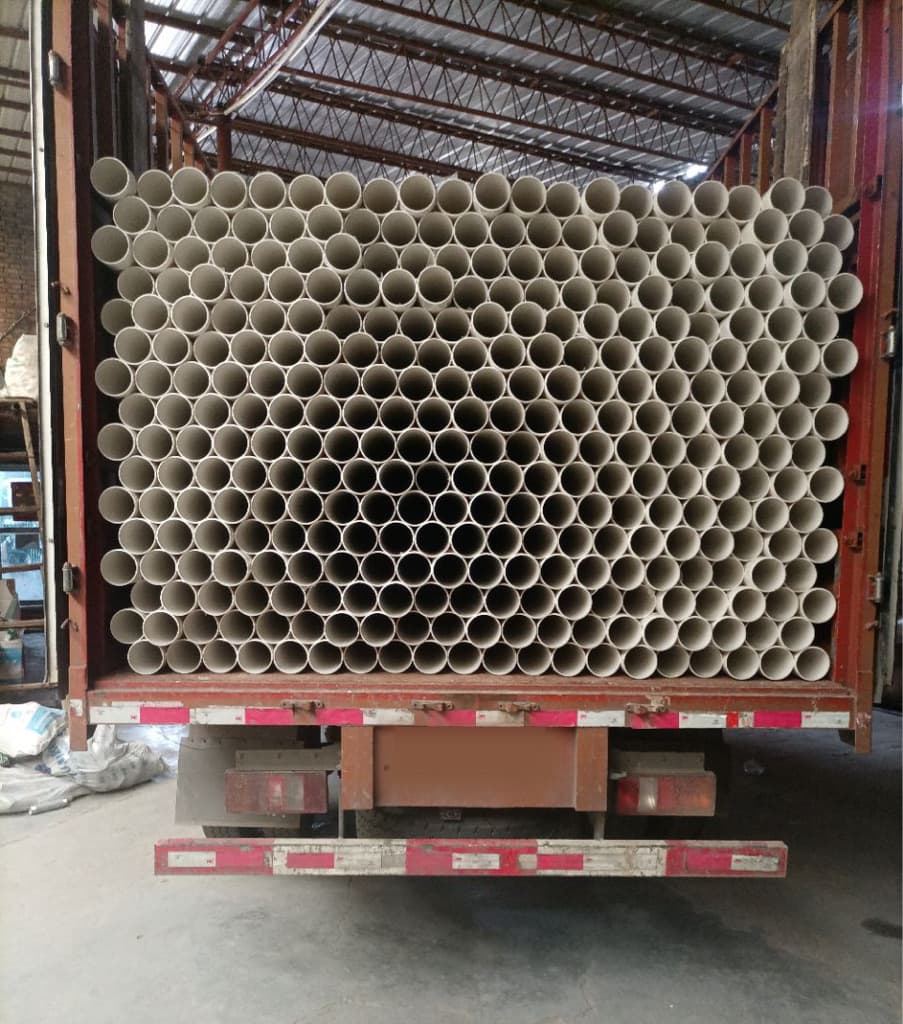 PVC pipesShoot the open ends straight onOpen counter & guide
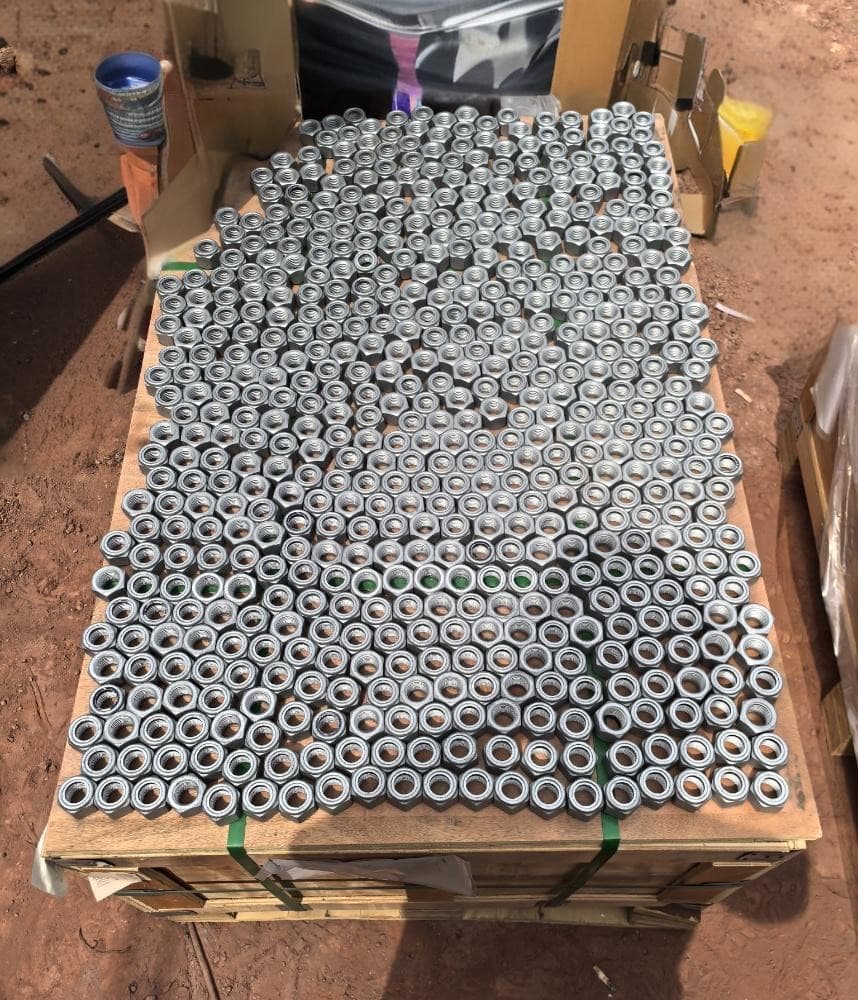 NutsLay them flat in one layerOpen counter & guide
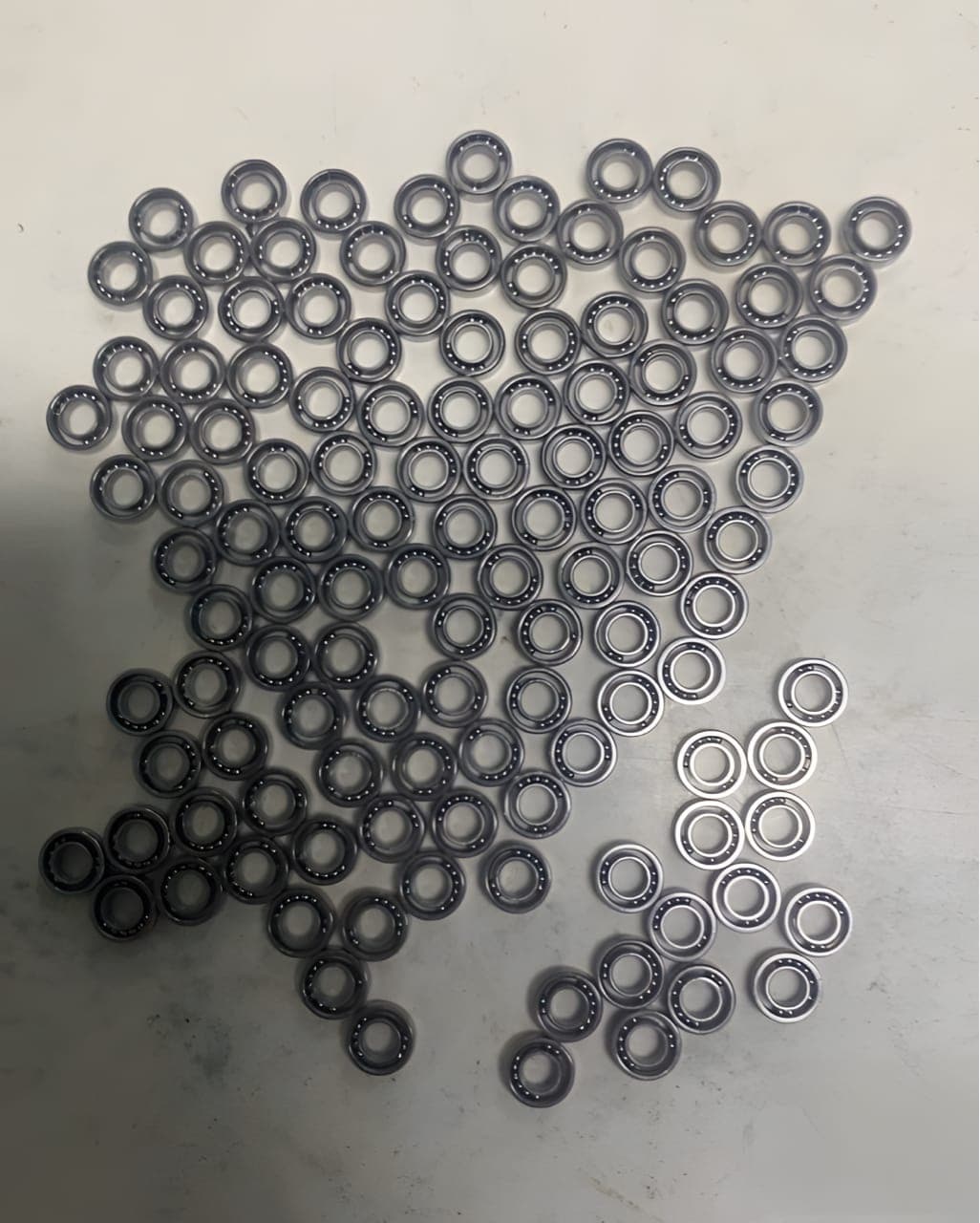 BearingsLay them flat in one layerOpen counter & guide
 PeopleGet every head in viewOpen counter & guide
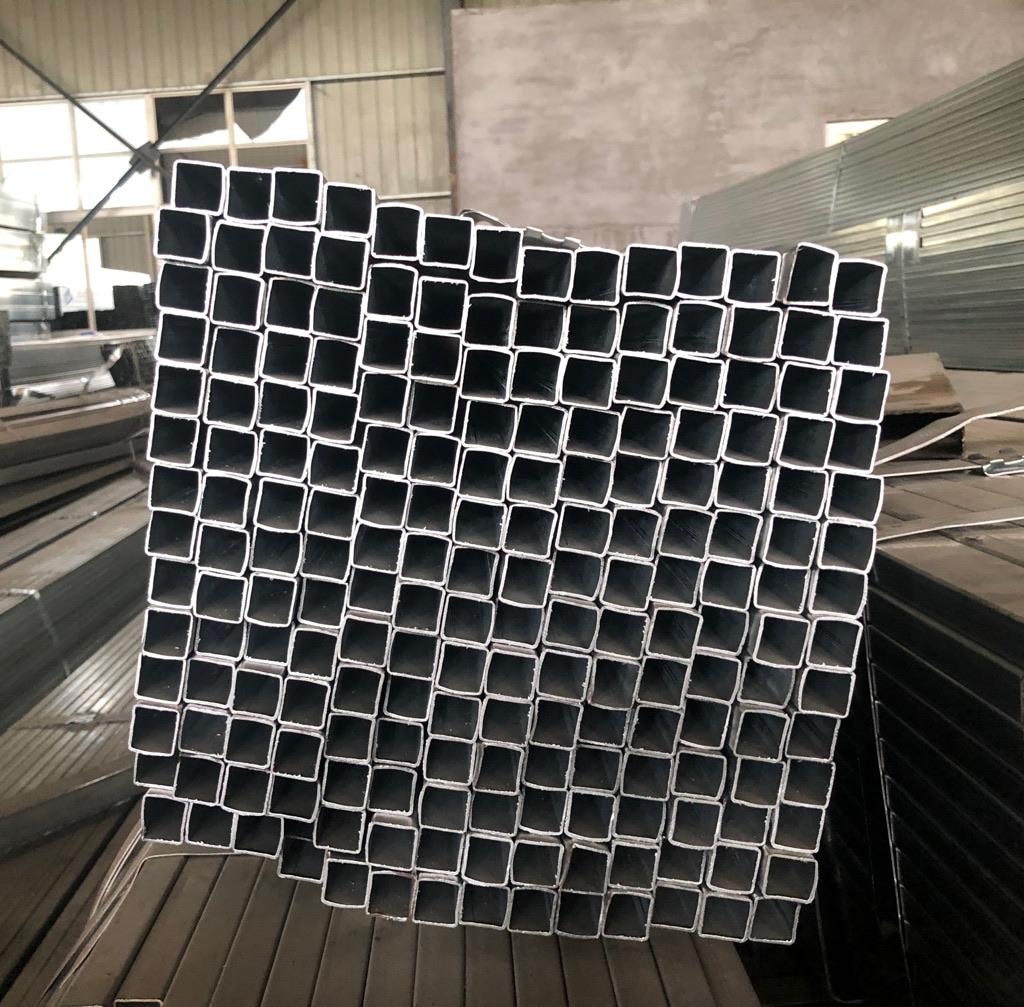 Square tubesFace the open endsOpen counter & guide
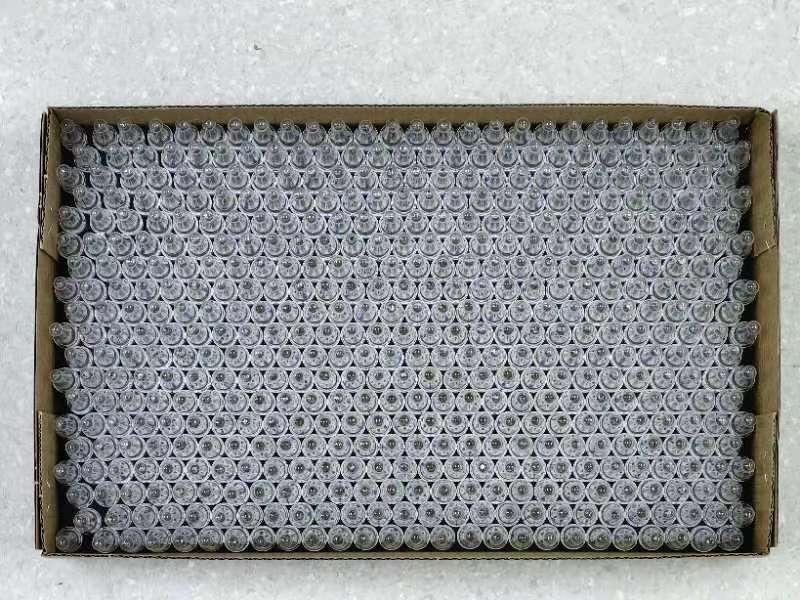 AmpoulesShoot straight down on the tipsOpen counter & guide
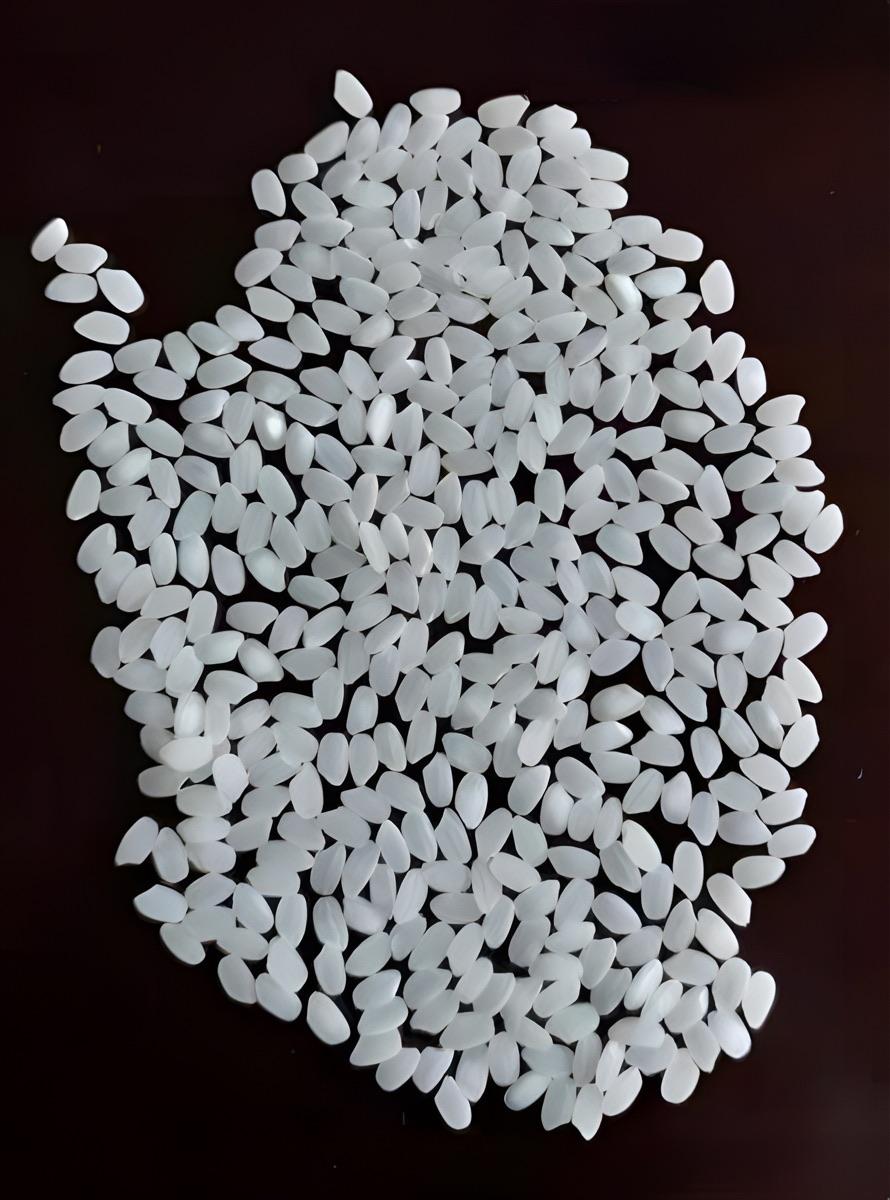 Rice grainsPut white rice on a dark backgroundOpen counter & guide
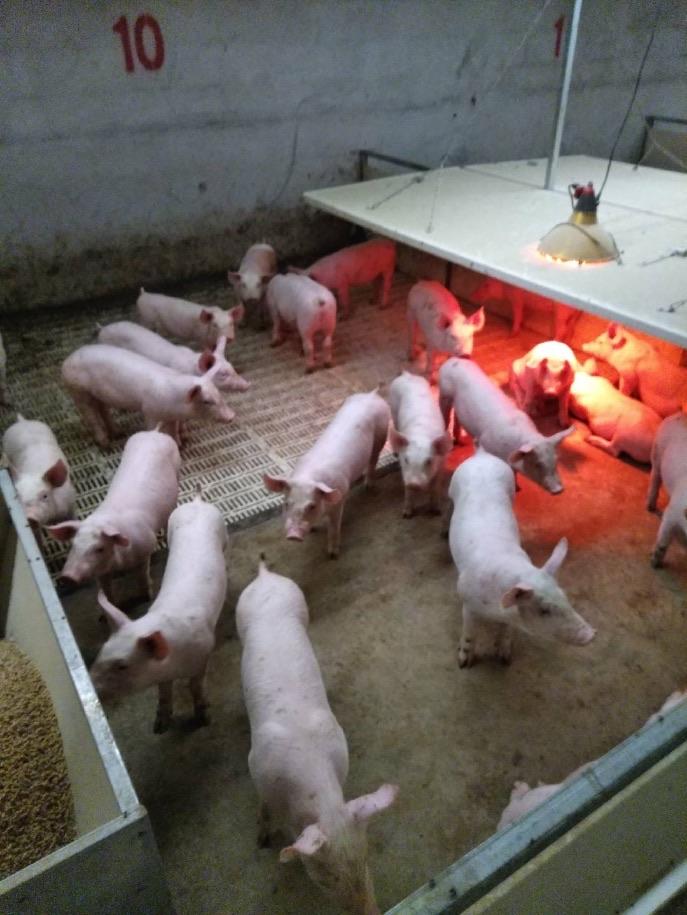 PigsShoot from above the penOpen counter & guide
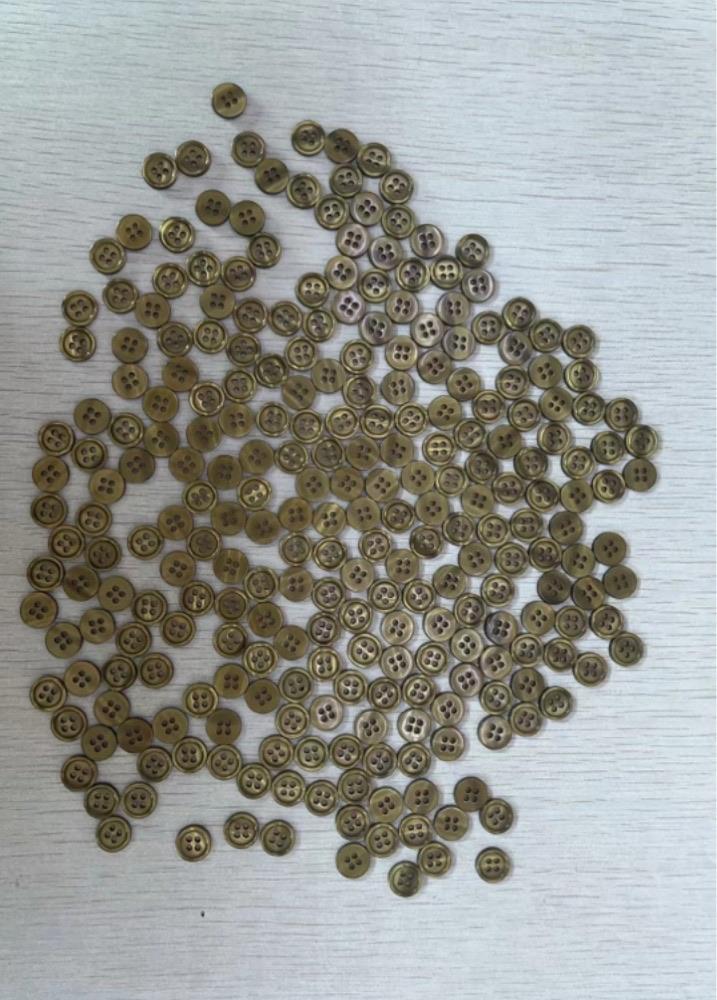 ButtonsLay the buttons flat in one layerOpen counter & guide